Disclosure: KYY provided this product free of charge for review. All opinions in this review are my own.
I like to have a few good portable monitors for use on the go. By preference, I like to have one for 1080P use and another to handle 4K resolutions. Size-wise, I like to have them come in at 15 inches or under. For the past few years, I have been using a ViewSonic VX1655 for 4K and the KYY K3 for 1080P use. Both have been great for their intended use, albeit with some caveats. KYY has recently released a new 1080P portable monitor, the K1302R, and offered me a review sample. Having enjoyed the previous version despite some color limitations, I was excited to see what this new model was capable of. After the last 2 months of testing, it has certainly proven more capable than its predecessor but still has some caveats.
What’s In The Box
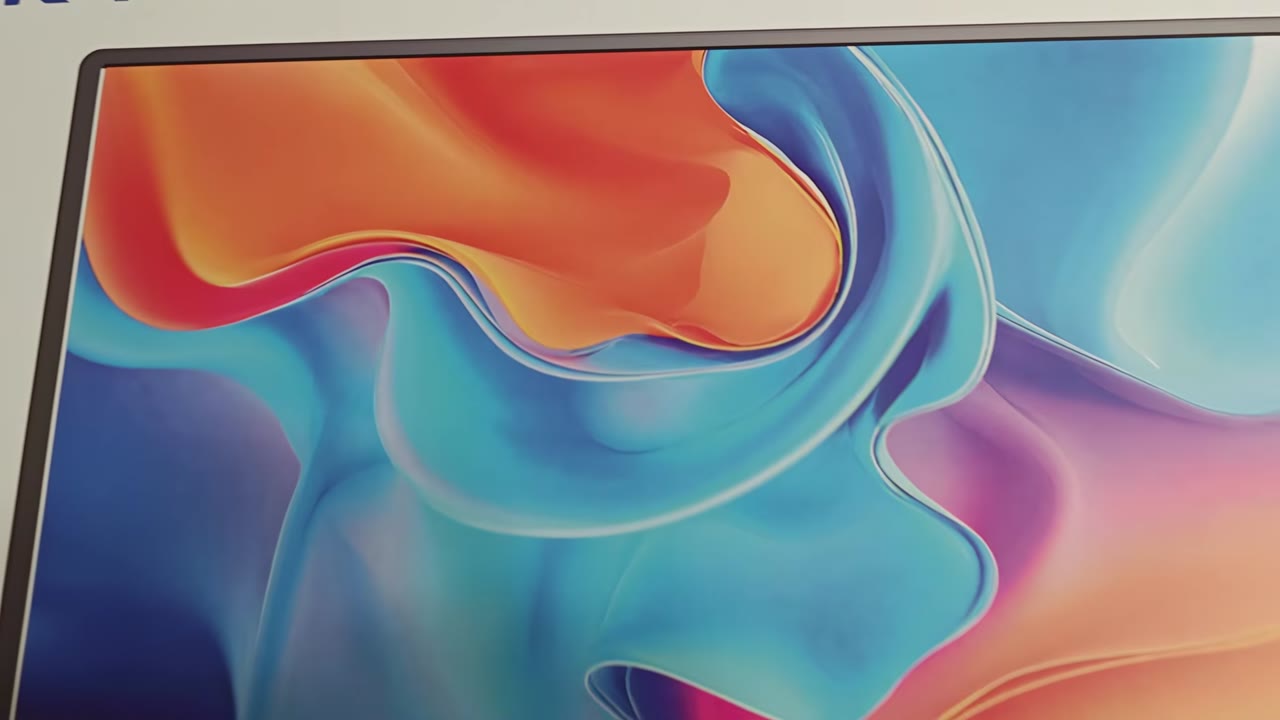
The K1302R comes in a nice box with a depiction of the monitor on the front. They try to simulate it in use with this interesting pattern, which looks kinda cool, and it definitely catches your eye. The KYY Branding and HDMI licensing are also present. Each side of the box sports the KYY branding. The back breaks down all of the key specifications of the monitor, from weight to built-in speakers. There is also a nice representation of its 15.6-inch screen size. Inside the box, you will find the K1302R, a USB-C to USB-C cable, a USB-A to USB-C cable, a Mini HDMI to HDMI cable, and a user guide.
Aesthetics And Build Quality
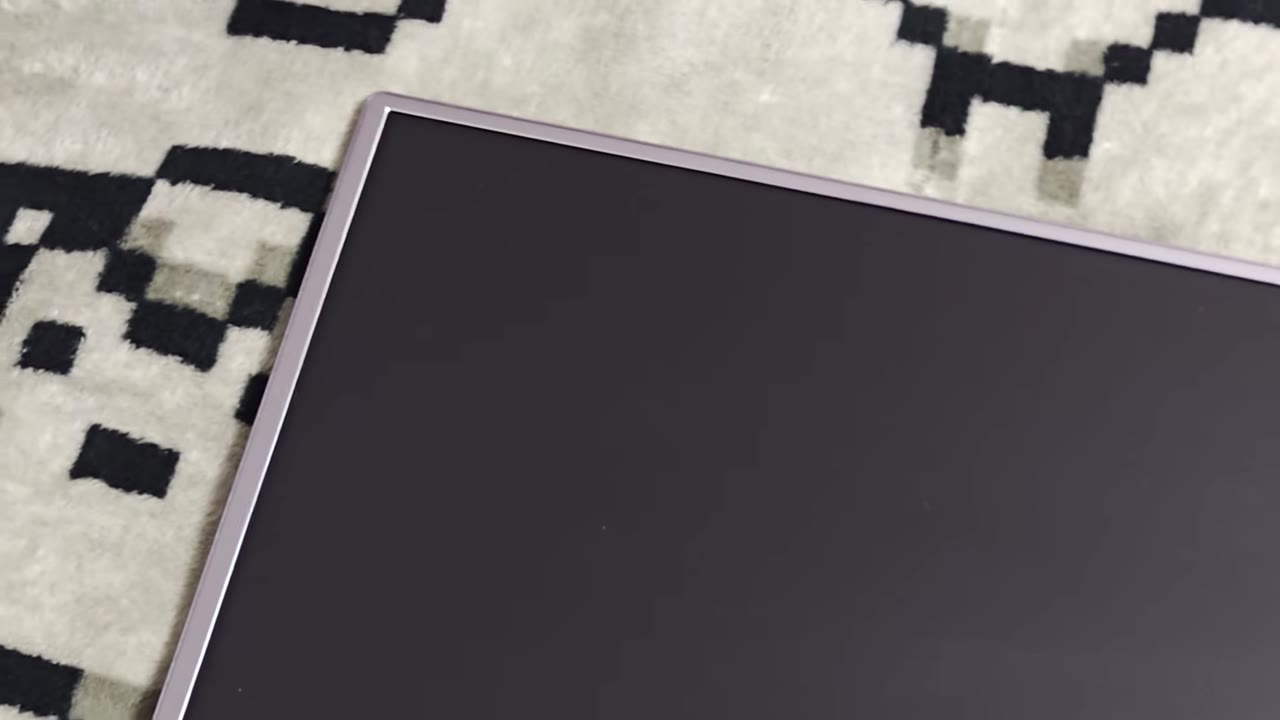
The K1302R is a nice-looking portable monitor. It isn’t completely bezel-less, which I prefer for this type of display. You need to have something to hold onto while moving it, after all! But they are thin on the three sides and larger on the bottom, with the KYY branding present. The Grey coloring is nice, and there is also a black variant. The display is an IPS Panel with a matte finish to help reduce glare from direct lighting sources. It is recessed into the bezels slightly, allowing it to lie flat on a surface without having it get scratched.
The display is thin overall, coming in at half a centimeter. This width is doubled to a little over a centimeter where the new kickstand attaches to the monitor. Unlike the K3, the K1302R does not make use of a magnetic cover to hold up the display, making this the biggest upgrade. The Kickstand can be rotated, allowing easy use of the display in both horizontal and vertical orientations. It can rotate in either direction, allowing the smaller part of the bezel to be closer to your main display, which is a plus.
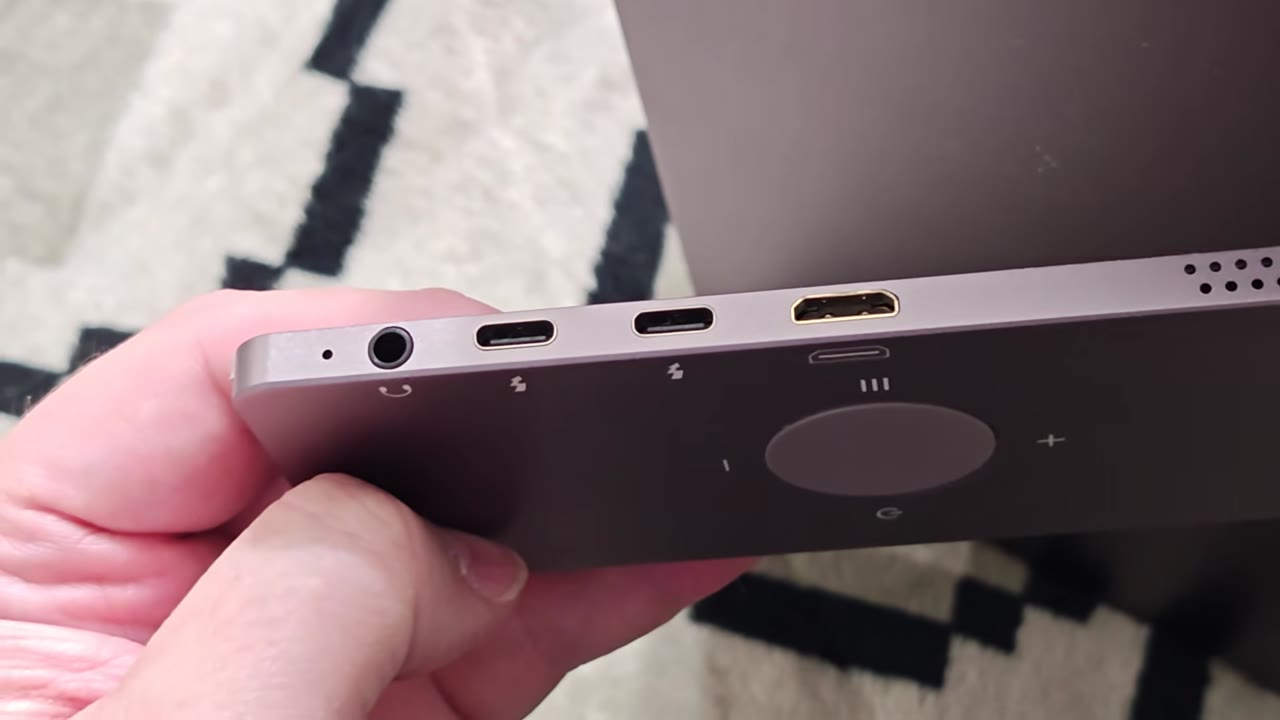
Two 1-watt speakers are built into the sides of the kickstand, and we have two USB-C ports and a mini HDMI port for power and video options. A 3.5mm jack is also present for better-quality audio output. The second biggest upgrade for the physical build of the K1302R is its use of a set of physical buttons to access its built-in OSD. The K3 used the volume wheel to navigate menus, and while it worked, it wasn’t a great experience. This new set of buttons laid out in a circular wheel is far more user-friendly.
Usage
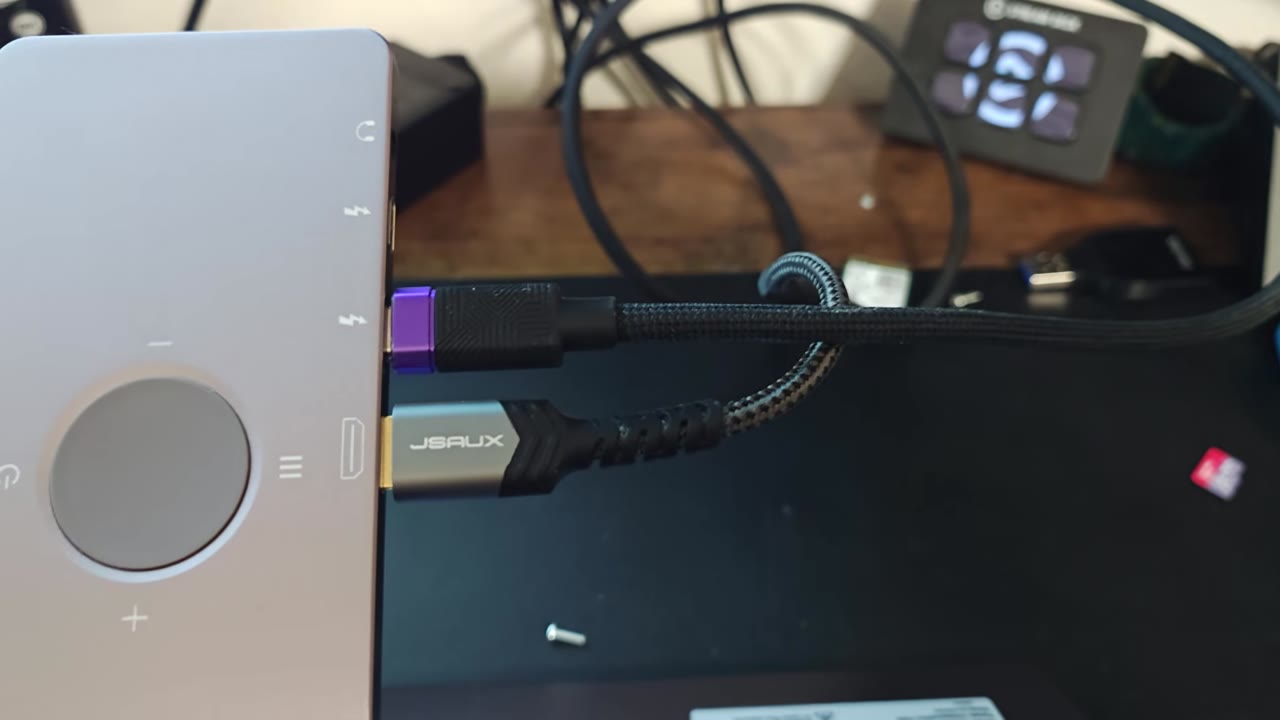
Getting the K1302R hooked up is simple thanks to its ability to use both Mini HDMI and USB-C. For a desktop or dedicated game console like the Xbox Series X or PS5, you can simply hook up a USB cable for power and provide video with the included Mini HDMI to HDMI cable. Laptops and MacBooks are easier thanks to being able to simply power the monitor and provide video with the included USB-C to USB-C cable. As a side note, if you have the proper amount of power provided to the display, it can also be used as a larger screen for the Nintendo Switch with just a direct USB-C connection. For Switch 2 owners, you still need to use the Switch 2 dock and the Mini HDMI cable for video output.
The display uses a resolution of 1080p, and thanks to its 15.6-inch size, the pixel density looks great, providing nice details and clarity. Text looks crisp, and both gaming and desktop usage are a good fit for the display. The Rotation feature has also been killer for web browsing and light coding! It uses a 60Hz panel, so do be aware you won’t be getting high refresh rates out of this one. It also has no support for variable refresh rates, which I neither expected nor think is a missing feature on this type of display. For the games I play, hitting 60 FPS is no trouble, and I have not noticed any sort of ghosting or screen tearing while using VSync. KYY has claimed the display to have a 1 MS response time. Unfortunately, I am not able to check what the actual response time is, but it has felt snappy, and I have never had any latency-related issues during testing.
Colors are where the K1302R shows its weakness. Like the K3 before it, the color representation of the display is not the best. At only 72% of the NTSC Color Gamut, colors lack the vibrancy that can be found on other displays. It is an improvement over the K3, and it gets the job done in the scenarios the monitor is intended for. But for anyone looking for a portable monitor for creative work, this is not it. For on-the-go movie watching, gaming, and productivity work, the K1302R is certainly passable. The OSD also allows for fine-tuning the color calibration, which can help to a slight degree, but the out-of-the-box tuning is pretty decent as is.
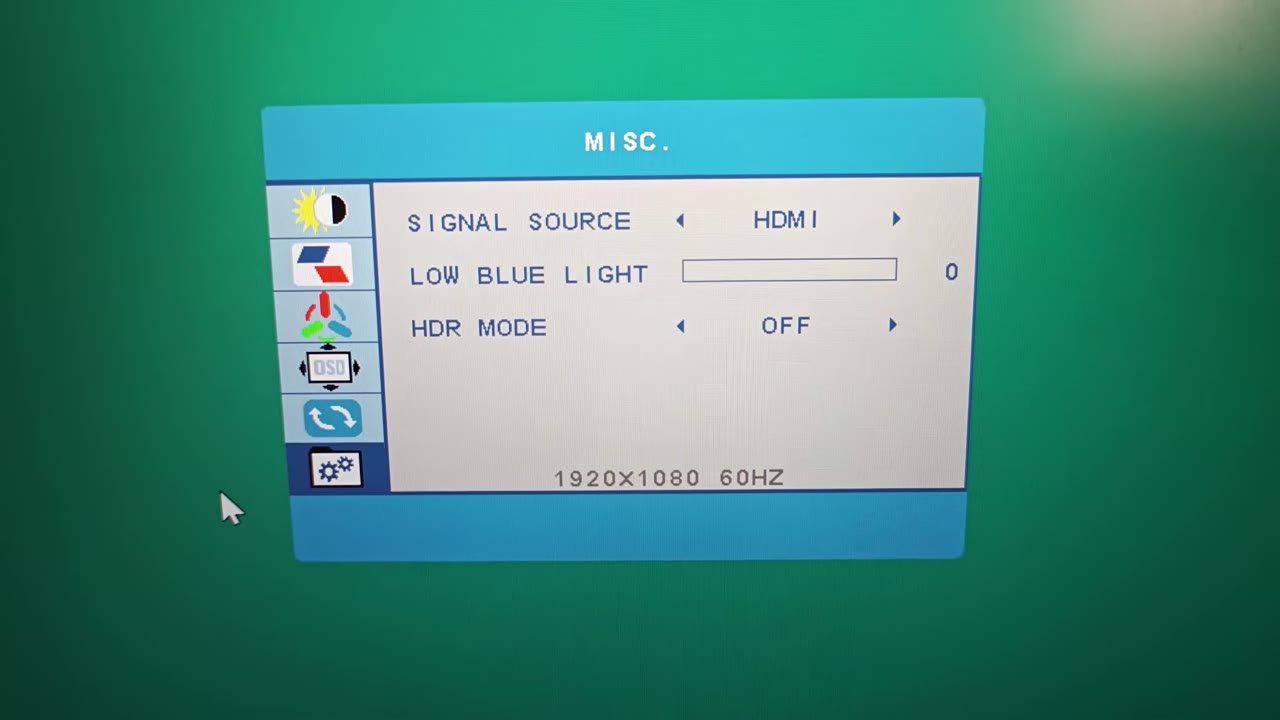
Brightness is also on the low side at 350 cd/m2. It's pretty standard for this type of display since higher brightness will inevitably require more power, which isn’t always available in a portable setup. You can adjust the black levels to eke more perceived brightness out of the panel at the sacrifice of black levels if you want, but I don’t think it is worth it. Black levels are ok out of the box, but an IPS panel will always feel a bit lackluster to the inky blacks of an OLED display. But again, this is one of the expected trade-offs to this type of display. And why I also like to have a portable OLED on hand as well!
As for the built-in speakers, they are housed in the kickstand found behind the panel instead of on the main panel itself. They provide a decent listening experience but lack any sort of bass representation. They aren’t tinny, which is all I look for from this type of product, but obviously they are the last-resort type of audio experience. Using the headset jack with a pair of headphones, or headphones connected directly to the audio source, is a far more preferable use case.
What It Could Have Done Better
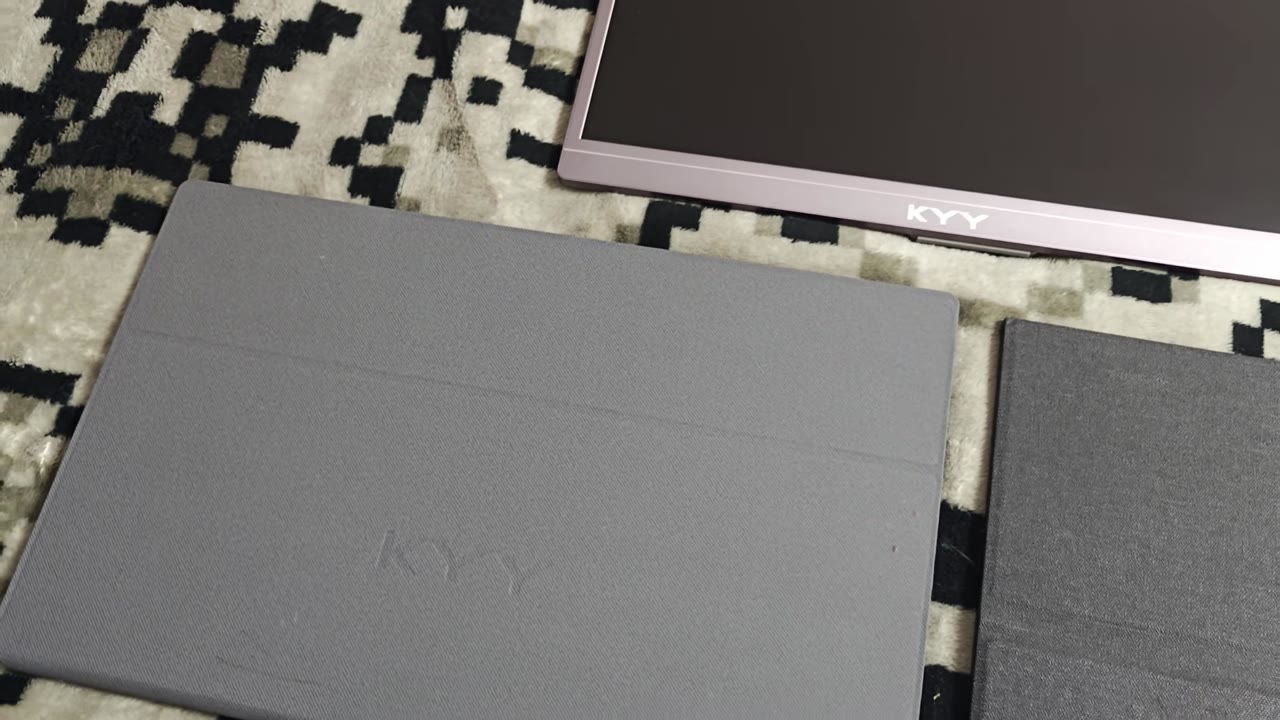
As for my complaints with the K1302R, I am annoyed that it lacks a cover for the screen. The intended use for this display is portability. How am I supposed to put it in a bag with the screen completely exposed to damage from other items? While the kickstand is infinitely better than the old magnetic cover of the K3, I have put the K3 through numerous trips and backpack abuse, and it has not had a single fault. I am scared to travel with the K1302R. KYY should have still had a magnetic front cover come with the display so it could accomplish its primary use case without worry. Color accuracy and brightness are also lackluster but expected at this price point. HDR support is also another area where I wish the K1302R just didn’t try to appease. It makes use of 2048 HDR, and it doesn’t provide any real benefit other than allowing HDR-only sources to not look as washed out on an SDR display. It definitely does a better job at it than the K3, but it is still something you should just leave off.
Verdict
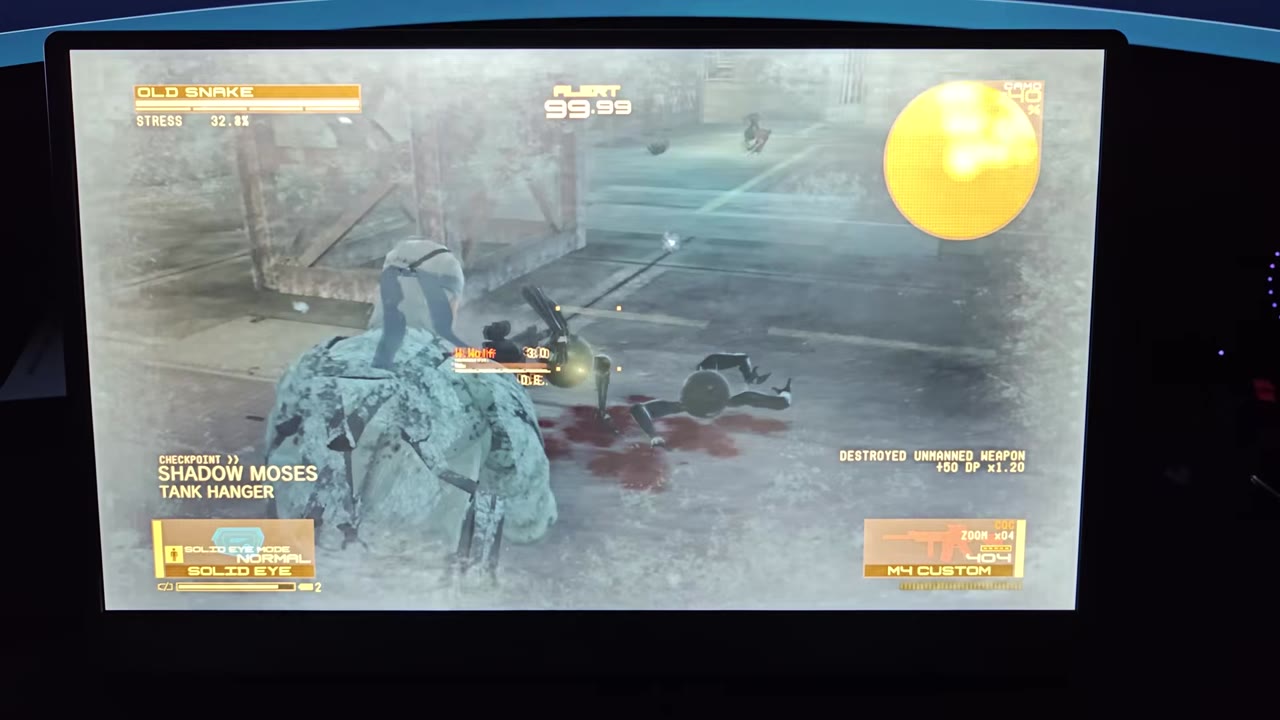
At the frequent sale price of $72, the K1302R makes for a good travel monitor option for productivity, games, and movies on the go. The 1080P display is crisp and provides a good feel during use. It has also had no issues with ghosting. The built-in speakers also get the job done in a pinch. It does lack the color accuracy to be a good travel monitor for creators, and anyone looking for such a device should check out OLED options. But if you need something that will just work, the KYY K1302R is worth considering if you are ok with its caveats.