Disclosure: Retro Fighters provided this product free of charge for review. All opinions in this review are my own.
The GameCube controller has remained one of my all-time favorite pads since its 2001 release. While it has some shortcomings with its lack of stick clicks and a missing shoulder button, I will use it any chance I can get. A few years ago, Nintendo patched the Nintendo Switch to allow it to use the Wii U GameCube Controller Adapter in preparation for Smash Ultimate, and I have used it for games that don’t make use of those missing buttons since. Fast forward to the Switch 2 and the GameCube NSO app, and my GameCube controllers have seen more use than ever on a modern platform! While the Wii U GameCube Controller Adapter is great, keeping it organized next to a Switch or Switch 2 dock has always sucked. Retro Fighters has just solved that problem for me, however, with the release of their new Battle Dock! With the Battle Dock, you get all the functionality of the Wii U adapter plus a nice GameCube aesthetic for your Switch 2. I haven’t unplugged it since it arrived, and I freaking love it!
What’s In The Box
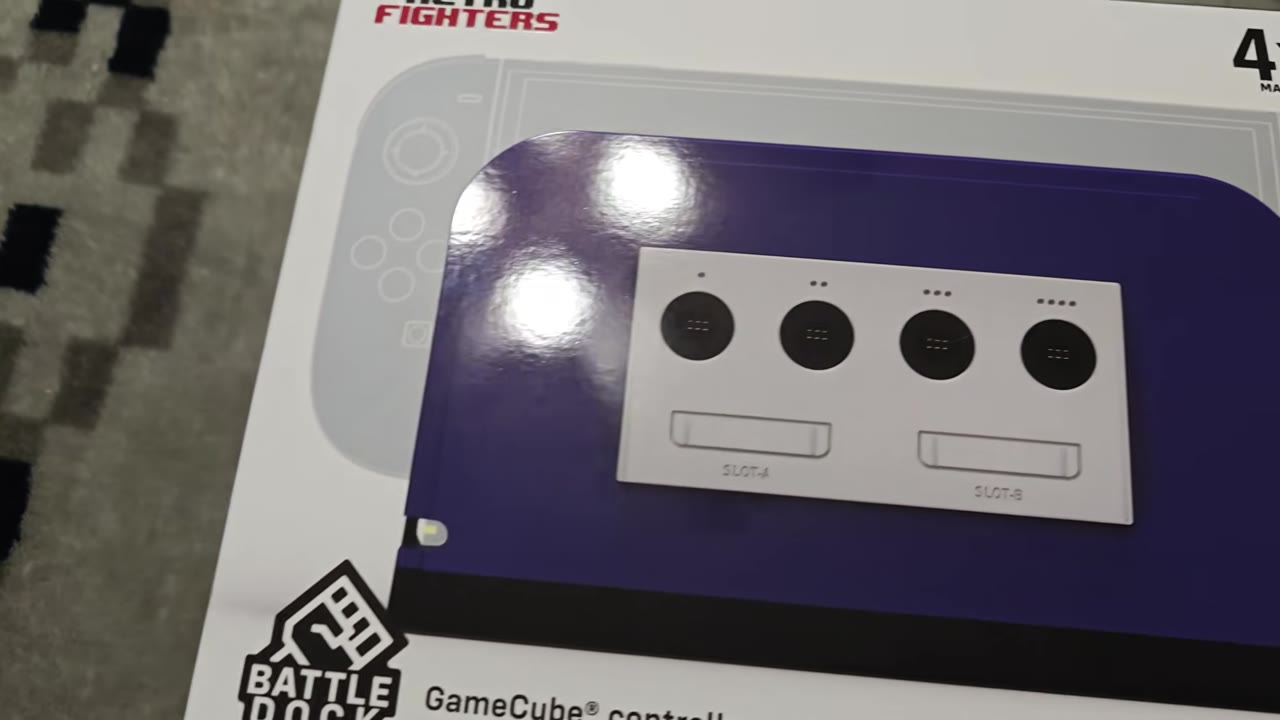
The Battle Dock comes in a large box with a glossy depiction of it on the front, featuring a ghostly apparition of a Switch 2 inside. Branding and the notation of included faceplates are also present. The sides of the box feature some slick lifestyle shots of the dock, while the back outlines its key features. Inside the box are the Battle Dock, a dual USB-A-to-C cable, and the four included faceplates, which are stored in a separate themed box.
Aesthetics And Build Quality
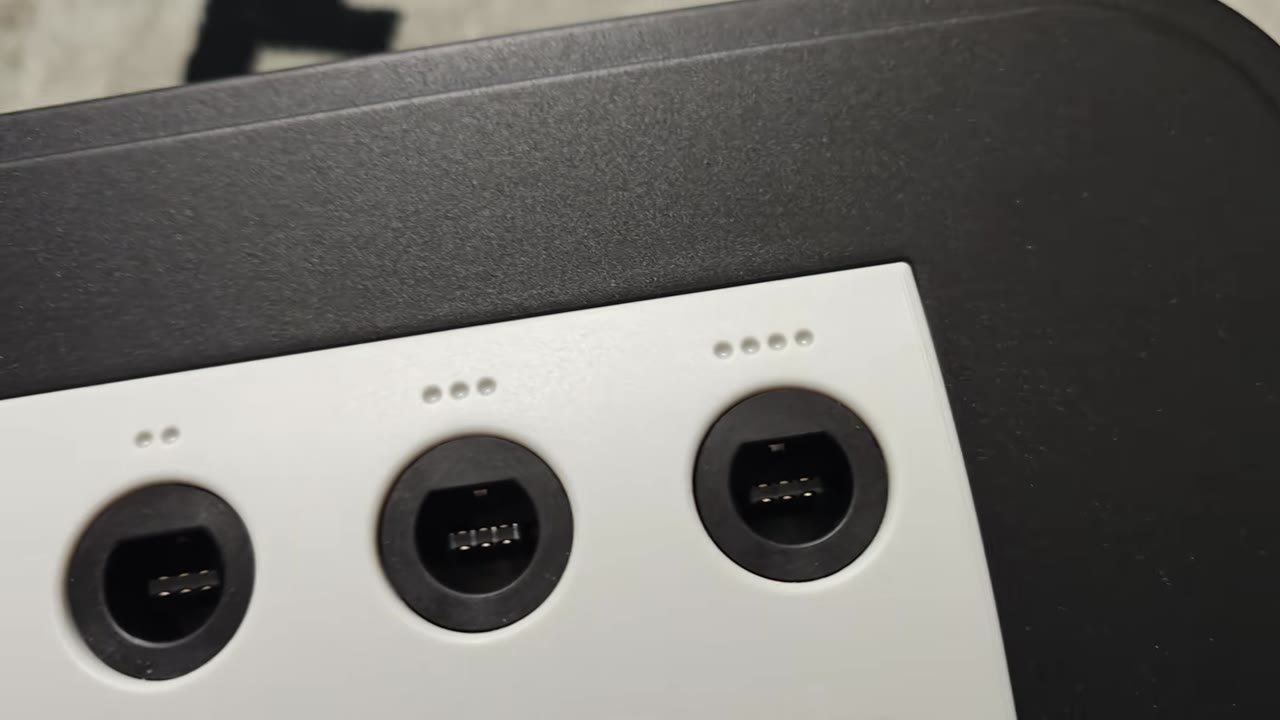
The first thing you notice about the Battle Dock is its cool recreation of the front of a GameCube! The four controller ports are perfect recreations, with the dots indicating player number. Memory card slots have been molded underneath them but are obviously just for show. I love that they have the proper slot indications as well! The included face plates attach magnetically, and the four colors are great to look at. Color matching is good but might be slightly off depending on the wear of your original GameCube systems. There is a slight cutout on the bottom left to let the Switch 2 dock's LED still be seen.
The base is black, giving the Battle Dock a nice two-tone scheme while using one of the non-black faceplates. There is a USB port on both sides of the dock that allows for USB passthrough. The base has tons of grip and is wonderfully weighted to ensure no slips or toppling during use. The Switch 2 dock fits into the Battle Dock perfectly, and with 4 pads on the back of the Battle Dock, you don’t have to worry about any scratches from using it. The included USB cable attaches to the back of the Battle Dock and looks great attached to the side ports of the Switch 2 dock.
Gameplay
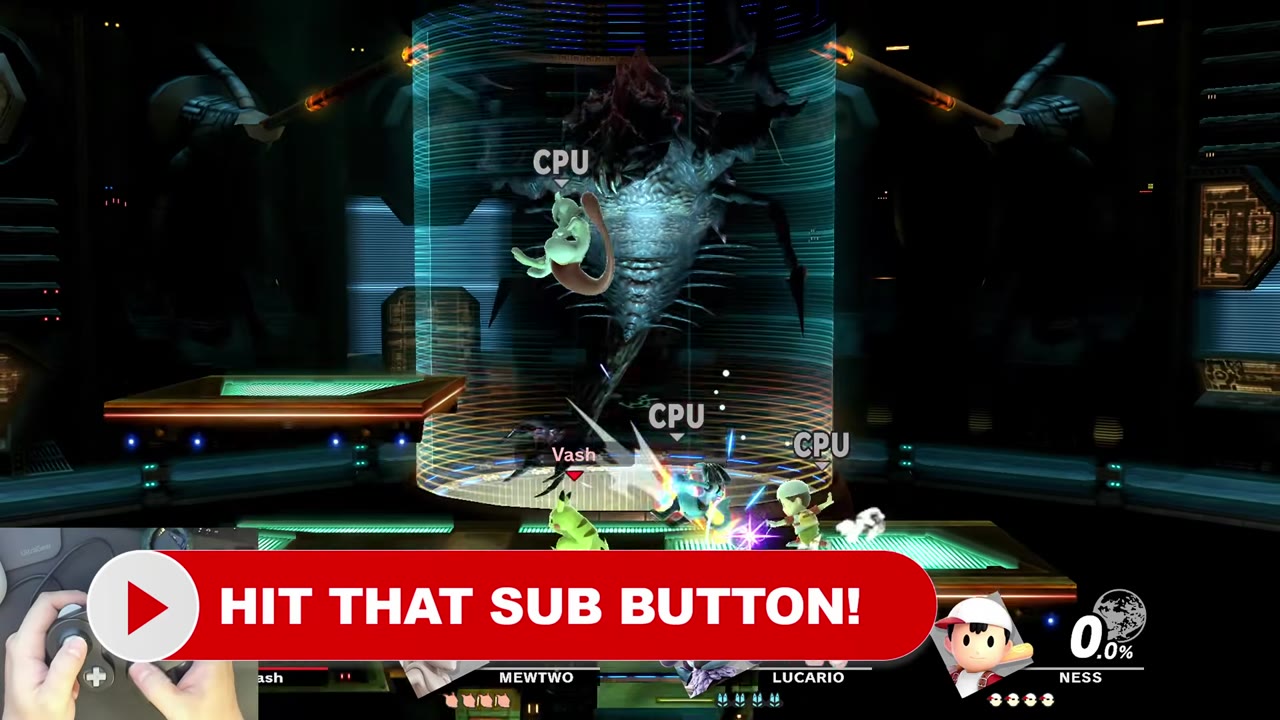
Once attached, the Battle Dock is ready to be used as an input device by simply plugging in a GameCube Controller. Functionality-wise, it is no different than the Wii U GameCube Controller Adapter. It offers four-player functionality and works on a system level with the Switch 2 and Switch. Yes, you can hook it up to the original Switch Dock as well, but obviously the shape is different, so it doesn’t look as nice. Like the Wii U Adapter, the Battle Dock’s main use is for playing Smash Ultimate. The GameCube NSO app also makes great use of it.
For either use case, I have noticed no perceivable latency differences between the Battle Dock and Wii U Adapter. Controller compatibility with the Battle Dock is excellent, with wired GameCube controllers and WaveBirds working without incident. Third-party offerings from various companies have also given me no problems. Rumble works in Smash and the GC NSO app, but, like Nintendo’s offering, no other Switch or Switch 2 software supports the feature.
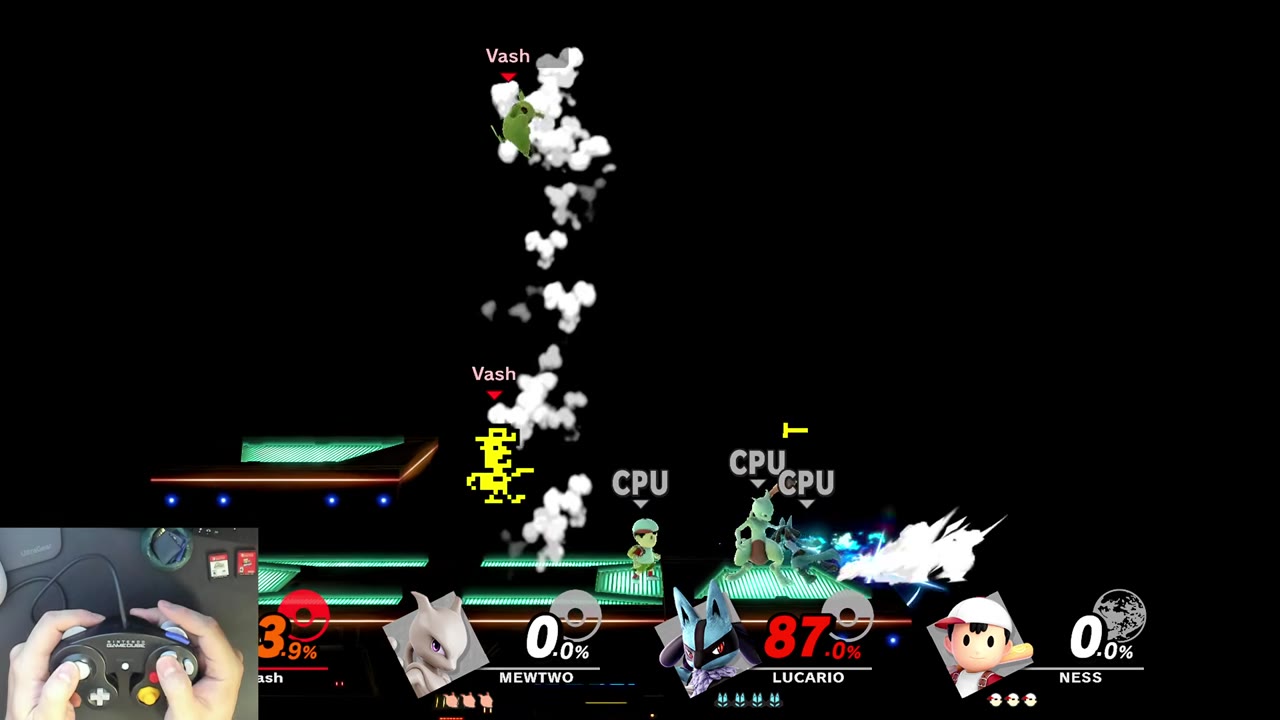
The USB passthrough ports give the Battle Dock added utility for anyone who loves playing Smash with eight players. Even though I own multiple Wii U GameCube Controller adapters, getting two hooked up to the Switch involved USB hubs, which made it a hassle. As a result, I would do a mix of GameCube and wireless controllers to accomplish the task. With the Battle Dock, I can hook my Wii U GameCube Adapter up to the passthrough ports and have a true eight GameCube controller experience! The passthrough port also works with other wired Switch controllers or wireless receivers without issue!
What It Could Have Done Better
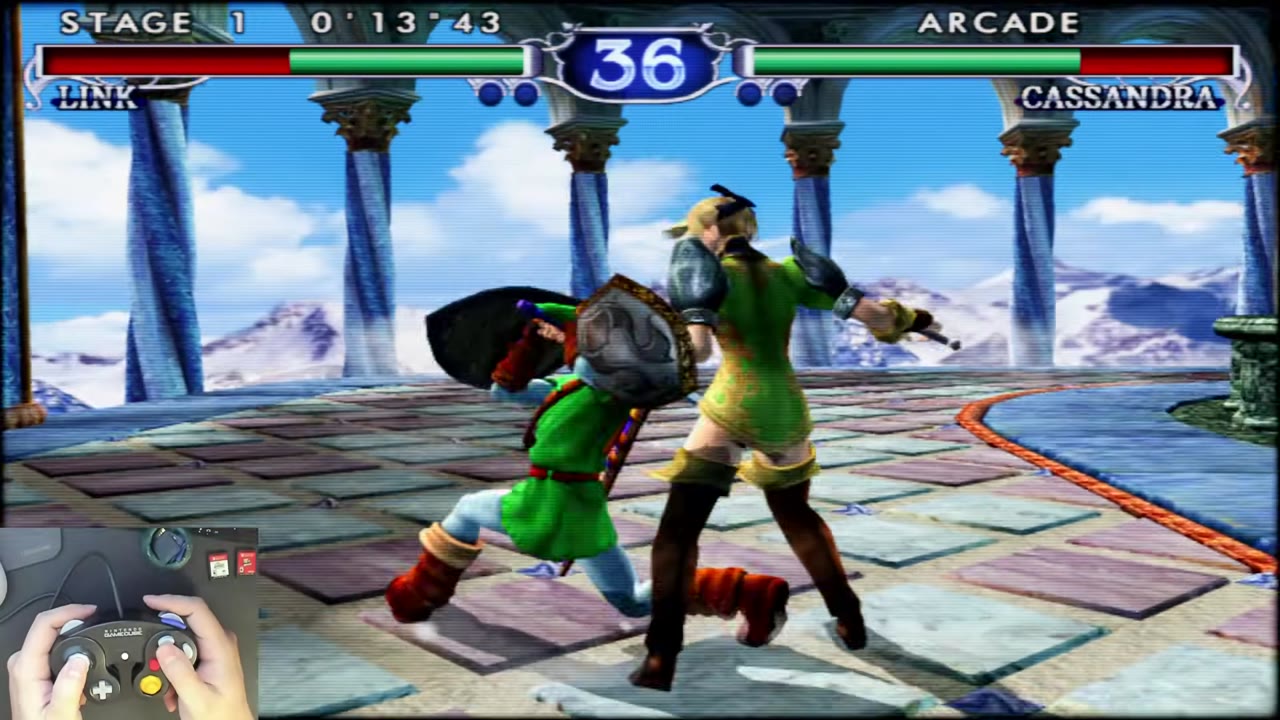
The Retro Fighters Battle Dock is a device that does everything it sets out to do without any issues. It is a like-for-like experience to the Wii U adapter to my senses, and the only problem I have with it is the lack of Rumble in other Switch and Switch 2 titles because Nintendo never gave the system the functionality to use it. Freaking Nintendo….
Verdict
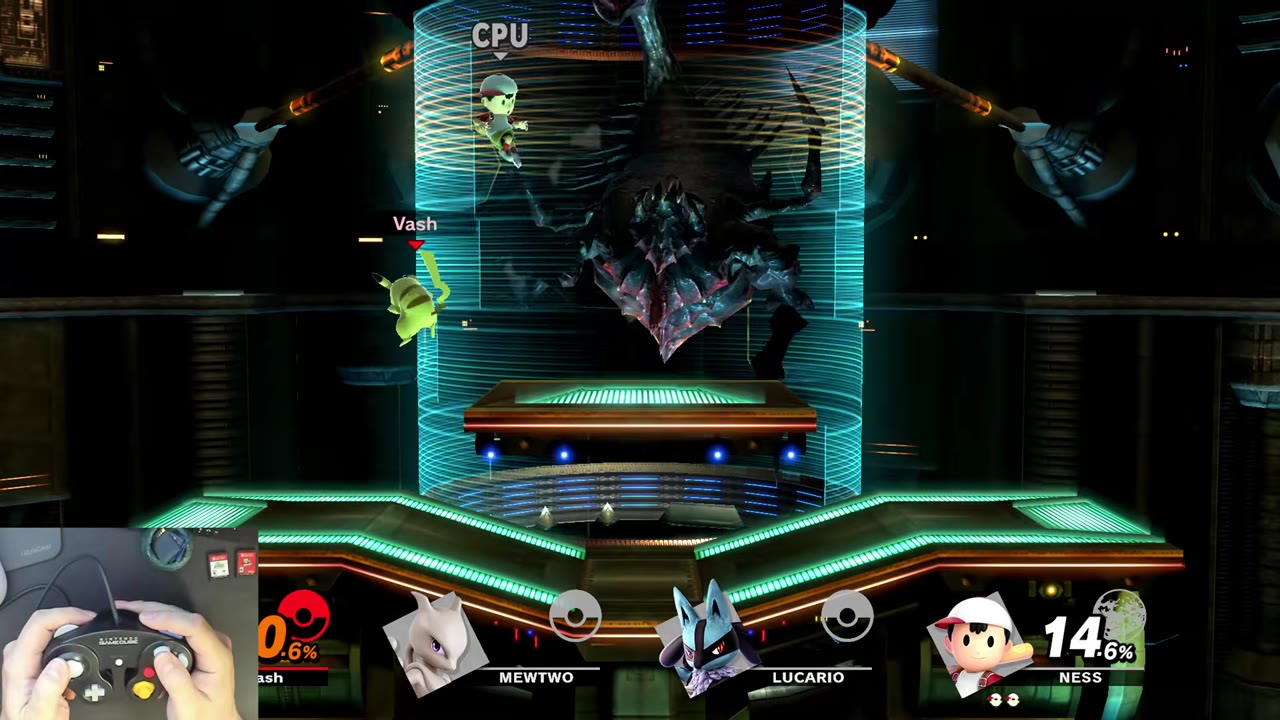
The Battle Dock is a cool, if niche, add-on for the Switch 2 Dock. It sits seamlessly with the Dock and gives it a fun GameCube aesthetic. It performs identically to Nintendo’s offering, and the added USB ports make eight-player Smash with GameCube Controllers far easier than it has been in the past. Even the Price tag is pretty reasonable at $40, considering the inclusion of 4 faceplates and its stylized build. If you love playing Smash or GameCube games on the Switch 2, it is definitely worth a look!