Disclosure: Snakebyte provided this product free of charge for review. All opinions in this review are my own.
We live in a great time for third-party controller variety and availability. Performance for many also exceeds what first-party console makers have on offer. Prices range widely depending on features and brand. The latest controllers to come across my desk are the Snakebyte Gamepad S2 and Gamepad RGB S2 for the Nintendo Switch 2. Priced at $45 and $50, respectively, both pads offer good performance for Switch consoles but lack motion controls and exhibit some oddities. As a bonus, both pads also feature full PC functionality, which is where these pads shine best.
What’s In The Box
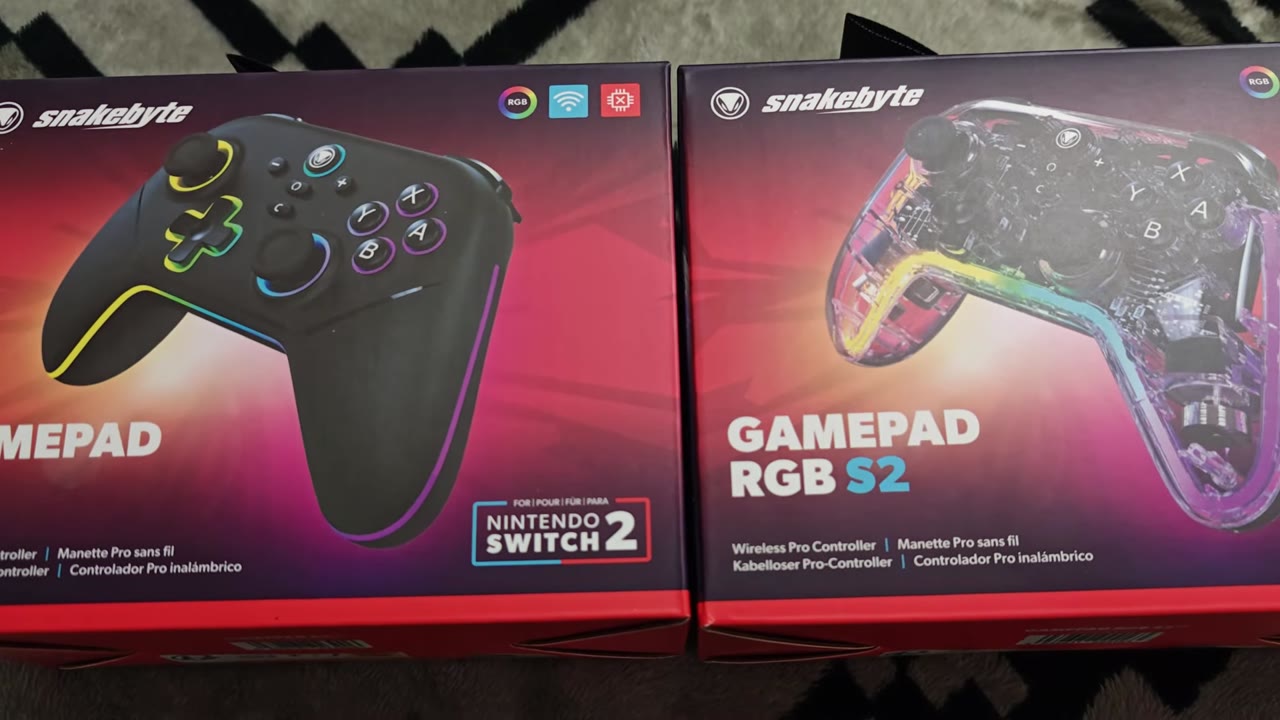
Both controllers come in nice boxes with a depiction of each pad on the front. Branding and features, and system compatibility are also noted. Curiously, the ability to use the pads on a PC is not mentioned. One side of the box gives us another shot of the pad within, while the other highlights key features. The back further highlights key aspects of the pads with two additional shots. Opening the box, you will find your controllers, USB charging cables, a wireless receiver to use with Switch systems or PC, and a user's manual.
Aesthetics And Build Quality
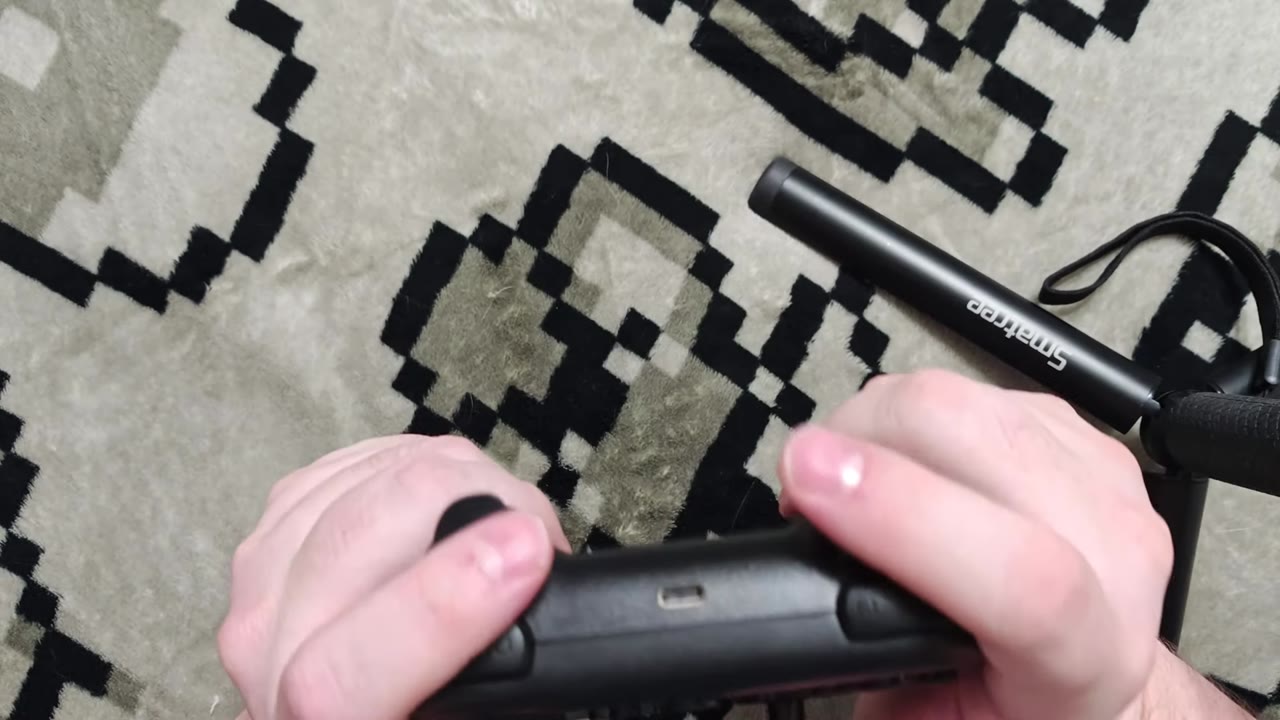
Both pads offer a great ergonomic feel in the hands that remain comfortable after prolonged gaming sessions. I can easily reach the D-pad, sticks, and buttons without any discomfort or stretching. Rear programmable buttons line up well with your natural grip on the pads, and even when implementing a claw grip, which I often do. I am fond of the inclusion of locks for these buttons while they are not in use. Every button you expect to see on a Switch 2 pad is here, including the new C button. A 3.5 mm jack has also been included on the pads to use the game chat feature.
Face buttons have a nice crisp feel, but come in on the louder side. The D-pad has an interesting shape, but good rollability. Shoulder buttons have a nice feel, and the switches sound nice when pressed. Triggers are the most unique aspect of the Snakebyte pads, as they can be set to work as analog or digital inputs with the use of trigger locks on the back of the pads. Resistance on each trigger in analog mode feels great, and while in digital mode, the input can be activated quickly with a nice tactile click. Thumbsticks on both pads make use of Hall Effect sensors with good stick resistance and smooth rotations. The thumb caps also provide a good grip during play.
Both pads have a decent weight to them, and the plastic in use on both is sturdy and nice to the touch. The RGB variant makes use of a completely clear shell that shows off the inner PCB nicely. The black and gold color scheme of the PCB is also a fantastic aesthetic choice. A lightpipe spans from the side of the controller along the bottom to the other side to carry the RGB lighting effects. I am confused by the choice to omit the lighting around the sticks, buttons, and D-pad on the RGB variant of the pad that are present on the standard. Not having the lighting wrap the entirety of the controller also feels like a missed opportunity. The RGB variant of the Snakebyte pads also lacks the textured grip on the handles found on the standard pad. The lighting effects on both do look nice, but I just can’t get over the RGB version of the pad having less lighting.
Gameplay
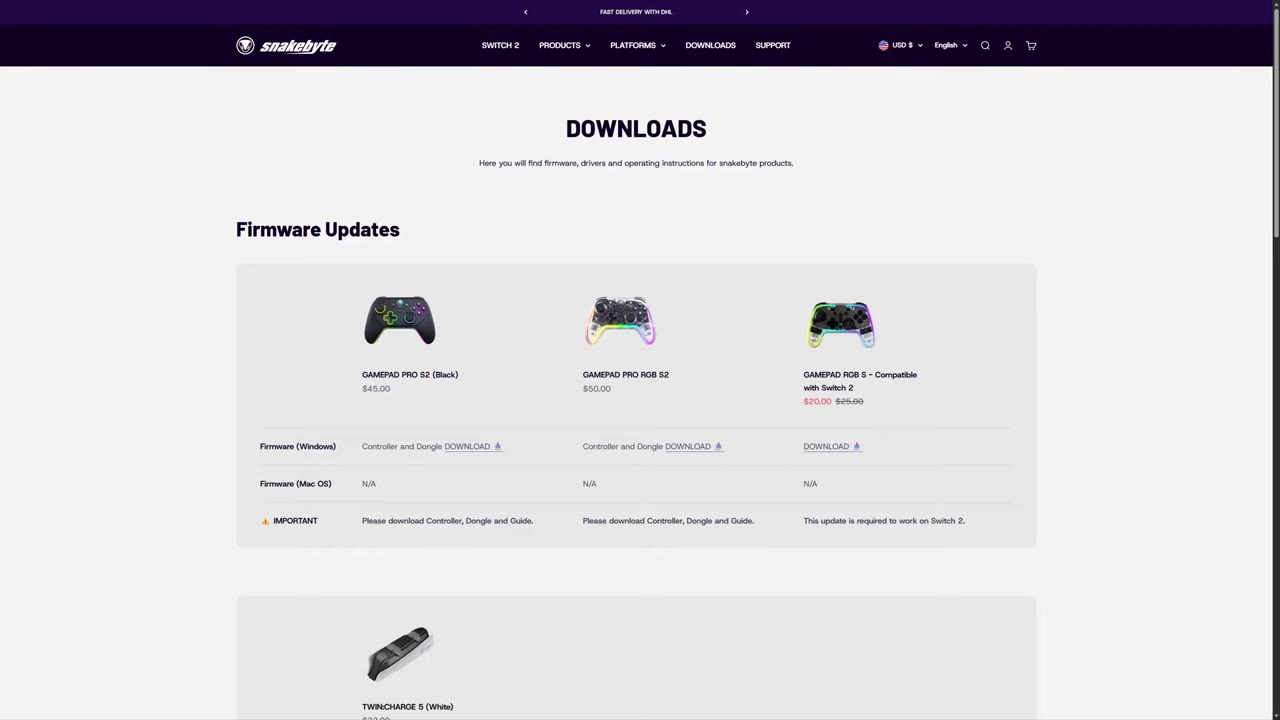
Diving into games with the Snakebyte pads wasn’t as seamless as I would have liked when I started testing them. You must update the firmware of the pads before they can be used on the Switch 2, but thankfully, that process is a breeze. To connect to the Switch 2, both pads make use of a wireless receiver. A wired connection can also be used if desired. Performance on the Switch 2 is solid overall, with controls feeling as responsive as typical Pro Controllers. I didn’t ever encounter any egregious lag or dropped inputs during my play sessions, and held inputs have been fine. Using the trigger locks also gives the proper digital input, giving everything the proper feel while playing.
Thumbsticks are fantastic thanks to the high-resolution Hall Effect sticks that Snakebyte included. Precision is excellent, and while there is a very minute deadzone, it isn’t enough to remove the feeling of prompt movement. Circularity on Switch 2 is perfect, and there are no cutouts at any point along the rotation. Every genre I have used them with has handled perfectly, and they, along with the triggers, have been my absolute highlight of using both pads on Nintendo hardware!
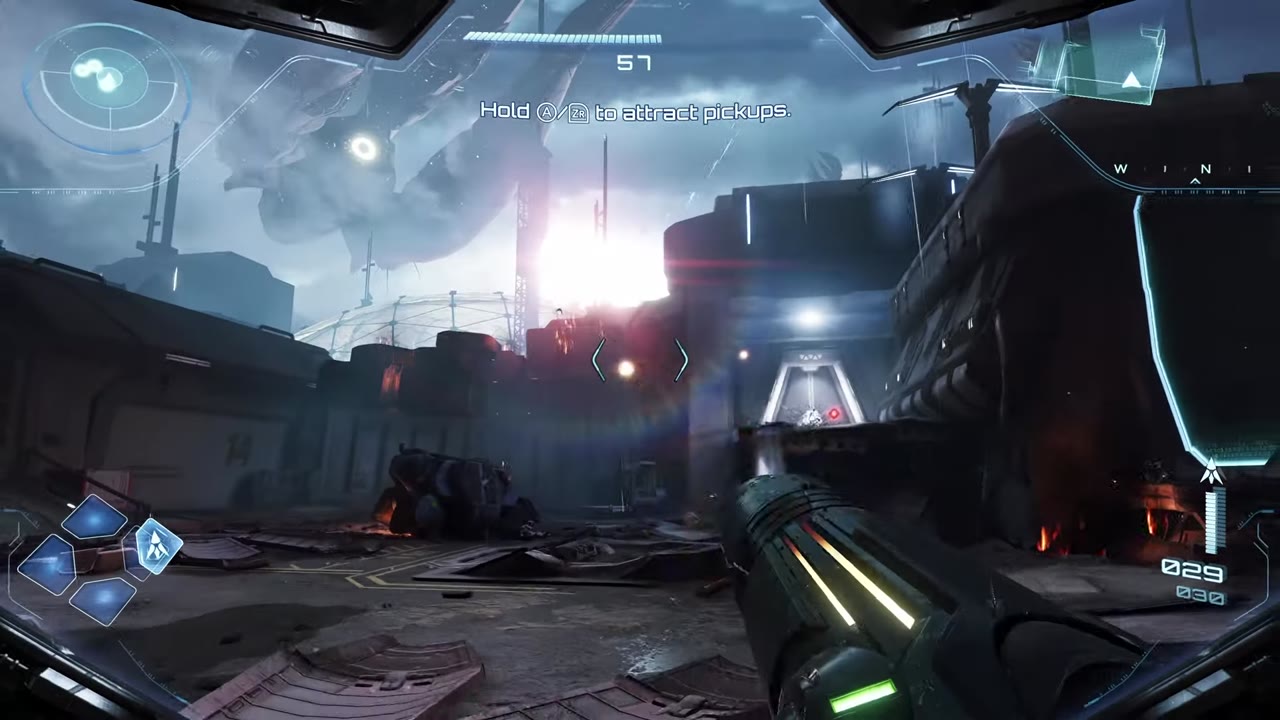
Unfortunately, there are no motion controls present within either pad, making them unable to be an across-the-board alternative option as a daily driver on Switch systems. I also encountered numerous rumble issues while using the pads on my Switch 2. Some games behave exactly as expected with the feature, while others will have delayed rumble activation or longer rumbles than expected. The N64 NSO app also completely lacks rumble in rumble-supported titles. The GC NSO app will skip numerous rumble commands and shorten others. As a fan of rumble, this is quite an oddity and disappointing, but it is something that can be fixed with an update.
While Switch 2 use has overall been solid, with my only major issue being rumble oddities, I was pleased when I saw that the Snakebyte pads get picked up as a standard Xinput 360 controller when wired to a PC. You can use the same wireless receivers for Switch 2 on PC as well, but that experience was less than ideal. While using the wireless receivers, the pads are picked up as a standard Switch Pro controller and exhibit noticeable input latency. Testing the latency shows an average of 20ms and an inconsistent polling rate that peaks at 125Hz. Switching to a wired connection makes the experience better, but not quite as good as I would have hoped with a modern pad. While wired, the average latency drops to around 12ms, and polling stabilizes closer to its 125Hz goal.
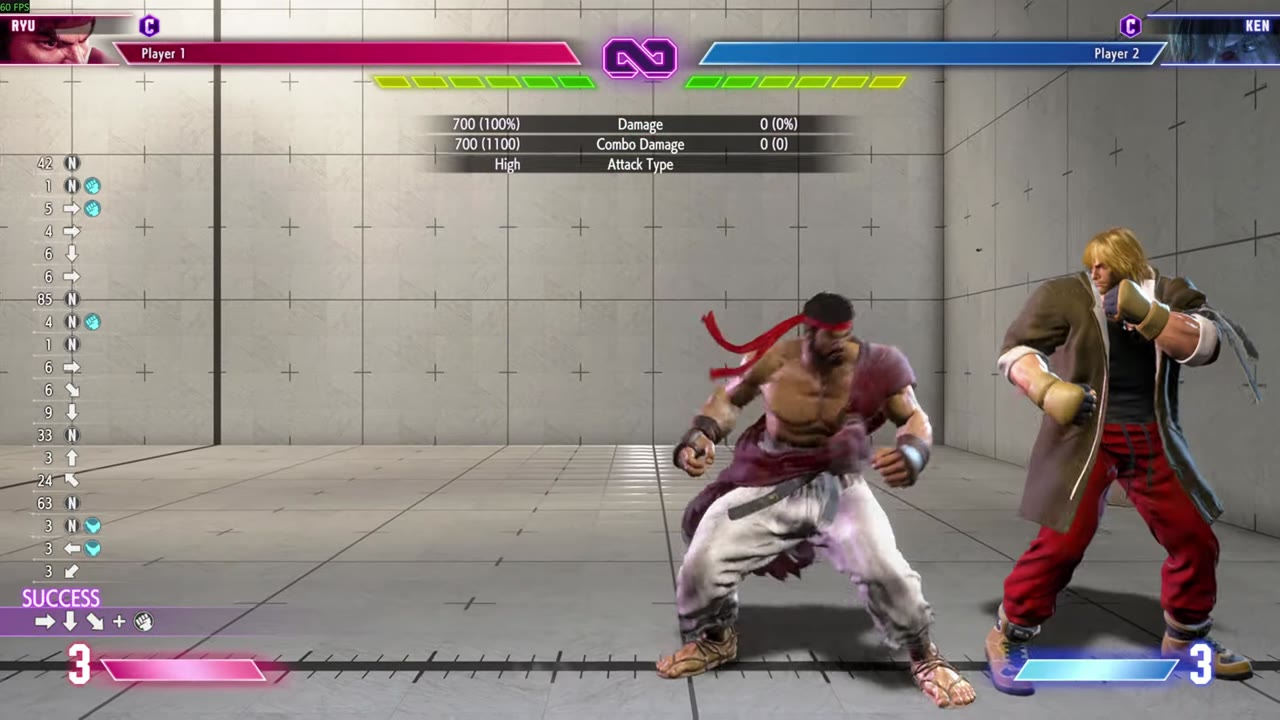
Once wired, gameplay is perfectly serviceable with everything falling into acceptable margins for responsiveness. Once again, buttons and shoulder buttons have behaved without incident, and the d-pad has been a capable input option for retro games and fighters. I will get an occasional misread when I am doing quick motions, but nothing deal-breaking. It is the Triggers that have once again been the most interesting aspect of the pads. Having both analog and digital options is awesome for various titles. The ranges line up perfectly with the physical housing while in analog mode, ensuring they behave perfectly for any game that truly makes use of them. Switching to digital input for fighters or shooters likewise ensures you can get fast responsiveness and easier quickshots.
Thumbsticks are again fantastic performers on PC. Since circularity is a near-perfect circle, you will want to keep in mind that older titles may experience some diagonal cutout since they were designed around pads with more square readings. This is not an issue with the controller, but it is something you will want to keep in mind. Thankfully, I have not encountered anything that outright breaks from having lower ranges, but it sure is noticeable in Halo MCC when set to non-modern input options. It is also worth noting that even when connected to a PC, the Snakebyte pads retain their Nintendo button mapping, so you will want to use something like Steam’s input options to swap the buttons to match up with expected PC inputs. The 3.5mm jack also doesn’t work on a PC, but at least there are no rumble issues present.
One thing I have failed to mention so far is that these pads also have a nice turbo and auto fire functionality that can be implemented with the T button found on the back of each pad. The feature works well and is easy to enable or disable as needed. The rear programmable buttons also work as expected across Switch and PC. Battery life for each pad has also been nice, with each giving me over 15 hours of play before needing to be charged. The USB-C port on top of each pad allows for charging, and since they can be used in a wired configuration across PC and Switch, you never have to stop playing!
What It Could Have Done Better
My time with both Snakebyte pads has been a relatively pleasant experience, even if not particularly groundbreaking. Both pads work well on Switch 2 systems, but the lack of motion controls is disappointing when you have titles that may mandate them. The rumble oddities are also unfortunate, but these can at least be fixed with a future update. On the PC side, it is unfortunate that we don’t have a macro to swap between Nintendo and Xbox-style button mappings and instead have to rely on Steam input or per-game remaps. The polling rate and average latency are also a bit disappointing. While a 125Hz polling rate is still serviceable in 2026, I personally would have liked to see a 250Hz minimum for more responsive play in higher framerate titles. The price of each controller is also a bit on the higher side, given the lack of HD rumble and motion inputs compared to cheaper alternatives.
Verdict

The Snakebyte Gamepad S2 and Gamepad RGB S2 make for decent input options for the Switch 2, but could still use some kinks ironed out when it comes to rumble. Unfortunately, due to the lack of motion controls, they are better suited as a secondary input option for multiplayer sessions if you don’t mind the higher price for the included lighting. As a result, I have found both pads to be better options for PC playing, where the unique triggers can be fully utilized along with the precise thumbsticks. Unfortunately for this use, latency is a bit higher than I would like to see out of a modern pad, but it still falls within an acceptable minimum margin for me. Price once again comes into play, as there are plenty of high-performance options that come in significantly cheaper with faster speeds. As a result, the Snakebyte pads find themselves in a weird position of being good, but hard to recommend.