Disclosure: GuliKit provided this product free of charge for review. All opinions in this review are my own.
I have come away impressed with GuliKit controllers after my reviews of the Elves 2 Pro and the ES lineup. They have been well-built, fast, and performant. The ES and ES Pro are also incredibly affordable. The only downfall came from the lack of more competitive features like rear programmable buttons. Now, GuliKit has released the TT Max, another high-performance controller that brings with it everything the most competitive player could hope for! Having spent several weeks with the TT Max, it has become my go-to pad for my PC and Switch 2 gaming needs.
What’s In The Box
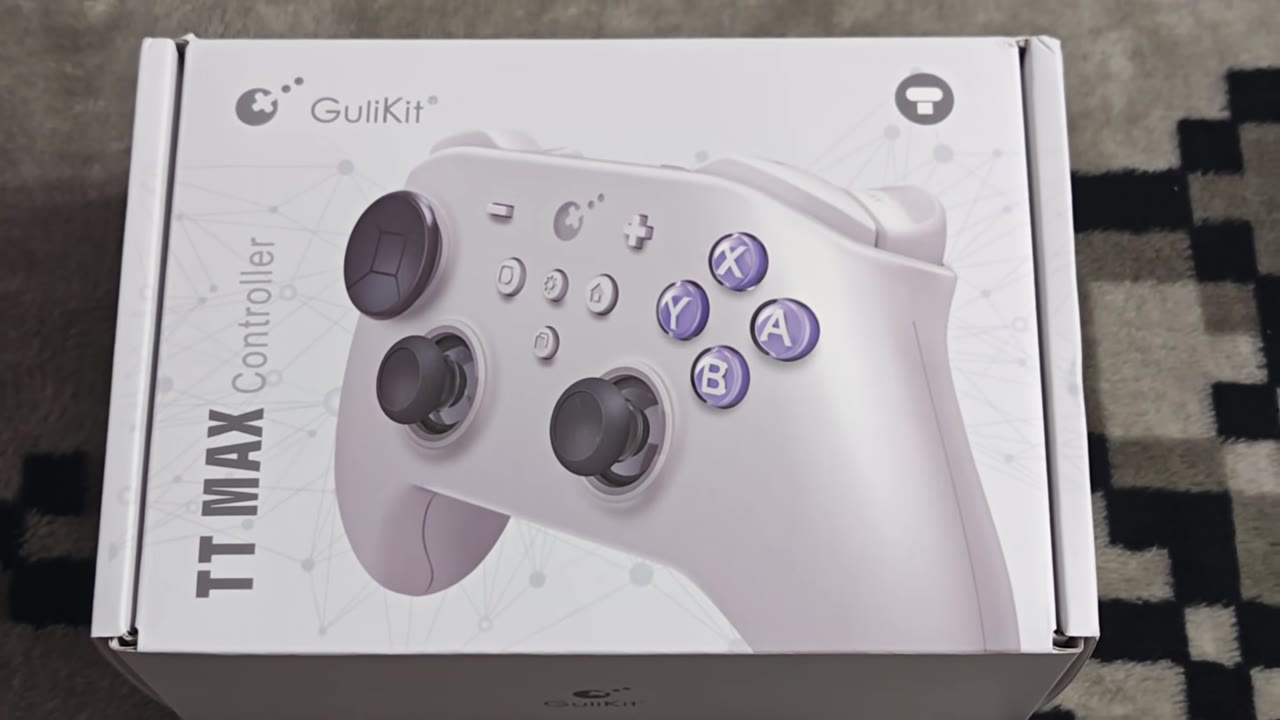
The GuliKit TT Max comes in a compact box that bears a depiction of the pad in your selected color on the front, along with its name and branding. The top of the box lists several product specifications. The back highlights numerous key features of the controller, such as its latency and adjustable stick tension. Inside the box, you will find the TT Max inside a carrying case with a swappable D-pad, accessories kit, swappable thumbsticks, USB cable, GuliKit Hyperlink 2 adapter, GuliKit stickers, and a User's manual.
Aesthetics And Build Quality
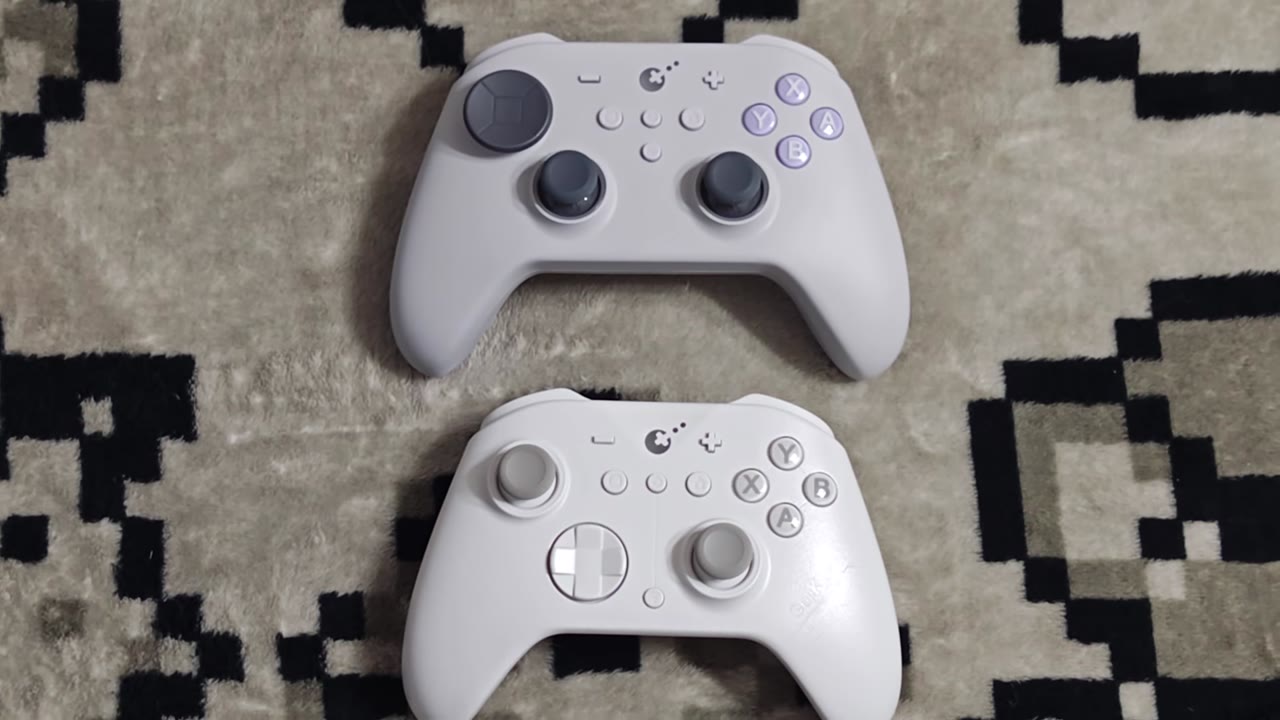
At first glance, the TT Max looks very similar to GulKit’s previous KK or ES controllers, with the biggest difference being its use of a symmetrical thumbstick layout instead of offset. The D-pad is also much larger and uses a floating style with a swappable top. It is wider than the ES line and Xbox Series pads, but it feels perfectly ergonomic, and I have had no issues with comfort over my gaming sessions while using it. It is easy to reach all buttons as needed, and the back paddles line up great with your fingers. I like how easy it is to insert and remove these paddles as needed. The plastic feels like a soft-touch finish, which is nice in the hands, but unfortunately can be a fingerprint magnet. When combined with the textured handles, the TT Max provides a perfect grip at all times. Weight is pretty average compared to other modern pads, and it is quite sturdy.
Face buttons use GuliKit’s mechanical button kit, giving them an interesting feel while pressing, and they do come in on the quieter side. By default, they have a Nintendo layout, but it is easy to swap them over to Xbox style with the included accessories kit. Shoulder buttons likewise have a satisfying click while using them, but the switches are quieter than those found on most other controllers. Triggers are fantastic with excellent resistance and nice texturing to prevent finger slippage. Padding in the shell keeps them from being loud when quickly pressed. The triggers can be changed into a digital mode of operation by using the trigger locks found on the back of the controller. In digital mode, they give off a satisfying click when pressed! All four rear programmable buttons use louder switches than those found in the shoulder buttons, but remain equally satisfying to use as the rest of the pads' buttons.
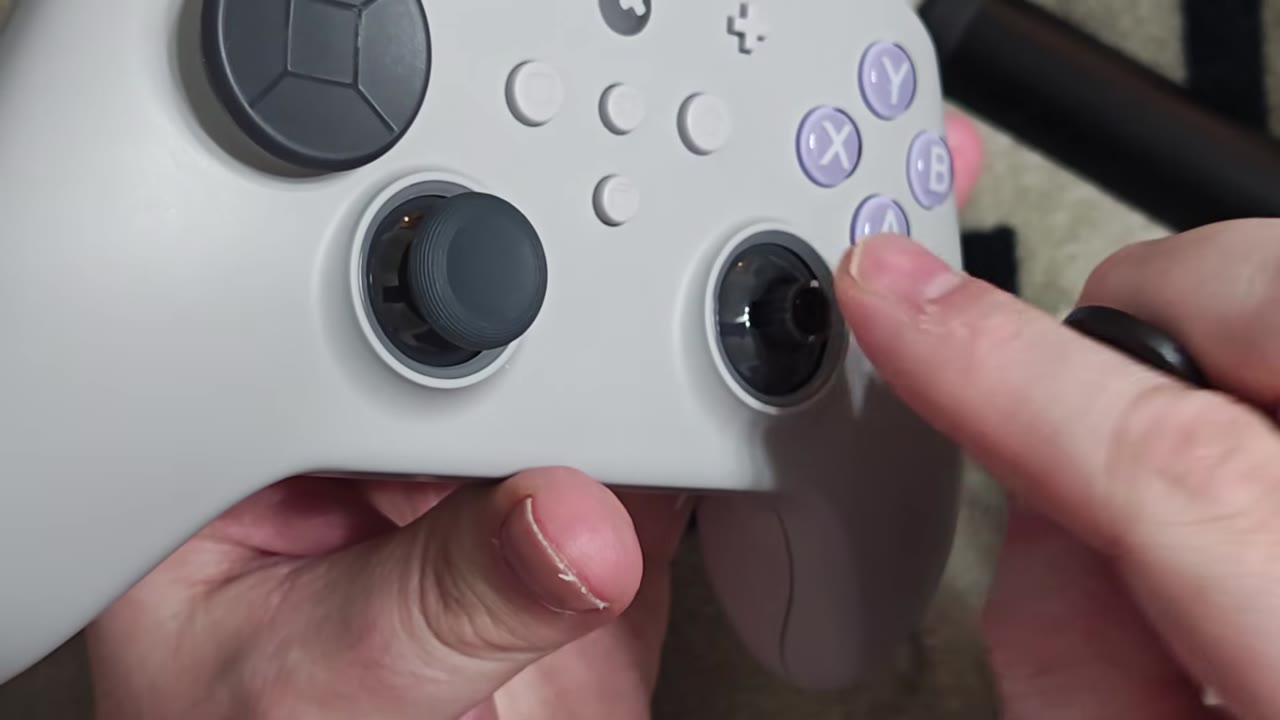
The TT Max uses GuliKit’s 720-degree tension adjustable TMR thumbsticks. This gives players the ability to adjust the physical resistance of each stick to their own preferences. I was able to quickly get mine set to be firmer, providing the perfect level of resistance. Each of the thumbcaps provided by GuliKit provides good grip, and having three levels of height allows for further customization to get more precision out of your playing experience. Swapping sticks is easy enough, but at times getting the new ones on can be annoying if you don’t get them lined up correctly. The RGB rings around each stick also act as an anti-friction ring, giving the sticks smooth rotations during play. The lighting effects look nice and can be customized or disabled.
The D-pad was an area that I was really interested in testing out when I first received the TT Max, given how much I love the one found on the Elves 2 Pro. The large disc on the pad, when it first arrives, is nice to feel. But if you are more interested in the classic Saturn style feel, it is easy to swap over. Both styles of D-pad do feel good to use, and the rollability is great.
Gameplay
Getting the TT Max setup across various systems is a breeze thanks to the inclusion of the Hyperlink 2 adapter. With a quick press of the Hyperlink pairing button and the pairing button on the TT Max, you can be up and running in seconds across PC and Switch 2. The Hyperlink ensures a more reliable connection than internal bluetooth on my devices, and I have been quite impressed with it ever since my initial review. Of course, the TT Max can be paired to devices using standard Bluetooth, which is how I use it with my Android phone. Wired connections can also be used to ensure the lowest possible latency, which remains impressive on PC. With the Hyperlink adapter, PC players will enjoy average polling rates of 768Hz and an average latency of 1.3ms. With a wired connection, the average polling rate jumps to 929Hz with an average latency of 1.08ms. Regardless of how you choose to play, you are going to have a responsive experience on PC!
PC being my main platform these days, I have been impressed with the TT Max in nearly everything I have thrown it up against. Adventure titles and platformers have been a treat with the responsive input. Buttons all feel great during play, and I have yet to experience any dropped inputs. Being able to swap the physical buttons to an Xbox layout has also been a plus for the times my kids have been playing, since the iconography can still trip them up when it isn’t labeled correctly. Shoulder buttons have also not caused any unnecessary fatigue with constant use. Having 4 mappable buttons on the back of the pad took some getting used to after years of only having 2 or forgoing them altogether. Being able to map them without the need for any software quickly remains one of my favorite aspects of third-party pads, and they work perfectly.
Sticks have been an absolute delight of the TT Max, especially for shooters. The TMR sticks have high resolution and provide incredible precision. Being able to adjust the tension again ensures they feel perfect for your tastes. They have no deadzones at all, so even the most minute input is detected. With a macro, you can apply a deadzone if the default operation causes unintended actions in games. Like other GuliKit pads, the sticks have 3 modes of operation, with the default being a near-perfect circularity. For older games that need expanded diagonals, you can set the sticks to the 150% mode of operation for a proper experience. The last mode is a 50% range to give better precision as needed. An interesting inclusion is an anti-snapback mode intended for use in Smash Ultimate.
Triggers have been my second favorite part of the TT Max. The ability to swap between an analog or digital function is fantastic for so many use cases. The analog range for the triggers is perfect and lines up with the physical pull. The digital mode can be quickly pressed, and the travel range is minimal. On PC, using analog is my typical go-to for most titles, but for shooters and fighters, having the digital input is fantastic. Digital is also great for Switch 2 use, where the system doesn’t make use of analog triggers. I honestly hope we see more pads adopt this version of trigger locks, as it beats out any of the three-stage variants I have used to date.
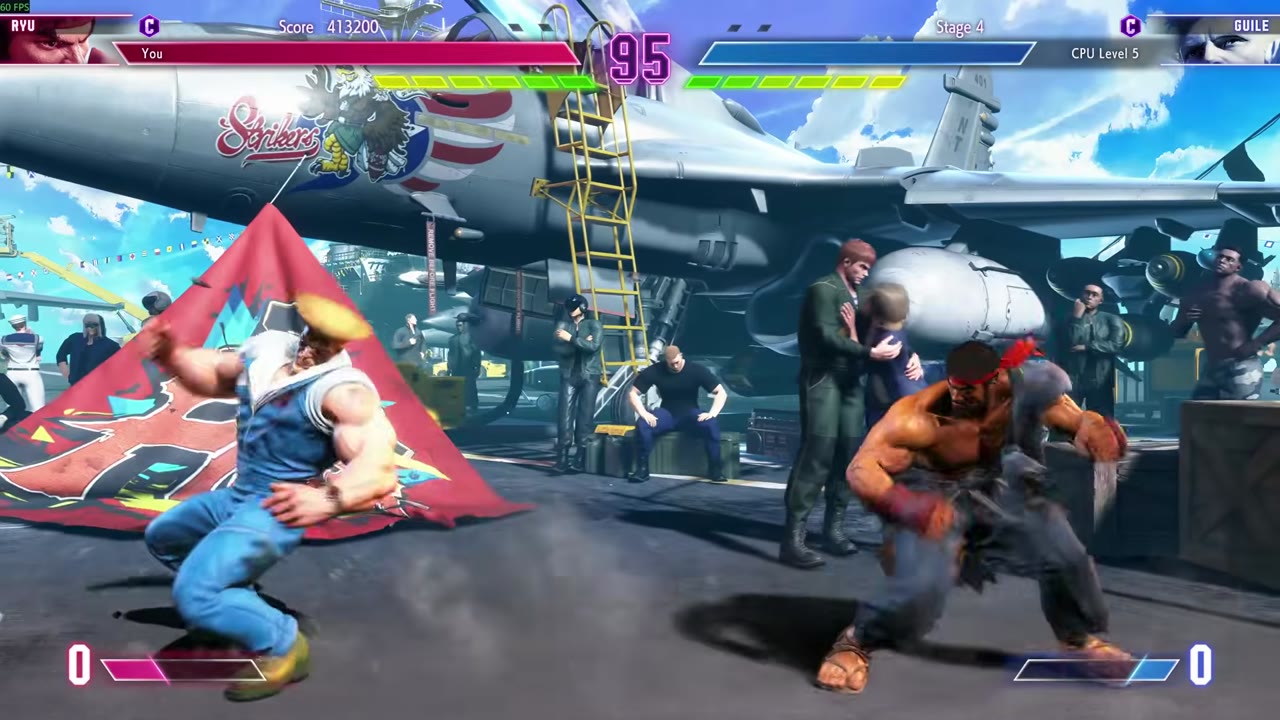
As for the D-pad, well, this is the one area where I am mixed with the TT Max. As noted earlier, I was excited to try it out with the Elves 2 Pro, being as excellent as it is. Rolling motions work perfectly, and combos with Ryu in Street Fighter are no issue. Unfortunately, quick back-and-forth motions always trigger a misread on an extra axis, causing me some issues with certain characters. Retro games have fared well overall, but I am not sure if this will be a D-pad the FGC will like. One nice function of the TT Max D-pad is that you can swap it into a 4-way input if you don’t need diagonals. This makes it more serviceable for anything that needs precision on back-and-forth motions.
The TT Max also comes with support for motion controls, making it a perfectly capable Switch pro controller replacement. The TT Max can even wake the Switch 2 from sleep mode. Latency on Switch 2 is better than first-party pads, and every game has that slight feeling of extra responsiveness. The motion controls can also be activated in non-supported games to be used for aiming with a quick macro. The TT Max, like the Elves 2 Pro, also has three types of rumble support, but this time around, it will default to the platform the controller is paired with. On PC, you get the GuliKit Maglev option, and Switch 2 will have HD rumble, so you won’t have missing rumble this time around. It is worth noting that while using the Hyperlink adapter, the N64 and GameCube NSO apps will exhibit the constant rumble bug. When directly paired with the Switch 2, everything behaves perfectly. Standard rumble can also be selected as desired with another built-in macro.
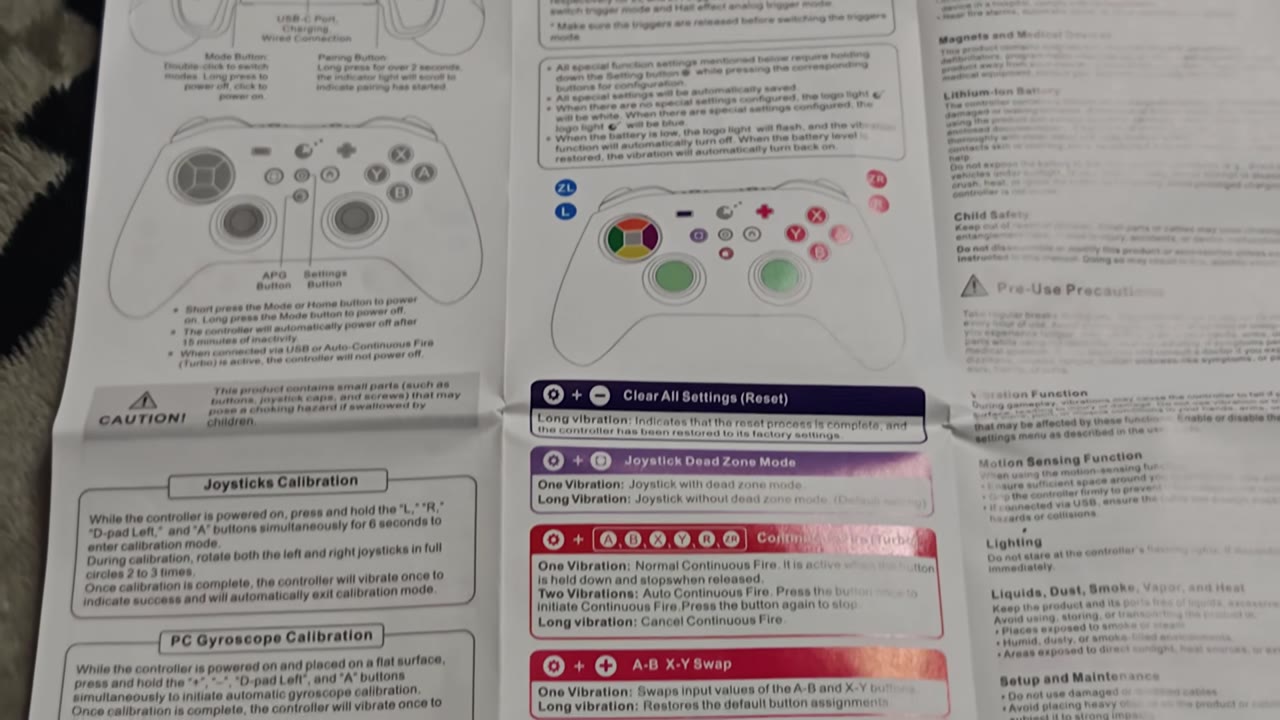
There are a ton of Macros on the TT Max to further adjust how the pad behaves or to activate built-in input recording or turbo functionality. The user manual has everything nicely documented, but I am pleased that some are noted on the case that comes with the controller. Battery life has also been a pleasing aspect of the TT Max. I have had between 20 and 25 hours of play before needing to charge over the last month of testing, depending on lighting and vibration strength. Charging is pretty quick, and thanks to being usable in a wired configuration, I have never had to worry about losing play time over a dead battery. GuliKit has also ensured there should be no standby battery drain, so even missing a few days of play shouldn’t negatively affect your battery life.
What It Could Have Done Better
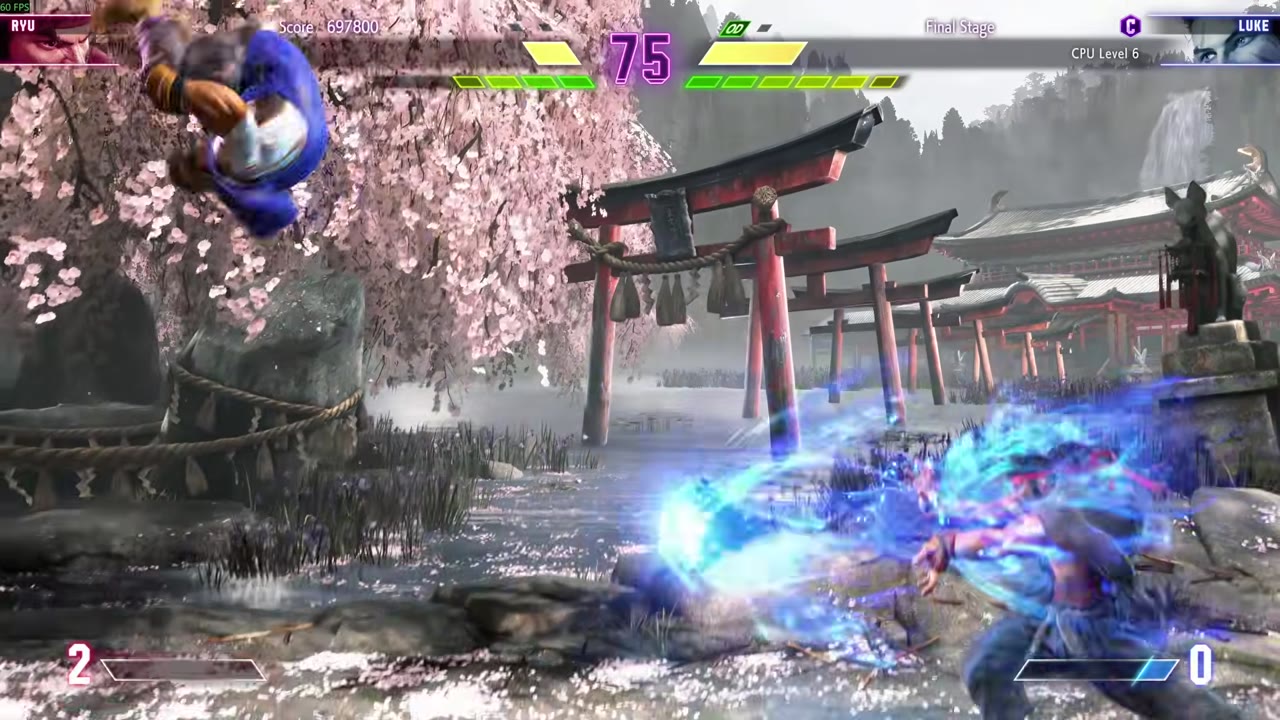
The D-pad is my only area of complaint when it comes to the TT Max. The misreads on quick motions make it harder to pull off combos in fighting games with certain characters. Swapping to the 4-way input mode helps, but the D-pad just lacks the overall precision of the Elves 2 Pro. A nitpick complaint, I do wish it retained the offset thumbstick layout of past GuliKit pads. I also wish that the carrying case would let you have the back paddles attached to the pad and still let you close the case. Having a way to store the extra thumb caps and accessory kit in it also would have been a huge plus. As is, you will need to keep track of everything separately.
Verdict
The TT Max is a fantastic controller option for both casual and competitive play. The excellent latency ensures every game will be incredibly responsive, and sticks, buttons, and triggers are all perfect. Only the D-pad brings down the experience as a whole. Price is also competitive compared to other tournament-style options and easily beats out what Microsoft, Nintendo, or Sony offer in this space. If you don’t need all these extra features, however, GuliKit’s ES line is equally performant at a fraction of the cost.