Disclosure: GuliKit provided this product free of charge for review. All opinions in this review are my own.
I have a love-hate relationship with Bluetooth controllers and the connection in general. It is convenient and easy to use, usually, and is solid enough overall, depending on your device. But the part that bugs me is how inconsistent the latency of a device can be while using it. Audio is a big issue for me in that regard at times, but even controllers can see massive swings between great responsiveness to missing a perfectly timed jump. Thankfully, this has improved greatly over the years, but even with the fastest controllers, the problem can still rear its head depending on your setup and environment. To improve the Bluetooth experience, GuliKit has released the Hyperlink Gen 2 adapter for use with Bluetooth-capable controllers to iron out rough connections. After using the Hyperlink Gen 2 Adapter for the past month, I can say with confidence that I will never use the built-in Bluetooth on my PC again.
What’s In The Box
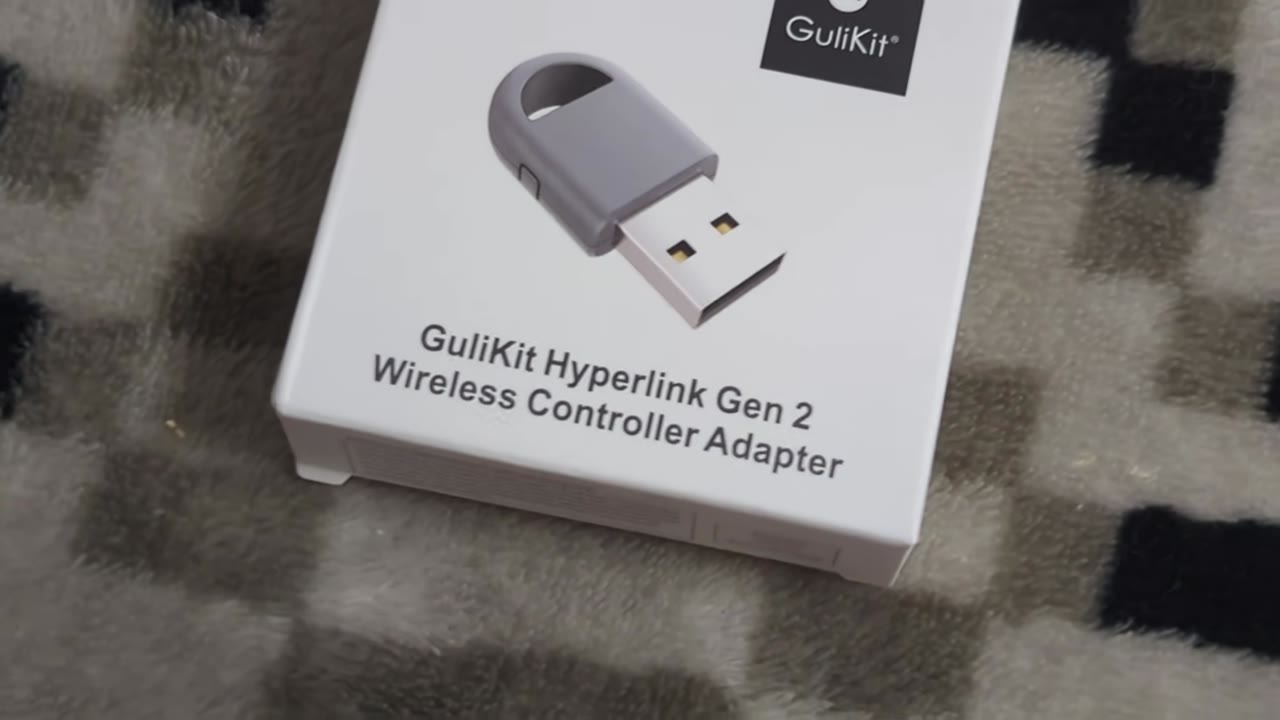
The GuliKit Hyperlink Gen 2 adapter comes in a tiny box with a depiction of the adapter on the front, along with its name and branding. The back highlights the key features of the adapter along with a brief list of compatible controllers and systems. A brief description of how to use the adapter is also listed. Opening the box, you will find your Hyperlink Gen 2 adapter.
Aesthetics And Build Quality
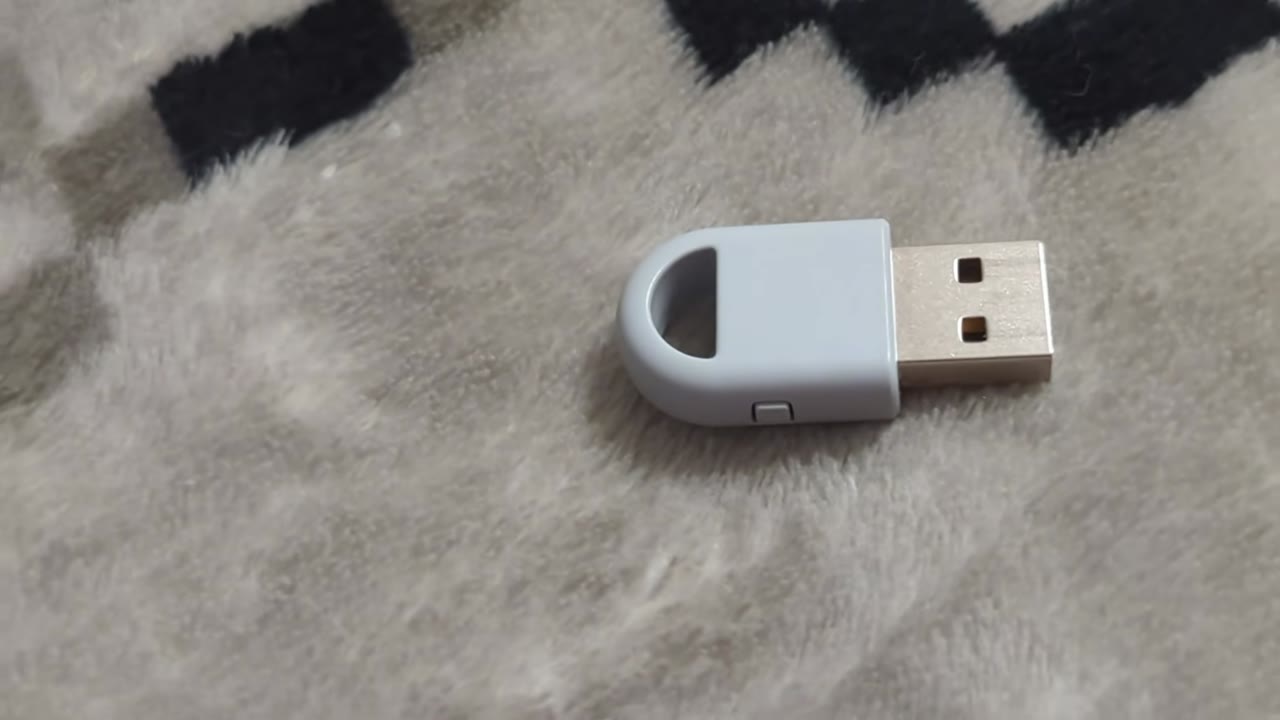
The Hyperlink Gen 2 adapter is nice and compact, barely exceeding the length of two USB-A connectors. The build is very minimalistic. The housing is a nice grey color with a single pairing button on the side. The arched plastic also makes it possible to hook the adapter up to a keyring or other similar device for easy transport if you are into that sort of thing. The USB-A connector has a nice grey PCB that matches the rest of the exterior housing and has the name and model number of the adapter written on the metal housing. The coolest aesthetic aspect of the adapter is that it uses a ghost effect to hide an internal LED, and once plugged in, you get a nice depiction of the Gulikit logo to act as a status indicator. The overall build is solid enough to handle normal wear and tear, but you will want to disconnect it from a mobile device before putting it in your pocket or bag, as it could be easy to pop the housing in such conditions.
Gameplay
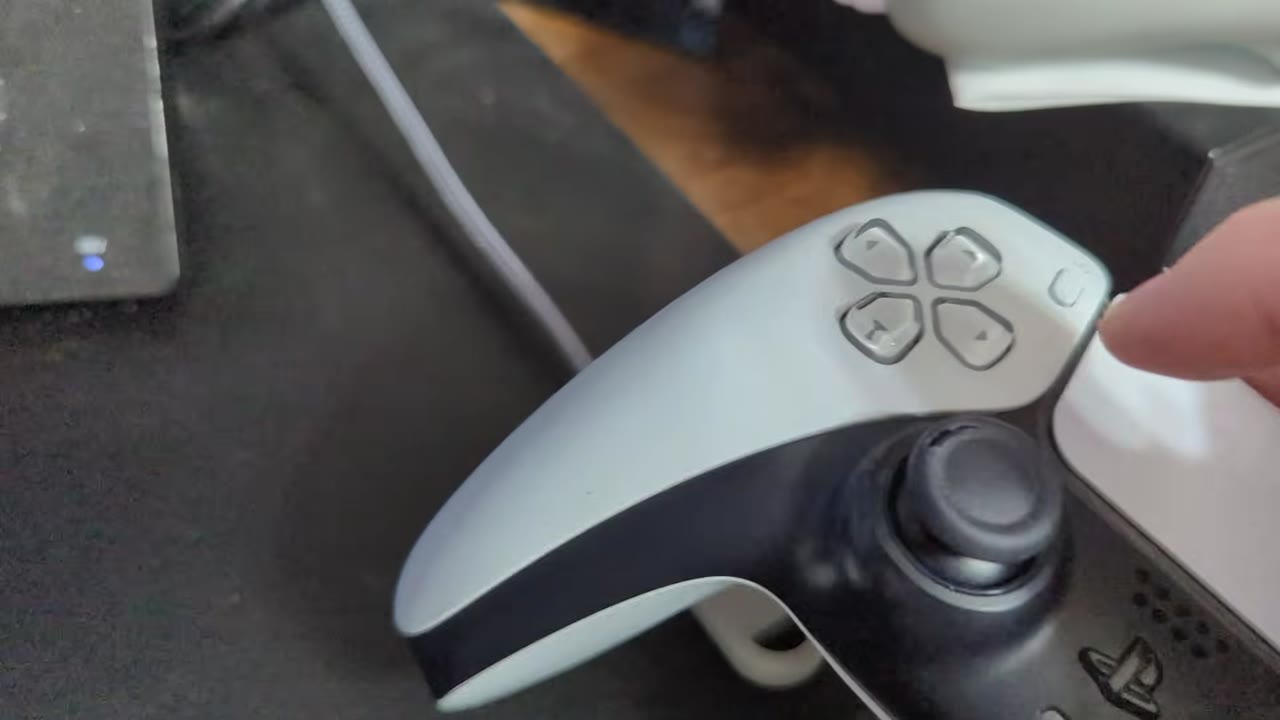
Getting started with the GuliKit Hyperlink Gen 2 adapter is incredibly simple. Plug the adapter into your PC, Switch, or other compatible device, and it enters pairing mode. Activate the pairing function on your controller, and it will connect to the adapter and be ready for use. Alternatively, you can press and release the side button on the adapter to enter pairing mode as well. I was able to easily use the adapter with Xbox Series controllers, DualSense, Switch Pro, GuliKit, and an assortment of Retro Fighters pads without any connectivity issues. Each paired up seamlessly and was ready to use. On PC, the Hyperlink 2 adapter shows up as a standard XInput Xbox 360 controller, ensuring its easy use across modern titles.
The Hyperlink Gen 2 adapter is advertised to provide your Bluetooth controllers up to an 810Hz polling rate to provide the fastest speeds possible for the most lag-free gaming experience achievable. Testing the adapter with the GuliKit ES and ES Pro with their 730Hz polling rates instantly showed that it was able to drive these polling rates without a single issue. Best yet is that they are more stable than when connected to my PC’s built-in Bluetooth adapter. On average, I would get a polling rate of 646Hz while using my PC’s Bluetooth adapter, with the worst input delays coming in at 14ms. While using the Hyperlink Gen 2, the average polling rate of the ES Pro now comes in at 718Hz, with the worst input delay dropping down to a mere 4ms. While my internal adapter was providing a perfectly suitable experience, the added stability provided by the Hyperlink Gen 2 is appreciated.
This experience is mirrored pretty well by my other Bluetooth controllers, giving them a more stable platform to reach their built-in specifications more reliably. The Sony DualSense’s wireless capabilities continue to impress, especially when compared to the Xbox Series X pad's Bluetooth capabilities. The biggest shock, however, comes from the Switch Pro Controller’s numbers. The Switch Pro Controller is a poor-performing wireless controller on PC, with a very poor 65-70Hz average polling rate and its 15ms average latency. Once connected to the Hyperlink Gen 2 adapter, the pad sees a boost up to an average polling rate of 190Hz and a mere 4.6ms average input latency. This gives the pad a more enjoyable feel to use on PC, and I might decide to reintroduce it to my emulation setup as a result.

While the stable wireless performance of the Hyperlink Gen 2 is nice, its ability to remember paired devices has been the most pleasing to me. The only Bluetooth controllers I have that have been able to remember a pairing to my PC after a couple of disconnects are my Series X pads. DualSense, Switch Pro, Retro Fighters, Retro-Bit, GuliKit, and more just stop repairing, eventually requiring me to delete them from my device list and pair them all over from scratch. With the Hyperlink Gen 2, I have never needed to repair a device. Once paired, I can simply turn on the controller, and it reconnects without fault every time. It is a simple thing that you think wouldn’t be so problematic, but such seamlessness has always been missing from my PC setups unless using Xbox pads.
While PC has been the main focus of my attention with the Hyperlink Gen 2, it is awesome that I can use it on my Android devices and Switch 2 just as seamlessly. Switch use is particularly fun as pairing a DualSense with the system and having functional motion controls and faster input than the standard Switch Pro pads is fantastic. Sadly, you do miss out on Amiibo support, and Switch 2 wake support hasn’t worked for me. But if you need another Switch pad in a pinch, this extra functionality is fantastic! Unfortunately, using non-switch controllers does result in rumble bugs popping up in the N64 and GameCube NSO apps, where it will rumble constantly once the game is booted, so do be aware of that. Rumble in the traditional Switch and Switch 2 software has worked without issue. I also have yet to find dropped inputs across any of my use cases when I have the Hyperlink Gen 2 properly set up.
What It Could Have Done Better

Overall, the GuliKit Hyperlink Gen 2 adapter does everything it advertises. That being said, there are things to be aware of while using it. Having the adapter plugged in near another Bluetooth or wifi adapter can degrade its performance or cause drops. This isn’t a problem specific to the adapter, as this can occur with any type of wireless device. When using the adapter on a PC with Sony controllers, it is also worth noting that you will not be able to use their motion controls for emulators like RPCS3, as the adapter passes through controllers as Xbox 360 pads. For this functionality, you will need to use your standard Bluetooth adapter or a wired connection. The rumble bug being present on the N64 and GameCube NSO apps is also unfortunate when using Xbox and PlayStation pads. It is also a bit of a letdown that you aren’t able to pair more than one controller to the Hyperlink at a time for a seamless multiplayer experience. But considering this would likely degrade performance, I am ok with the tradeoff.
Verdict

For the asking price of $16.99, the GuliKit Hyperlink Gen 2 is a fantastic investment to get the best performance out of your Bluetooth controllers on PC, Android, and Switch. Polling rates and latency are better than each of my PC’s built-in Bluetooth capabilities, and having controllers remember the pairing eliminates a headache I have had with all non-Xbox pads for years. The added functionality of being able to use PlayStation pads on Switch with working motion controls is also a blast, albeit slightly let down by the N64 and GameCube NSO rumble bug being present. If you are absolutely set on a wireless configuration, there isn’t an easier recommendation I could make than the GuliKit Hyperlink Gen 2 adapter to get you one step closer to the perfect setup!