Disclosure: GuliKit provided this product free of charge for review. All opinions in this review are my own.
Finding good and affordable third-party controller options has become essential in our household with the ever-increasing costs of first-party controllers. While options from some brands work well enough, they feel cheap in build quality or performance. With the release of the GuliKit ES, my search is finally over for a controller that won’t break the bank, doesn’t feel cheap, and offers solid performance for multiple use cases. At a mere $25, the GuliKit ES has become my entry option of choice that rivals controllers ten times its cost! It also happens to be one of the fastest controllers around for both wireless and Bluetooth use, making it ideal for competitive players with some minor caveats.
What’s In The Box
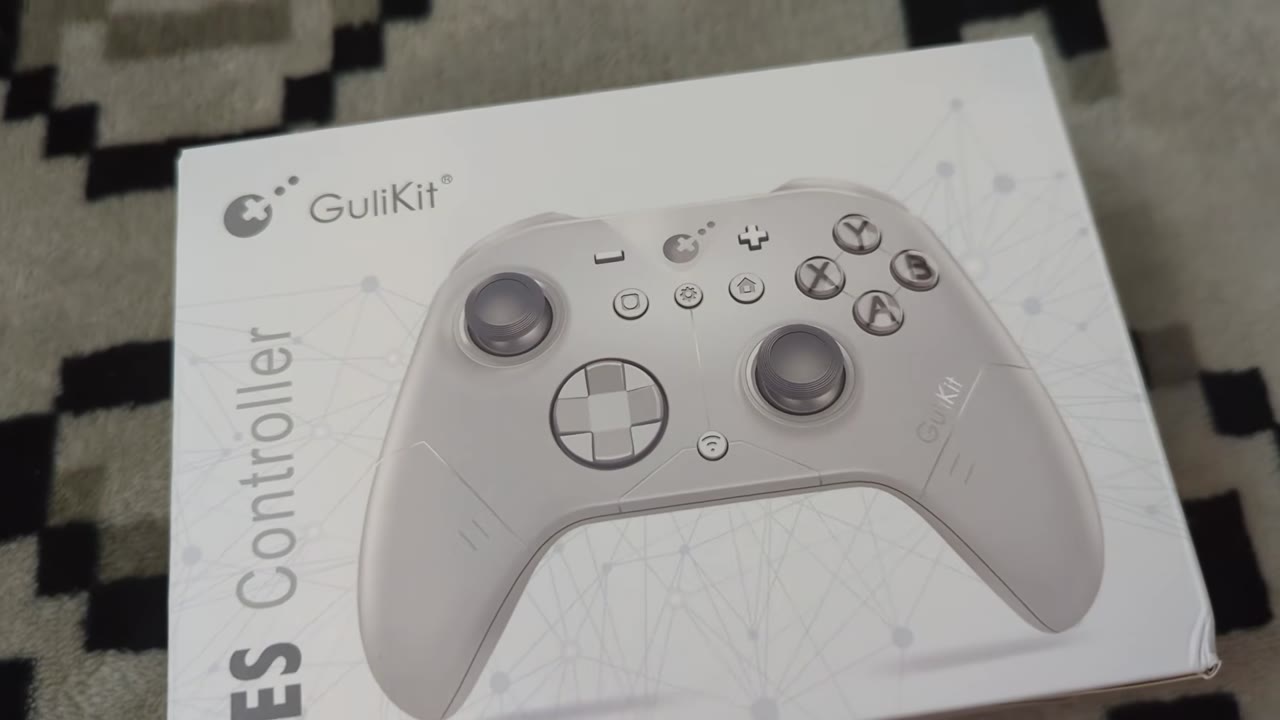
The GuliKit ES comes in a minimalistic box with a depiction of the controller on the front. The ES and GuliKit branding are also present, along with a nice background design. Product specifications are presented along the side, including battery information and platform compatibility. The back highlights key features of the controller, such as its Hall Effect sticks. Opening the box, you will find the GuliKit ES and a User's Manual.
Aesthetics And Build Quality
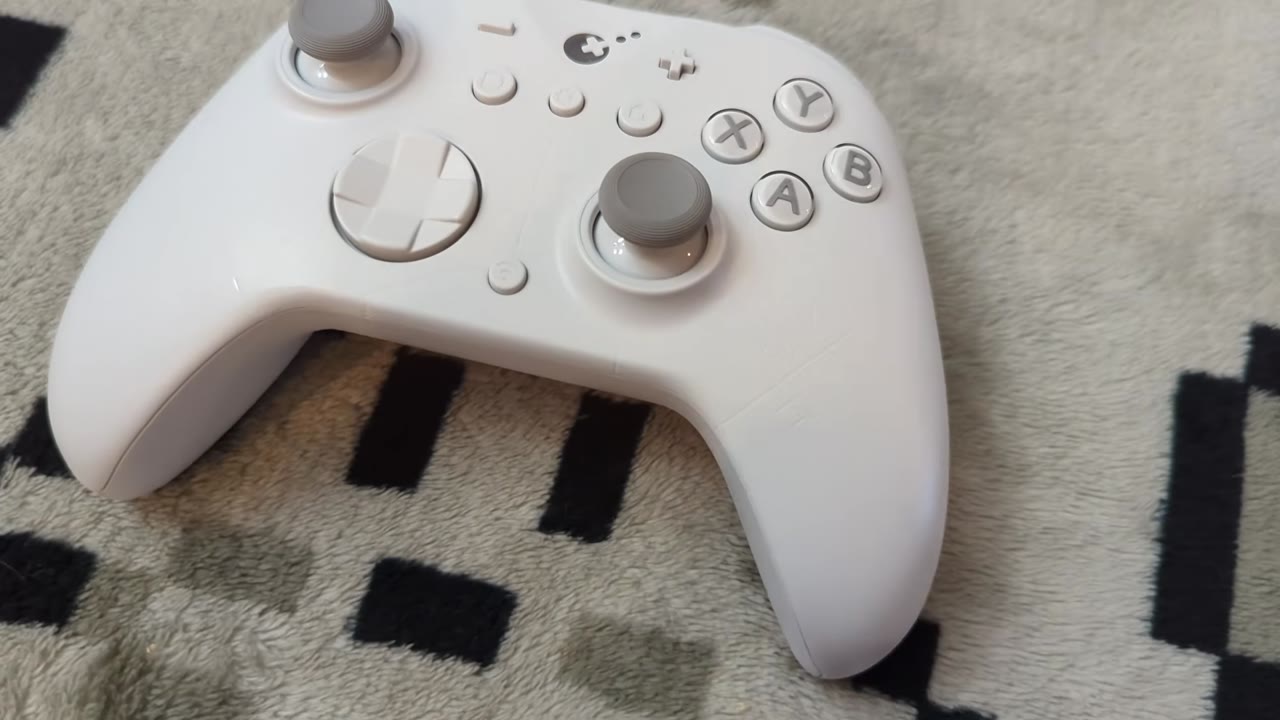
At first glance, you would likely mistake the GuliKit ES for a first-party Xbox Series controller. It shares the same overall shape and feel with some modifications to its shoulder buttons, triggers, and thickness. Shoulder buttons retain a similar shape but rise slightly differently. Triggers are more rounded instead of flat. The middle is thinner thanks to its integrated battery. Grips are nearly identical and include a textured grip. Face buttons and D-pad look like they are pulled directly from the Xbox controller, though the D-pad is slightly shorter. Thumbsticks are offset and feature a different thumb cap compared to the Xbox. The center buttons are where this controller starts to lose Xbox platform styling. It uses Switch plus and minus buttons, along with home and share buttons. The GuliKit logo, action, and sync buttons are also present. A USB-C charging port is set between the shoulder buttons. The power off button and mode switch slider on the back are the last notable features.
Ergonomics for the ES are great as a result, and whether I am playing with a standard or claw grip, it never gets uncomfortable to use. Face buttons have a good throw range and are quieter to use than Xbox first-party pads. The D-pad is practically identical in shape and feel to Xbox controllers, with good rollability and a satisfying clack when pressed. Sticks are slightly looser than I prefer, but still within my margins. The ES utilizes Hall Effect sticks, ensuring longevity, and the integrated antifriction rings offer smooth rotations. Bumpers feel ok, but aren’t my favorite with their muted clicks and somewhat spongy feel. Triggers, like the sticks, use Hall Effect sensors and have less resistance than I prefer, but come close enough that I don’t mind during play. They don’t have much noise dampening in them, though, so they end up sounding like the cheapest part of the controller as a result.
The plastic in use for the ES feels solid in the hands, but the controller is very light. It doesn’t feel cheap like other low-cost options can, which makes all the difference while using it. It can also hold up to normal wear and tear without much concern. The design along the front of the ES is also nicely muted against the shell, giving it a cool look without being overbearing. The white-gray color scheme is also quite pleasing.
Gameplay
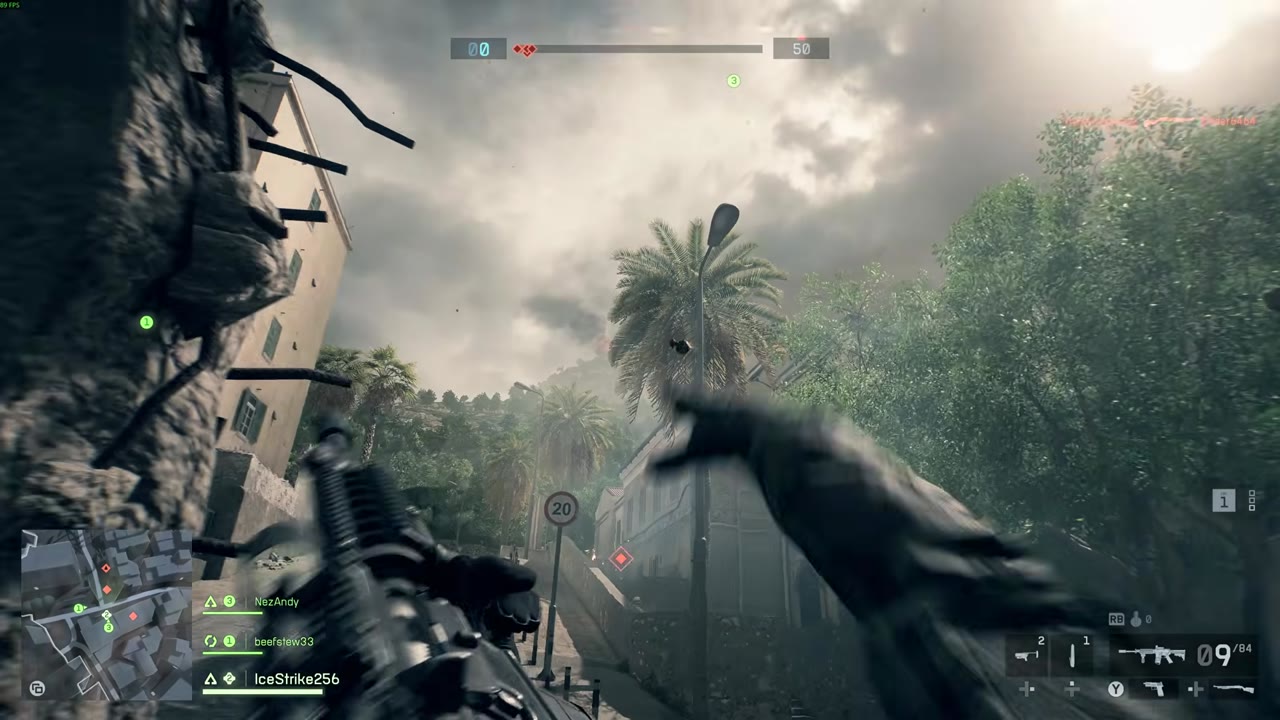
Getting started with the GuliKit ES is a breeze in both wired and Bluetooth configurations across PC and Switch consoles. Latency on PC is superb with a 1000Hz polling rate, averaging well over 930Hz during use, and average latency measuring at around 1.10ms in my tests. PC Bluetooth comes in a bit under the advertised 730Hz polling rate in my setup, instead landing closer to an average of 650Hz with spikes up to 1000Hz. Latency measures around 2.38ms on average, beating out the advertised 3.25ms. Thanks to wireless conditions, these results may vary by location, so differences in the numbers aren’t that significant. Regardless of the mode, the ES provides snappy controls that come in under a frame, even at higher 240Hz refresh rates, making it ideal for competitive games.
Switch numbers are considerably different. While in Switch mode, the ES has just a 125Hz polling rate with an average latency of 8ms while wired. Much slower than what we see with PC mode, but still faster than Switch Pro controllers, so gameplay still feels snappier by comparison. Bluetooth fares far better with an average polling of 350Hz, with spikes up to 500Hz, and an average latency of 3.22ms. Considering the Original Pro Controller’s average polling of 66Hz and 15ms of latency while wireless, this is a night-and-day difference in responsiveness during play. Android and iOS users can connect the ES to their devices with either mode if they support Switch Pro Controllers, but PC mode is the way to go for the best experience.

As for actually playing games, this is one of the best experiences I have had for a controller coming in under $30, only exceeded by the ES Pro. No matter the game, the ES handles them with ease and precision. Buttons feel fantastic during play, and I have had no issues with dropped inputs during any titles. They also feel great for quick repeated presses as needed. Shoulder buttons are my least favorite part of the ES, but they, too, handle just fine in games with responsive activation. I just wish they had slightly more spring while releasing them to make repeated presses feel better overall. At any point, turbo functionality can be enabled for any of these buttons as well. The D-pad behaves just like the one found on the Xbox Series controller, so it works well overall for both fighting and retro titles with no misreads during play, even with quick back-and-forths.
Triggers are fantastic, even with lower resistance than I typically prefer. When I started my testing, however, they did have a considerable dead zone requiring a few presses to get them properly aligned. After this, it is a breeze to get them set to any range as needed. Thanks to the lower resistance, they do better for quick firing in both shooters and fighting games. They don’t have any form of impulse rumble in them, though, like a first-party Xbox controller. Speaking of Rumble, the ES has variable rumble options you can set from the controller itself, letting you tune it to your needs or disabling it entirely. It packs a good punch, and I am happy it doesn’t cause any undesirable rattling while in use.
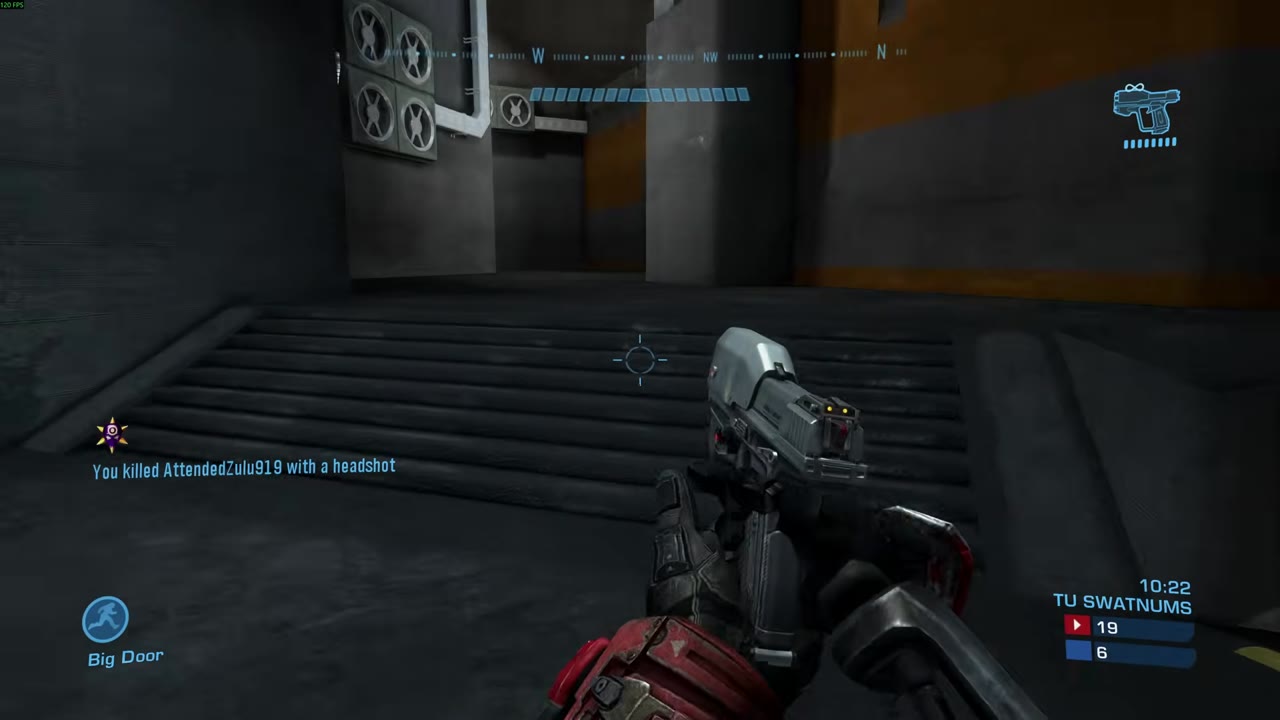
Thumbsticks have been the true delight while playing with the ES. GuliKit has included high-resolution Hall Effect sticks into the ES, and the precision is fantastic. Sticks feature no dead zones, allowing for prompt responsiveness in every game. Dead zones can be enabled on the ES, if desired, with a quick macro. I find it quite aggressive, just like on the GuliKit Elves 2 Pro, so I leave it disabled. Ranges are a nice blend of those found on the Xbox Series controller and DualSense, giving it an immediate familiar feel. Aiming is smooth, and at no point in rotation does it feel like things get out of control. Playing Halo MCC or the Battlefield 6 Beta felt great as a result. The ES doesn’t have any options to adjust ranges like the ES Pro does, but if you find things are off, the ES does have a calibration macro to get things working smoothly again.
Switch play likewise works well across every model of Switch system, including the Switch 2 with system wake support! Buttons, D-pad, and sticks all behave like they do on PC, and buttons are fully mappable in the system settings. Face buttons take on the typical Nintendo layout, inverting them from the labels found on the physical buttons. After using multiple styles of controllers, this doesn’t bother me much, but for anyone who dislikes it, GuliKit will have swappable buttons available for purchase to give it the right look. Triggers on Switch use digital activation, like typical Switch Pro controllers, and activate quickly during a press. Thanks to the built-in accelerometers, motion controls, and gyro aiming are fully supported. It feels responsive, and I have had no issues with the implementation throughout my testing. NFC is not supported, so you will need to use a separate controller for Amiibo support.
With its built-in 950mAh battery, the ES can give you around 30 hours of playtime per charge if rumble is disabled. With Rumble enabled, I have measured roughly 25 hours of play before needing to charge. Charging is fast, and the built-in LED in the GuliKit logo lets you know when you have a full battery again.
What It Could Have Done Better

For my use cases, I have very little to criticize about the GuliKit ES. It is responsive, accurate, and feels great in the hands. One nitpick comes from the lack of rear programmable buttons found on most third-party and Switch 2 Pro controllers. Competitive players use these buttons like crazy, and for this being a competitive-focused controller, the omission seems odd. Finally, the physical buttons on this pad, being a blend of Xbox and Switch, are rather confusing. Pick one style and stick with it, GuliKit. Offering replacement buttons at additional cost to fix this decision is also an odd choice. I’d also love to see a version of this for Xbox, but getting the proprietary wireless features probably wouldn’t be worth the subsequent price increase.
Verdict

Despite some odd aesthetic choices, the GuliKit ES is one of the best controllers to come across my desk. It has both solid build quality and performance to make every game a joy to play. Multiplatform use on Switch and PC likewise gives it multiple use cases. For $25, this pad punches well above its weight class and is a better value than most current tournament or pro-style pads out there, though it does lack rear programmable buttons. Still, it is easy to recommend the GuliKit ES for anyone in the market for a low-cost, high-performing pad for main or secondary use!