Disclosure: GuliKit provided this product free of charge for review. All opinions in this review are my own.
GuliKit has become known for producing high-quality controllers packed with extra features for modern systems. The Elves 2 Pro is no exception! With an awesome callback aesthetic to the Sega Saturn and packed with Hall Effect sticks and a floating D-pad, the Elves 2 Pro is ready to play. After testing the controller for nearly a month across PC, Switch, and Mobile Devices, the Elves 2 Pro has proven to be a capable pad for handling modern titles, but its use for retro gaming has been an absolute joy!
What’s In The Box
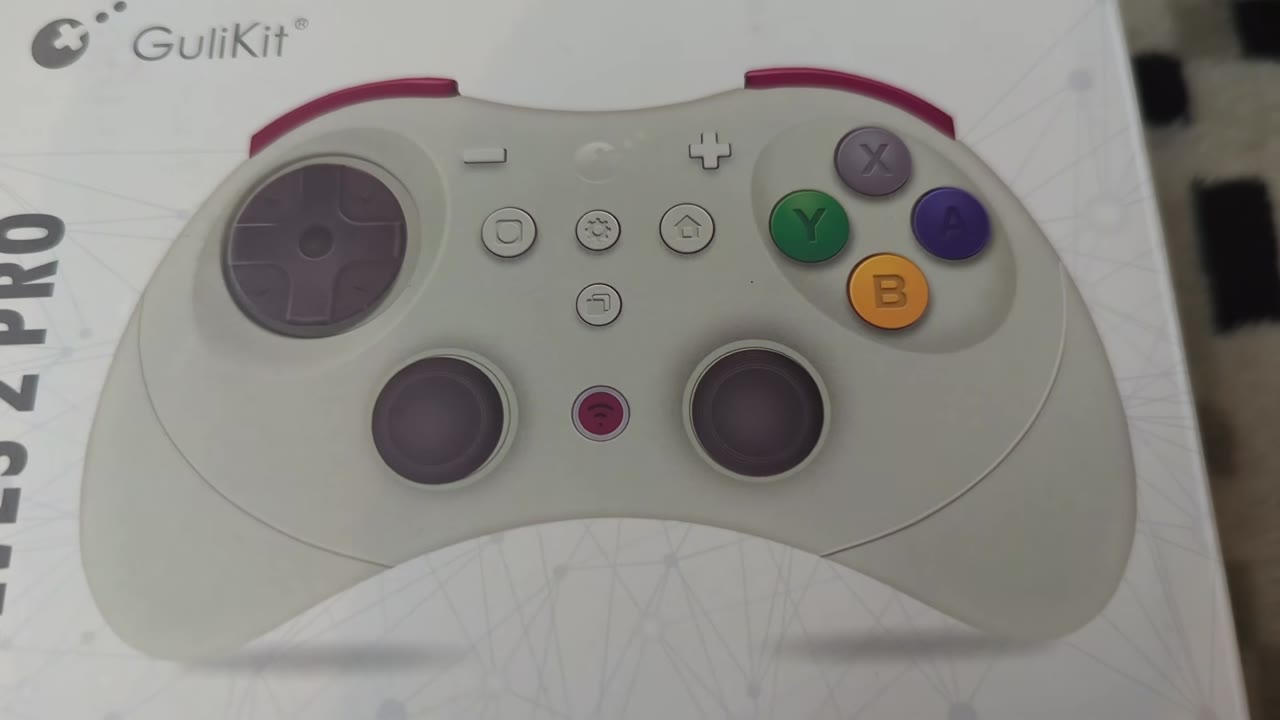
The Elves 2 Pro comes in a minimalistic box with a depiction of the controller on the front, with its name and GuliKit branding. The side lists some key specs while the back highlights the pad's functionality. Opening the box, you will find your Elves 2 Pro contained within a protective hard shell case along with a USB Cable, User Manual, GuliKit product guide, and a GuliKit Sticker.
Aesthetics And Build Quality
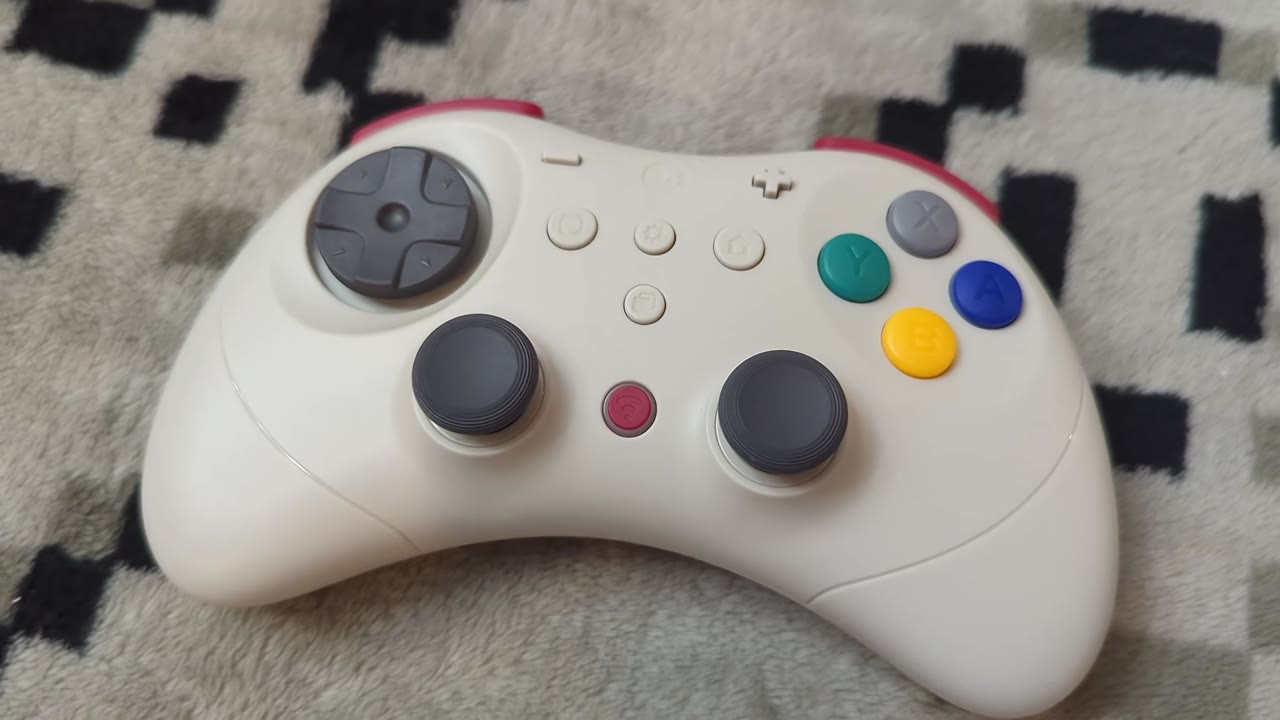
The Model 2 Saturn controller is the inspiration behind the Elves 2 Pro’s look. Coming in black and white varieties, both look great. The Japanese Saturn styled button colors, though, just take the visual appeal up a notch compared to the pure black color scheme. Unlike the Sega Saturn pad, the Elves 2 Pro has been equipped with a four face and four shoulder button layout instead of six and two. I prefer this layout as it works perfectly for many generations of gaming, but I acknowledge many will likely wish it had six face buttons. Each face and shoulder button is branded with a Nintendo styling. Face buttons have a satisfying throw range with a nice click when pressed. The Microswitches in the shoulder buttons likewise produce a satisfying click when pressed. Triggers are digital on the Elves 2 Pro, so keep that in mind if you want to use it for racing titles.
Another area of Saturn inspiration for the Elves 2 Pro comes from its floating D-pad. It uses a nice rocker-style disc and feels great to roll around. I like being able to feel each direction activate during use. The indentation in the face of the controller also ensures that even my larger thumb never brushes up against anything to interfere with D-pad use. The spacing between the disc and the controller housing also isn’t large, so you won’t have to worry about accidentally pulling it out of place. It should also be easy to clean underneath it if the need arises.
The thumbsticks are laid out in a symmetrical fashion, which isn’t my favorite for heavy thumbstick use. Given my use of the Elves 2 Pro as a retro pad, it works quite well to have a more D-pad focus, though. Each stick and thumbcap is roughly the same size as those found on your typical controller, but the physical housing is much smaller by comparison. An antifriction ring surrounds both sticks, giving them smooth rotations. Stick resistance is spot on, and each cap provides good grip. If your caps begin to wear down, they can be easily popped off and replaced. Both sticks are Hall Effect, so they will hold up for a long time, making the cap replacement option even more welcomed.
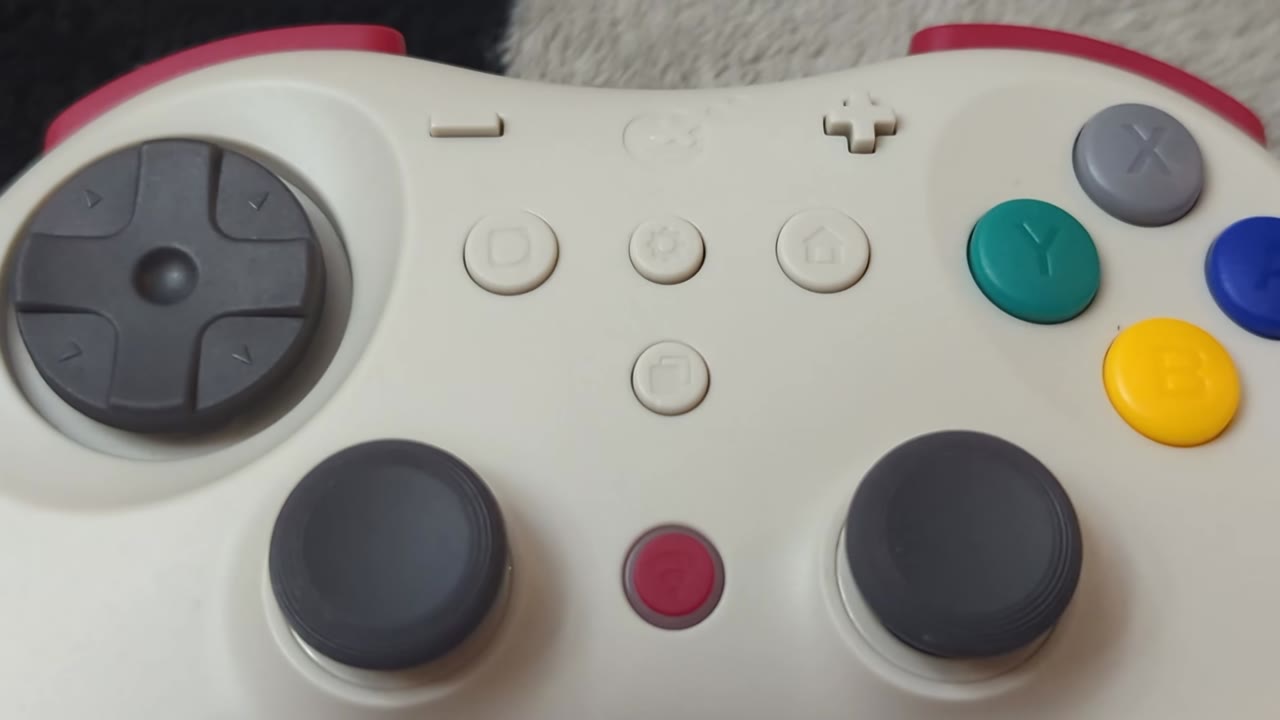
A series of additional buttons line the front of the Elves 2 Pro, including Switch-style Plus and Minus buttons, Home and Screenshot buttons, a pairing button, and finally function buttons to activate the Elves 2 Pro’s macro feature and extra settings. Each feels nice to press, but like many Switch controllers, I wish the Home button were more centered and not right next to the face buttons. The USB-C charging port is housed nicely between the shoulder buttons on the top of the pad, and I like that you can charge it while it is stored in its hard shell. The last notable feature of the Elves 2 Pro is the mode selection switch on the back of the pad, where you can change the operating mode between PC, Switch, and Mobile modes. A small off button is also located here for you to easily shut down the pad while not in use, rather than waiting for its 15-minute shutoff timer.
The Elves 2 Pro feels great to hold with a nice curved shape that fits well in the hands. The lack of longer handles will leave some fingers hanging underneath it, but it provides enough grip to not be troublesome during play. My only wish for the feel of the pad is that it uses a textured grip along the back to improve grip further. My thumbs line up perfectly with the D-pad and face buttons, ensuring comfort during longer play sessions. With a slight change in hand position, thumbsticks likewise become easily accessible and comfortable to use for extended periods. The pad also feels good to use with a claw grip for anyone who uses it, like me. The Elves 2 Pro is also a fairly light controller compared to most, thanks to its smaller size. It is incredibly dense, however, and feels very firm and well-built. Every day wear and tear will be no issue for the Elves 2 Pro, and thanks to its included case, travel should also be of no concern.
Gameplay
The Elves 2 Pro has been incredible to use over my last month of testing. Thanks to its mode selection, the pad is easily usable across my PC, Switch, Switch 2, and Pixel 6 Pro in both Bluetooth and wired modes. Each mode offers less than a frame of latency, ensuring precise control no matter where you play. PC mode is the standout with its 1000 Hz polling rate and 1 ms of latency while wired. PC Bluetooth turns in a respectable 170 Hz polling rate, ensuring smooth gameplay even when untethered. Mobile mode comes in second with a 250 Hz wired mode and 125 Hz Bluetooth mode. Switch mode brings up the rear with 125 Hz polling rates across both its modes. Bluetooth operates well from any distance in my gaming setup, and even putting a wall between it and my Switch 2 resulted in no lost inputs.
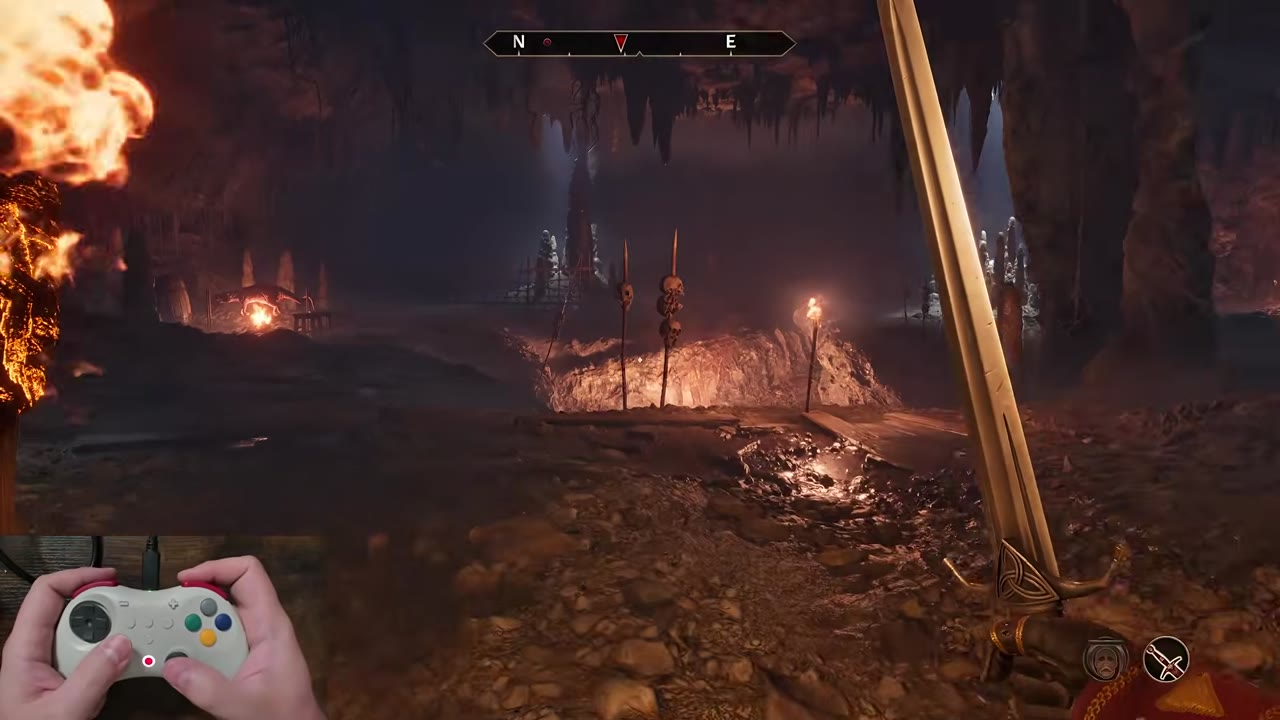
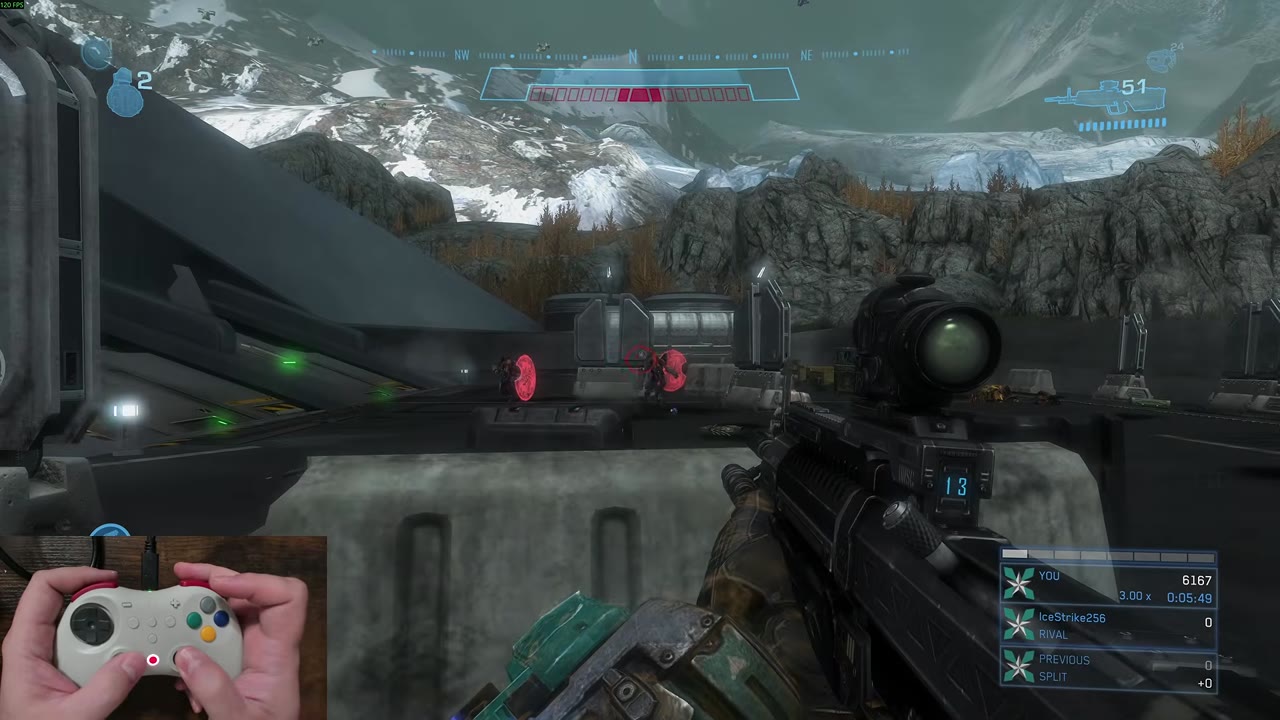
I spent most of my time with the Elves 2 with it wired up to my PC. Thanks to its awesome latency, every button press registers promptly and smoothly during play, and I have yet to come across any dropped inputs. While connected to a PC, the controller uses a standard Xbox or PlayStation button layout, making it perfect for any modern title. A Macro is available if you want to use the Nintendo layout as labeled on the pad. The placement of the shoulder buttons makes it easy to roll between them as needed, and thanks to their shorter travel range, it is easy to mash them for rapid fire in shooters. The lack of analog triggers does make racing titles less precise as a result, but they are still playable.
The D-pad found on the Elves 2 Pro is one of the best I have used in a while. It rotates effortlessly, and switching between two opposing directions does not result in any misreads. Pulling off combos in Street Fighter is easy as a result, and it makes me feel better at the game than I am. I am also quite pleased by how easy it is to lock in a diagonal input thanks to its rocker-style design. For classic games that don’t rely on diagonals, the Elves 2 Pro features a macro to turn the D-pad from an 8-way style to a 4-way style input. I wasn’t sure I would get much use out of this function, and maybe it is a placebo, but I do feel like I have better control in platformers with this mode active.
Thumbsticks surprised me the most in my time with the Elves 2 Pro, though, as I thought the shorter physical range would throw me off. Instead, they provide excellent control in everything I throw at them, from shooters to adventure titles. The resistance, as stated earlier, is perfect, and it is incredibly easy to line up shots thanks to the stick's high resolution. There is no cardinal snapping, and dead zones are disabled by default. You can enable a dead zone with a macro if desired, but it is too aggressive for my tastes. Circularity is also perfect, making it great for modern titles.
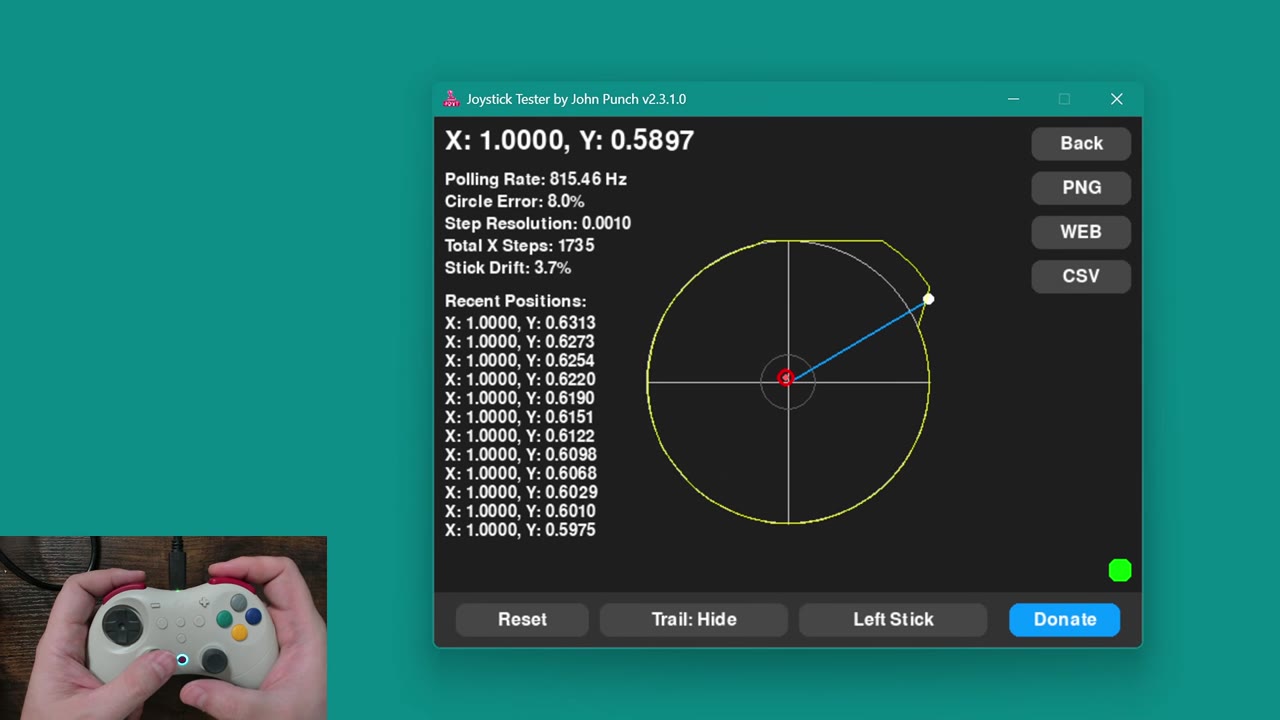
For older games that relied on extended diagonals, though, the Elves 2 Pro features yet another macro that can extend the ranges of the sticks to give them an older square gating. This functionality is awesome and makes the Elves 2 Pro have even more use in my setup. It is also worth mentioning that you can reduce the sticks to a 50% range with this macro as well, which can be useful for more precise gameplay moments.
A macro that many of you might also find interesting for precise aiming is to activate the Elves 2 Pro’s built-in motion sensors while holding the L or ZL button. This lets you aim down sights and tilt the controller to aim even in games without motion support. It works well and has three levels of sensitivity. It does, however, only work while using the right stick to aim, so my south paw preferences break the feature.
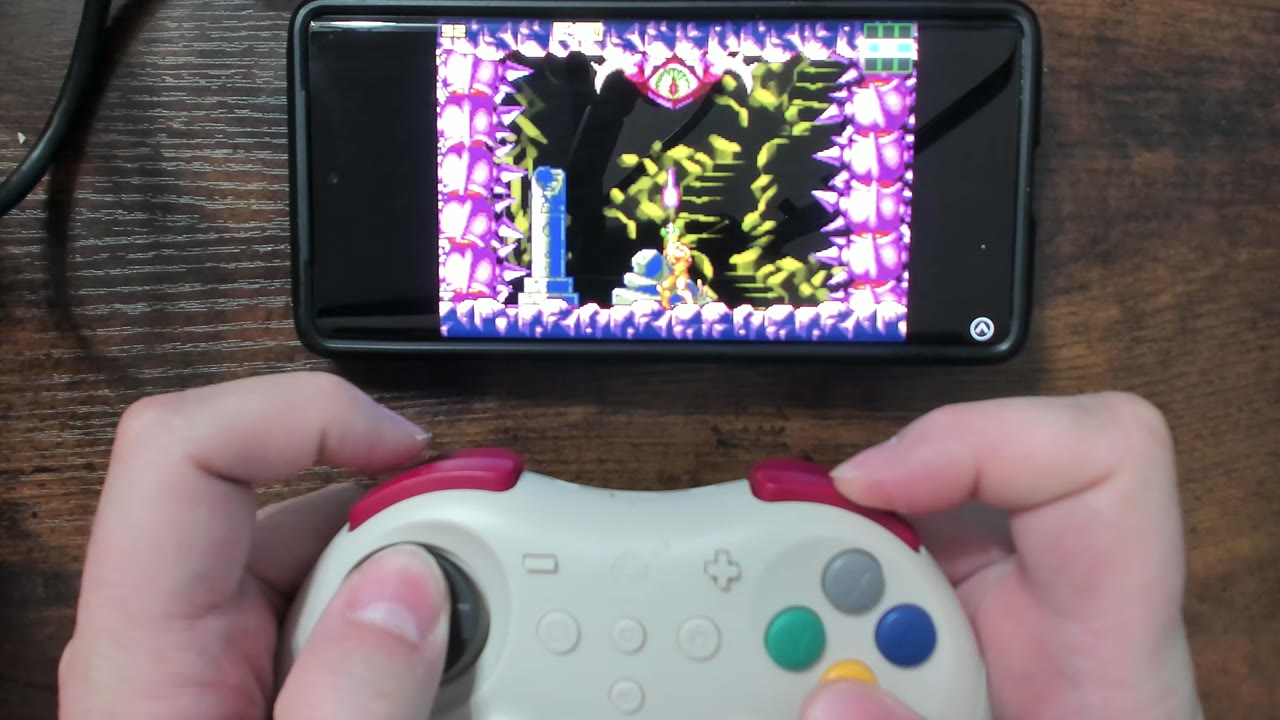
Using the Elves 2 Pro on my Pixel 6 Pro provided a very similar experience, and it shows up as an Xbox One controller, letting it work with everything I tried out of the gate. I don’t do much gaming on my phone these days, so emulation is where I saw the most use from the controller for this mode of operation. It worked very well across both wired and Bluetooth modes, and thanks to its smaller size, I can see myself using it for this use case more often in the future. There are notches built into the pad, so it is likely compatible with certain phone mounts, but I used it separately for these tests.
Using the Elves 2 Pro on Switch again offers up the same experiences listed above and feels snappy on the system, even with its lower polling rate. It still beats out an original Switch Pro Controller for responsiveness, so I found my time on the platform enjoyable. Switch mode also gives access to the controller's motion controls for supported titles, and they work very well. Like on PC, you can also activate the controller's motion aim assist in any rare game that doesn’t support motion aiming by default. An interesting thing to note about the Elves 2 Pro when using it on Switch or Switch 2 is that it doesn’t have rumble capabilities when you first pair it with the system. The pad has three rumble modes, and the default mode, which works well on PC, isn’t compatible with Switch. Using a macro, you can swap over to HD rumble, and everything works as intended.
The Elves 2 Pro has an insane amount of macros, and I have covered relevant ones throughout this review. Consulting the included user manual will help you navigate the rest with turbo and auto fire modes, calibration of sticks and gyro, and setting rumble sensitivity. You can even program up to 10 minutes of inputs using the programming button. You can also share these input recordings or download others from the internet to add to the controller. Again, the user manual has you covered with how to do this! As for the Elves 2 Pro’s battery life, it lasts for over 10 hours per charge. Charging is quick, and it is usable while charging, with the benefit of higher polling rates while doing so. Unless you have it plugged into a wall outlet, of course.
What It Could Have Done Better
I have had few issues with the Elves 2 Pro during my time with it. While messing with the thumbstick range macros, calibration got off and messed up the ranges. Using the listed calibration macro fixed everything right up, and I have had no issues since. The update process requiring two separate updating methods is slightly annoying, but performance across both wired and wireless modes has been excellent, so I can’t fault the thinking behind it. For anyone who uses Amiibo, the Elves 2 Pro does lack NFC functionality, making them unusable with it. As of this video, the Elves 2 Pro also can not wake the Switch 2 from sleep mode. The lack of 6 face buttons will likely have some dismiss the controller as well.
Verdict
The Elves 2 Pro is easily one of the best controllers I have used in recent memory that provides excellent performance and a nice slim form factor. It works great on many systems and games, with my number one use being for retro gaming through emulation or various adapters. Its inclusion of a hard case also makes it an excellent choice for travel with your Switch or Switch 2. For the $50 asking price, the Elves 2 Pro delivers, and I would like to grab three more to use in my setup sometime in the future!