Disclosure: Retro Fighters provided this product free of charge for review. All opinions in this review are my own.
Retro Fighters is back with a new entry into their GameCube controller repertoire! The new BattlerGC Pro takes everything great about the previous BattlerGC and refines it into a better input device. Primed to become known as one of the best third-party GameCube controllers, the BattlerGC Pro isn’t stopping there with further compatibility with Switch, PC, and other USB and Bluetooth-equipped devices. With extra rear programmable buttons, Hall Effect sticks, and built-in motion controls, this controller is packed with features for any way you like to play!
What’s In The Box
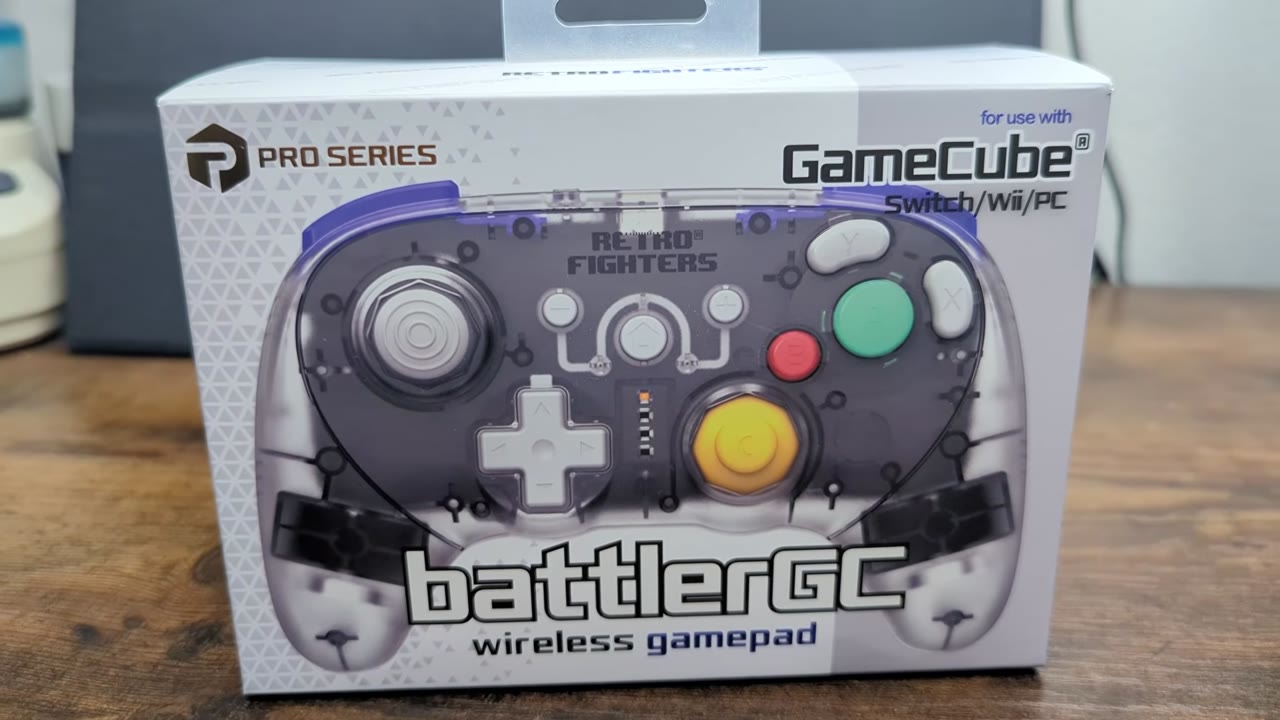
The BattlerGC Pro comes in a standard Retro Fighters box with a life-sized glossy depiction of the controller on the front. The BattlerGC branding and compatible systems are present along with a Pro Series badge. Along the left side of the box, we get a smaller depiction of the BattlerGC Pro, ideal for shelf display. The back has a nice introduction to the controller and highlights the many new features found in it. Opening the box you will find your BattlerGC Pro in your selected color, a USB cable, GameCube and USB 2.4GHz receivers, and finally a quickstart guide.
Aesthetics And Build Quality
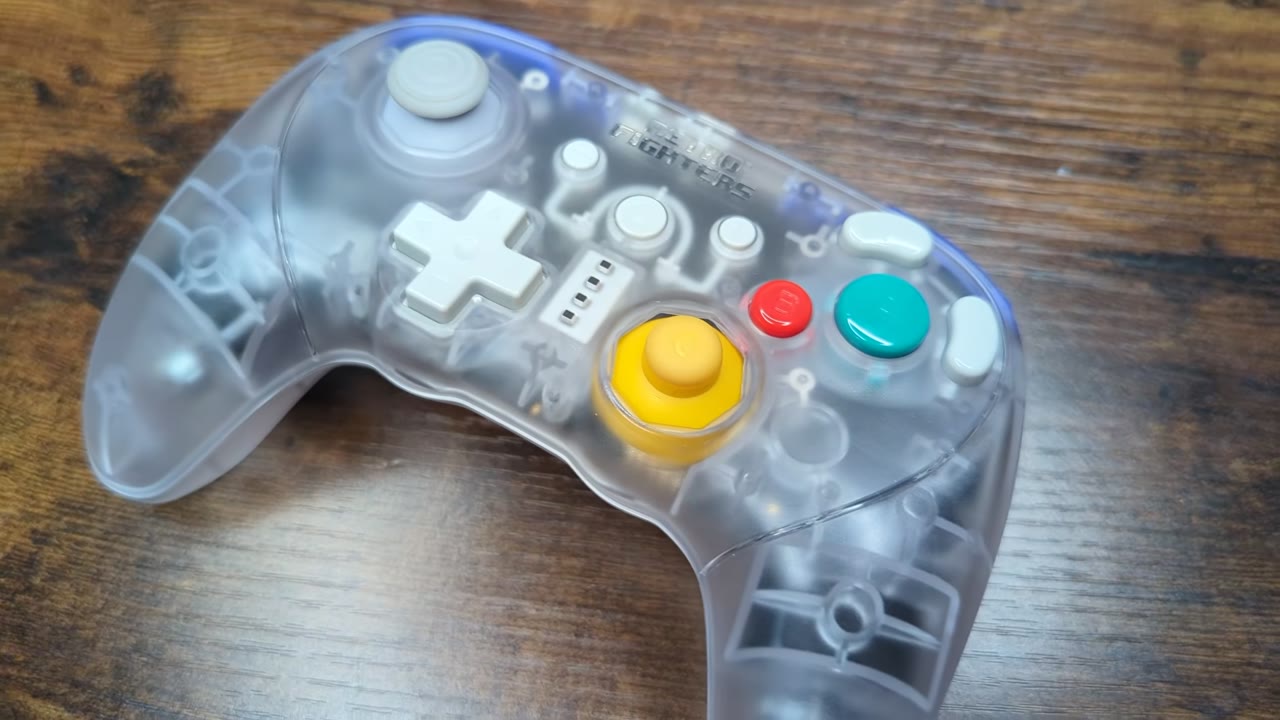
Upon first glance, you can tell that the BattlerGC Pro takes its GameCube roots more seriously than its predecessors. The left analog stick has a traditional GameCube-style thumbcap that feels great to the touch and the C stick has made a triumphant return. As noted on the box, both sticks use Hall Effect sensors and offer good resistance while in use. The traditional GC face button layout is present and the throw range on them is great! Each face button is quieter than those present on the original Battler and Blade controllers, giving a more premium impression by comparison. The D-pad has been given a significant upgrade over its predecessor with a larger design and new Kailh switches. It has great rollability and the activation of each switch has a satisfying click. The BattlerGC Pro further streamlines its appearance with the removal of the turbo and screenshot buttons found on the Battler and Blade, leaving only plus, minus, and home. The controller LED indicators have also been made more visible with their relocation between the D-pad and the C stick.
Along the top of the pad is the USB-C charging port with a new button that is used for programming the BattlerGC Pro’s new rear programmable buttons. This button also doubles as the screenshot button while in use on Switch, ensuring that functionality remains for anyone who likes to make use of it. Shoulder buttons see yet another upgrade over Retro Fighters' previous GameCube pads. First off, they have Nintendo Switch-style labels now instead of PlayStation! A small nitpick I had with the Battler and Blade and one that doesn’t matter functionally but it is great to see it addressed regardless. The new shoulder buttons feel far more premium compared to the Battler and Blade, with better switches and throw ranges. Like the face buttons, they are also quieter overall. Triggers are the greatest area of improvement in the BattlerGC Pro’s build. On the original Battler and Blade units, triggers have a hollow feel with odd ranges and resistance. On the BattlerGC Pro, triggers have excellent resistance and physical ranges and feel like a solid part of the pad. A new Kailh switch has been added to the end of each pull to further emulate the feel of an original GameCube controller. They have a great tactile feel and press and you can tell when you are about to press them giving a better sense of control compared to the previous Retro Fighters GC pads.
To further refine the overall feel of the BattlerGC Pro, Retro Fighters has slimmed down the build of the controller. It is a small difference but a noticeable one. The shell uses sturdy plastic and it can handle pressure and twist tests without issue. Extreme punishment also made no difference to it! The BattlerGC Pro feels great in the hands and the design remains ergonomic, ensuring long play sessions will not become uncomfortable. Every button is easy to reach and the placement of the rear programmable buttons has them fall in line perfectly with your fingers. These buttons are a good size and don’t protrude too far from the shell. Each also has a satisfying click when pressed. To further ensure stability during play, Retro Fighters has added a textured grip to the back of each handle. The grip isn’t abrasive and it does a good job of ensuring no slips will occur.
Gameplay
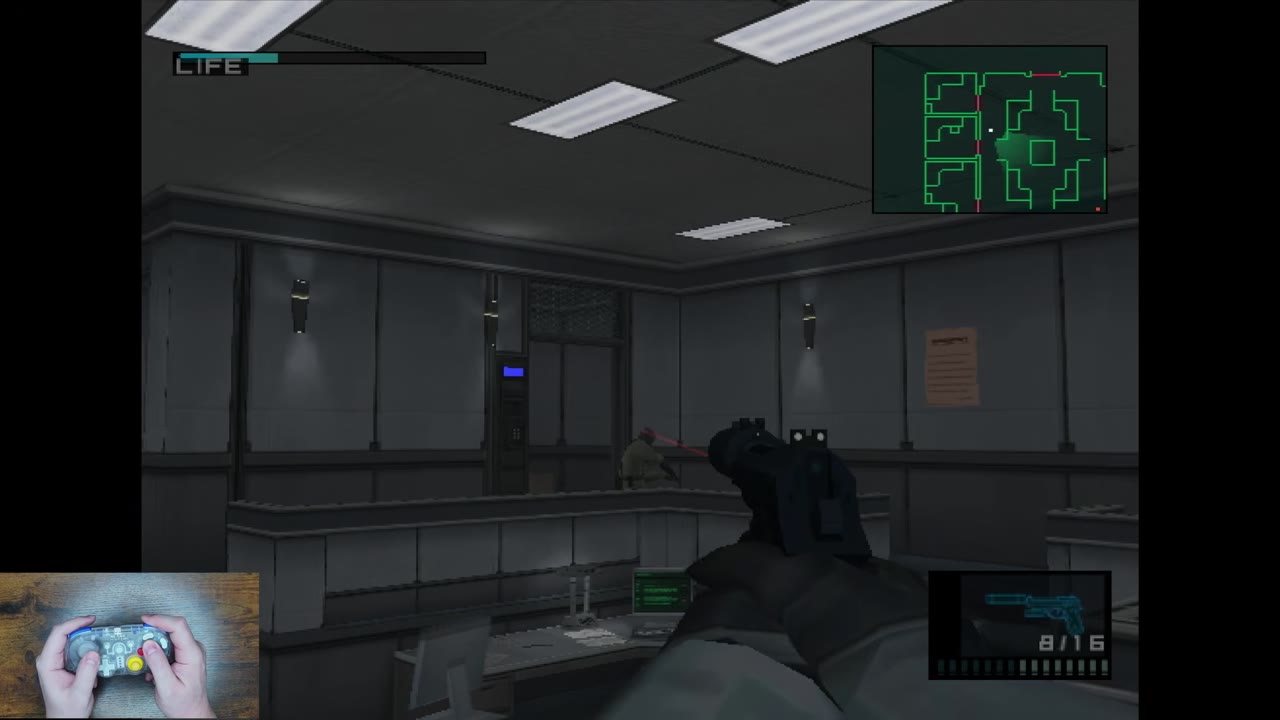
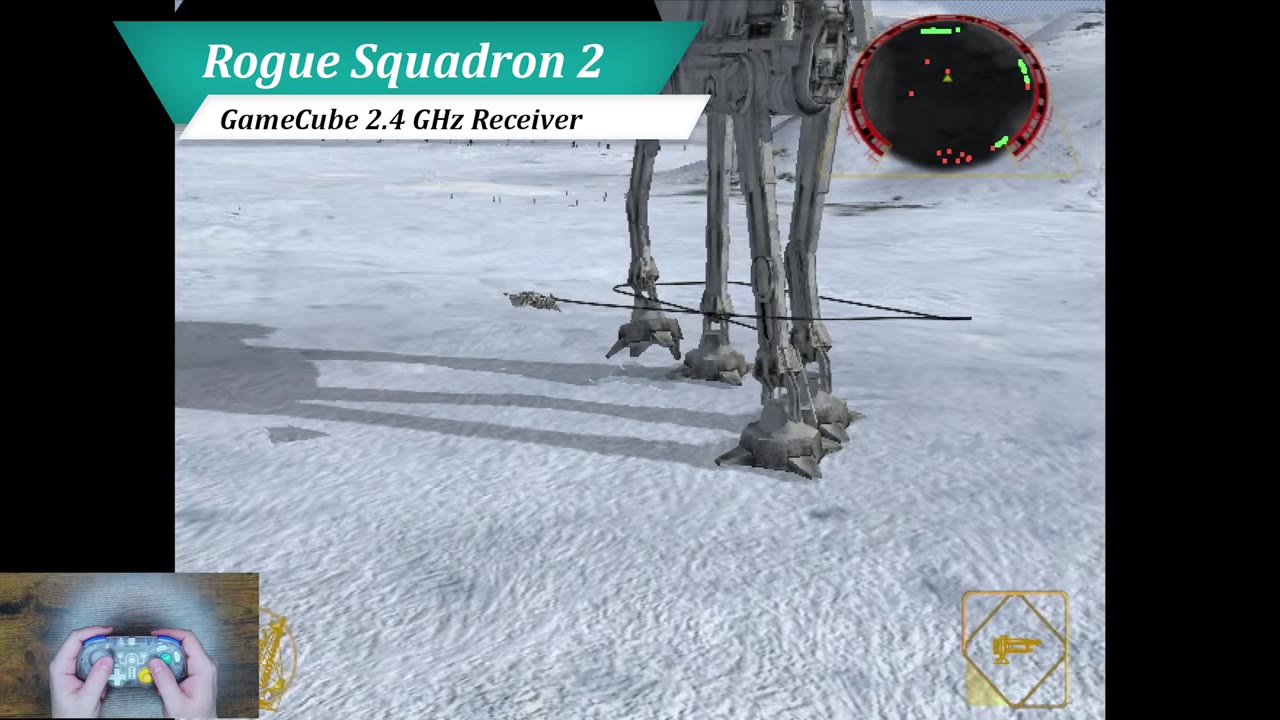
My main issues with the original Battler and Blade controllers after nearly 2 years of use were from its triggers. A significant deadzone was present on these pads at launch and it caused issues with some titles like Metal Gear Solid The Twin Snakes and Need For Speed Underground. When first testing the BattlerGC Pro these two titles are where I started and I am pleased to report that they are practically flawless now! Thanks to improved ranges and the inclusion of a physical button, quick equip and inventory selection in Twin Snakes is now seamless. Getting perfect starts in Underground is also far easier to accomplish thanks to better trigger resistance. Half pulls versus full pulls in Super Mario Sunshine is also more reliable. Playing Rogue Squadron 2 and 3 also benefits from the addition of a physical button to better know when you will activate your crafts S-Foils or boost mechanics. While the new triggers are a vast improvement, they aren't perfect; they still activate a bit later than expected and hit max range before the end of the physical housing. Not a deal breaker by any metric but hopefully Retro Fighters can further refine them in a future update!
Thumbsticks on the BattlerGC Pro are the next area where Retro Fighters has introduced more refinements. On the Battler and Blade at release, ranges for each stick were set at a value of 127 on each axis with diagonals following along in an octagonal shape. This led to the sticks being more sensitive in most titles but I found it to be beneficial in many that I played except for Rogue Squadron 2 and 3. To get a more authentic feel, Retro Fighters has set the ranges on the BattlerGC Pro to a value of 95 across each axis and the diagonal gating more closely resembles that found on an optimal GameCube controller. As a result, every game I have tested has felt more in line with an original controller. As previously mentioned, the BattlerGC Pro makes use of Hall Effect sticks ensuring it doesn’t experience drift during play and will stand up to the test of time. Dead zones have been non-existent throughout my testing and even minute movements are picked up promptly. Rotations feel great and the octagonal gating ensures great precision.
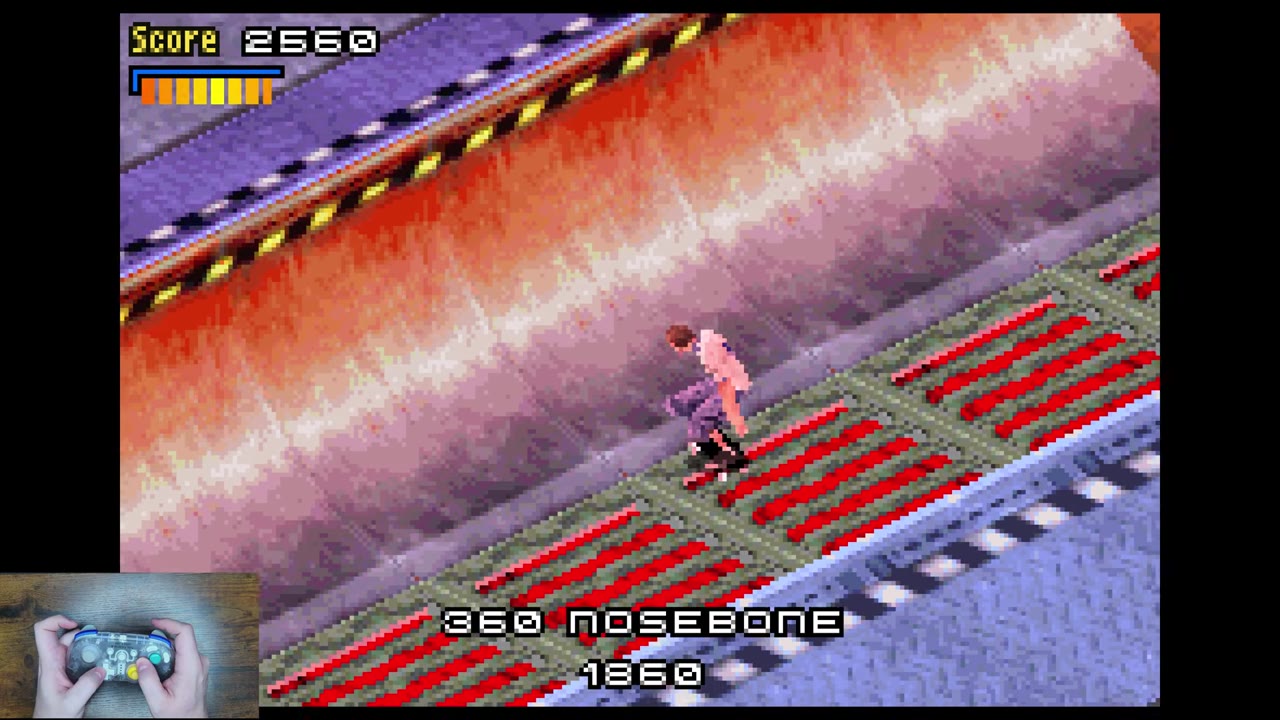
The D-pad has been yet another pleasing surprise of the BattlerGC Pro. The great rollability and use of switches make it feel great to use. The feedback given to each press is fantastic and I have had nothing but good experiences with it in games like Tony Hawk’s Pro Skater 3. The face and shoulder buttons likewise have provided an excellent gaming experience with no dropped or missed inputs during my time with the controller on GameCube. Thanks to the latency of the 2.4GHz receiver I have had no issues with input lag. Rumble is also solid while using the controller with a good default setting. Retro Fighters has included a macro to adjust the strength of rumble so if you want it stronger or off entirely you can adjust it. The rear programmable buttons have been interesting to mess with on the Battler GC Pro as they can be programmed to either a single button press or essentially work like a macro with support for multiple commands. Each face button and trigger can be used for mapping so the possibilities for use during play are limitless. The on-the-fly mapping also makes it easy to change things up on a per-game basis.
With the inclusion of the USB 2.4 GHz receiver, the BattlerGC Pro has made for a solid GameCube-style input device on PC and Switch. Latency remains low and all games have felt solid. The BattlerGC Pro can support both Direct Input and Xinput modes, ensuring compatibility across new and legacy programs. Thanks to the Direct Input mode, the BattlerGC Pro can even be used on a PS3! Unfortunately, it does not work for PS2 back compat games though. Button mapping lines up with what you see on the controller across all platforms so B and X will be inverted from what you typically have on a standard Xbox or PlayStation pad while using it on these platforms. On Switch the BattlerGC Pro shows up as a standard Pro Controller with full button mapping support. I do need to note that using the USB receiver does not give access to any motion controls while using the controller on Switch though.
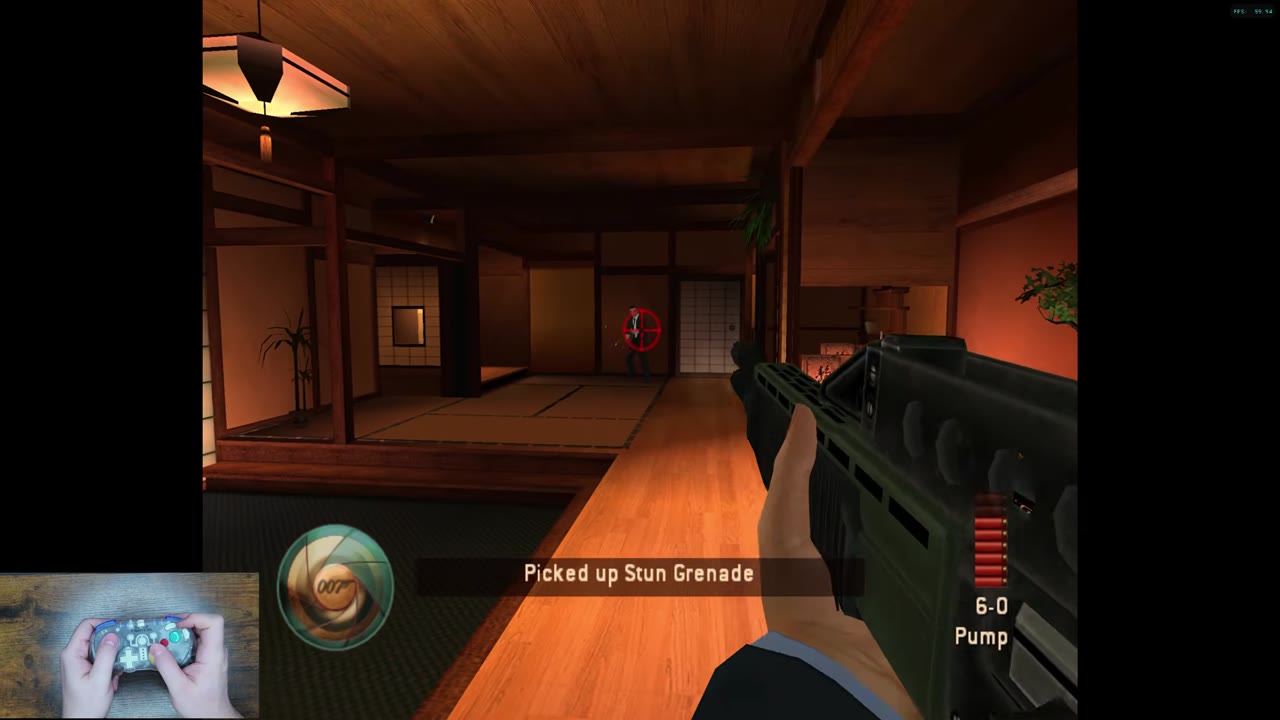
While I have found the BattlerGC Pro to be a fun GameCube controller for PC gaming and have put many hours into Halo with it, I would be lying if I didn’t say Dolphin was my main use case for it. With the official Nintendo Wii U GameCube Controller adapter and custom driver, you can use the GameCube receiver and have a 1-to-1 experience with the BattlerGC Pro as it is on an actual GameCube System. If you want to use the USB receiver you can also have a flawless experience thanks to Dolphin's built-in stick calibration tool and controller profiles. While writing this review, Retro Fighters released a new controller update for the BattlerGC Pro to further enhance the Dolphin experience by allowing the buttons embedded in each trigger to be individually mapped to L3 and R3. This has been a fantastic addition and brings the experience more in line with using the controller on real hardware.
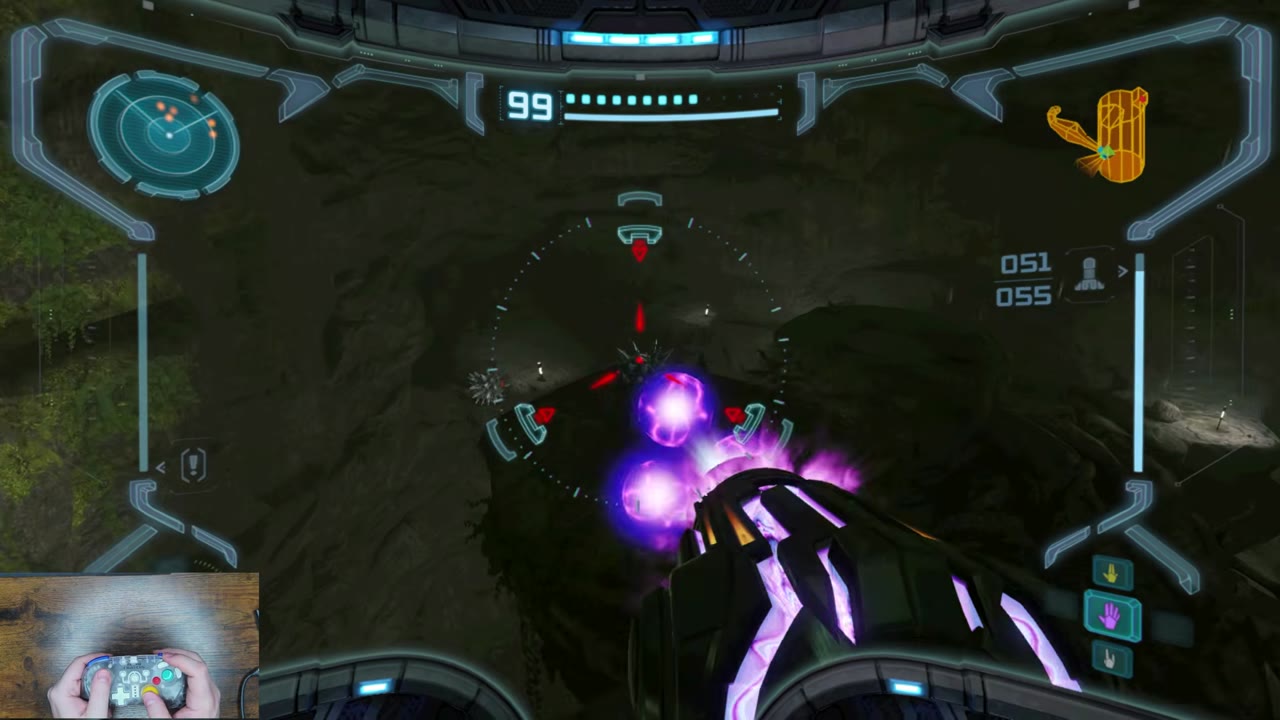
While the 2.4 GHz receivers are the main way I prefer to use the BattlerGC Pro, the new Bluetooth connectivity adds additional versatility and use case options. Switch gets the most benefit out of Bluetooth mode as it adds motion control support for any supported title. Motions feel great and fall in line with what I expect from a first-party Pro Controller. Latency in Bluetooth mode still feels responsive to my senses and has made for a solid playing experience. While the default Bluetooth pairing mode is intended for Switch, Retro Fighters has also included a Xinput pairing mode ideal for easy use on PC or Android devices. I have had no issues using the BattlerGC Pro in Bluetooth across my PC or Pixel 6 Pro outside of some interesting button mappings for the latter. If you own a Blue Retro board or adapter for your GameCube, the Battler GC Pro can be used with it in Bluetooth mode as well, though you may need to adjust the mappings to better fit with the system.
As for the BattlerGC Pro’s battery life, it lasts about 13 hours per charge during my testing. A full charge takes around 2 hours. You can use the controller in a wired configuration across supported systems while charging. For wireless use, hooking it up to a wall adapter has worked without issue.
What It Could Have Done Better
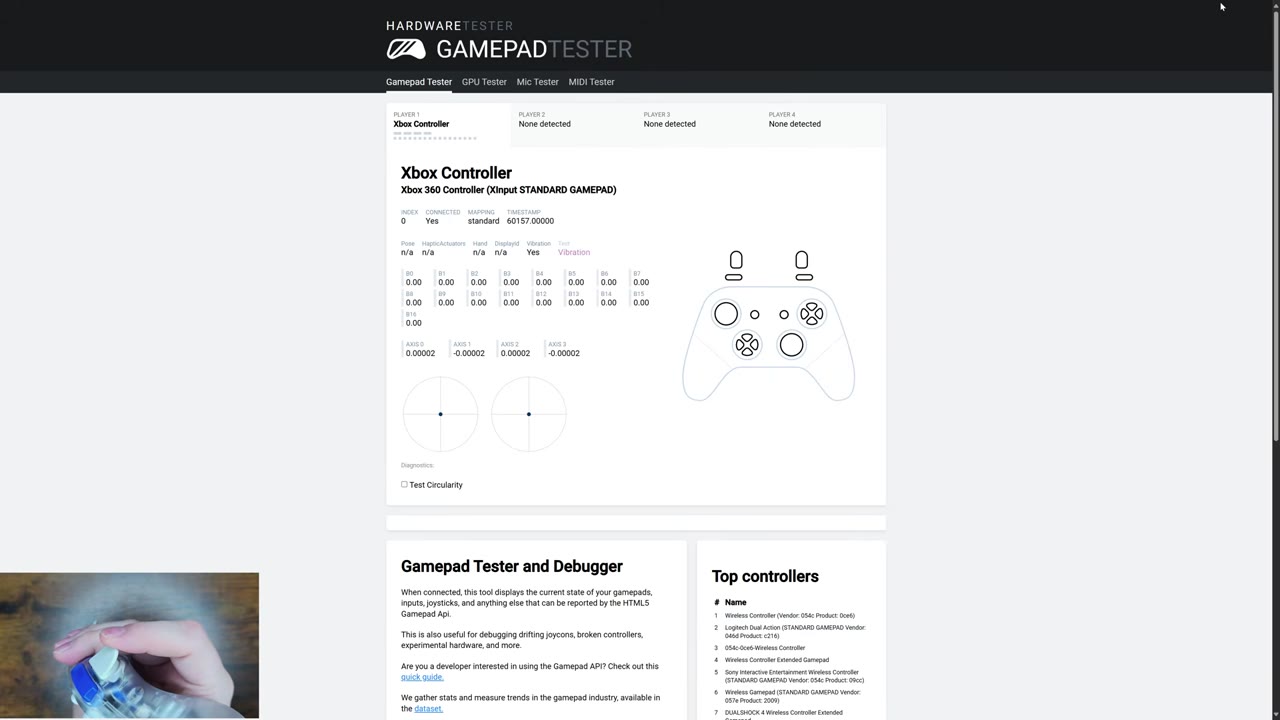
As with its predecessors, my main area of critique of the BattlerGC Pro lies with its triggers. They are vastly superior to the older Battler and Blade in every way but the delayed start and analog ranges could still use some fine tuning to get the most out of them. I would like to reiterate that they work fine in every game I have tested, but there can be a learning curve when trying to hit specific ranges.
Verdict
The BattlerGC Pro is an excellent refinement of a previous controller and one that works great across GameCube, PC, PS3, Android, And Switch! As a longtime fan of the GameCube layout and feel, the BattlerGC Pro has become one of my main input devices regardless of system. Thumbsticks have been great and button responses fantastic. Triggers have been upgraded over the originals but I would still like to see further refinements to make them truly shine. If you were looking into picking up an original Battler or Blade, skip them, invest another $15, and grab the BattlerGC Pro as it has just taken the crown as the best third-party controller option for GameCube!