Disclosure: PowerA provided this product free of charge for review. All opinions in this review are my own.
PowerA’s long-running line of Fusion Pro Xbox tournament controllers has been updated with the release of the Fusion Pro 4 and a new wireless variant, the Fusion Pro Wireless. These new Fusion Pros look to take the crown as the best tournament controllers for Xbox with new Hall Effect sticks and a twist-up thumb cap design. While both new controllers work well and distinguish themselves from the Fusion Pro 3, the changes aren’t always for the best.
What’s In The Box
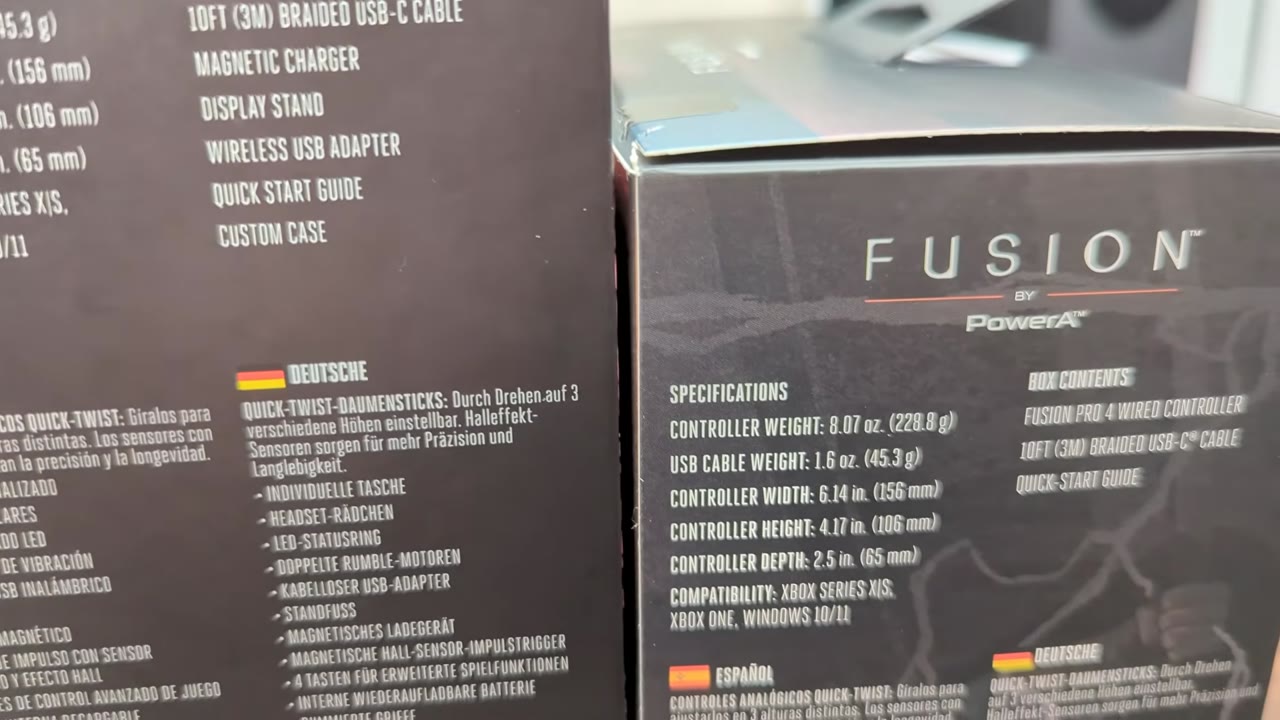
The PowerA Fusion Pro 4 and Fusion Pro Wireless come in a black-themed box with their controllers prominently shown in the left middle portion. Fusion branding and highlighted features take up the right with Xbox licensing filling out the bottom. The right side of each box is dedicated to the PowerA app, and system compatibility is noted below. The left features controller specifications and box contents. On the back, we get a nice breakdown of each key element of the controllers. Inside the box you will find the controllers, 10-foot braided USB cables, quick start guides, and for the Fusion Pro Wireless a charging stand, wireless USB receiver, and a premium carrying case. It is sad to see the Fusion Pro 4 seemingly being removed from a position of prominence with its cheaper packaging and loss of premium carrying case.
Aesthetics And Build Quality
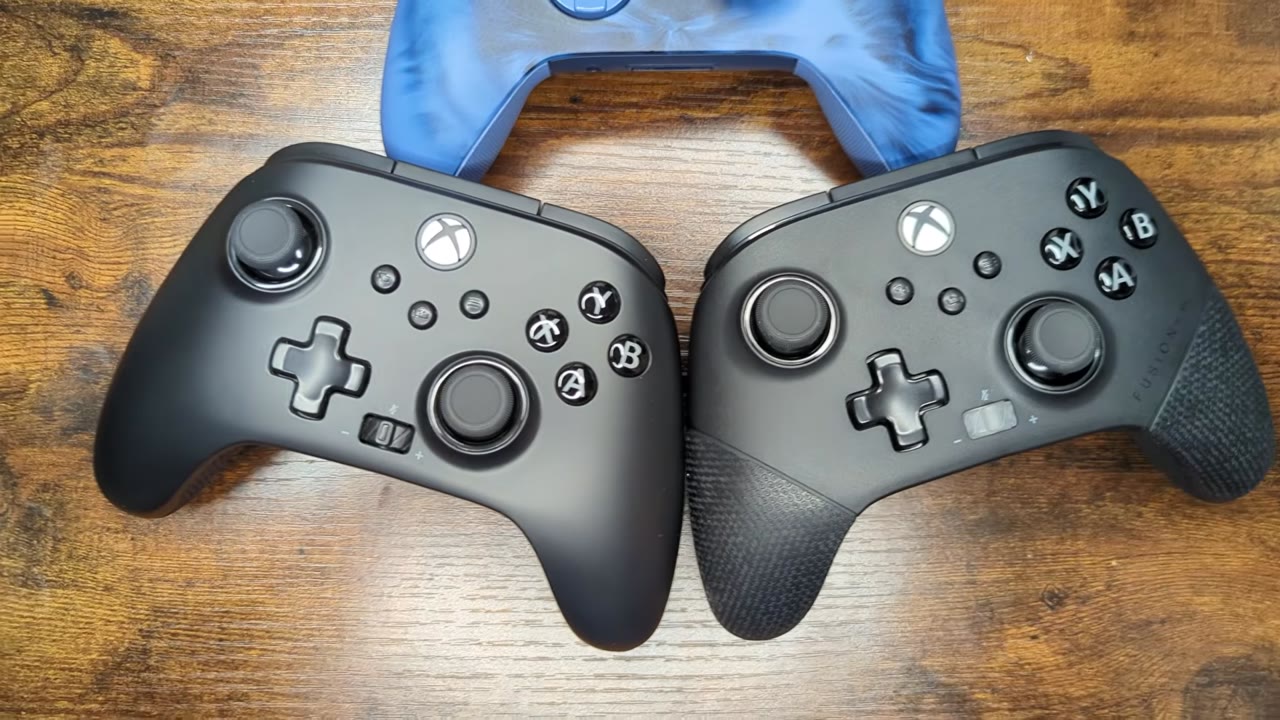
Both of the new Fusion Pro controllers look like a traditional Xbox Series controller but with flatter bumpers, a rounded share button, and the inclusion of a volume rocker for the 3.5mm headset port. PowerA has also opted for grey-lettered buttons for this iteration of the Fusion Pros over the traditional Xbox colors. A ring of light has been added around the new flatter Xbox guide button on both pads, giving them an Xbox 360esque look. A rubberized grip is present along the back of both pads and in the case of the Fusion Pro 4, this extends to the front of each handle. The grip is more abrasive than the ones found on the Fusion Pro 3, making them less pleasing to hold during use.
For the Fusion Pro Wireless, the removal of the grip from the front of the pad is to accommodate the Lumectra RGB lighting effect for the front shell. With the lighting off, the pad looks like a standard Fusion Pro, but turning it on reveals a unique alien, predator-type design. The effect is awesome to look at and I love how each button and stick gets highlighted but the overall mural design isn’t my idea of cool so I tend to just leave it off. Lighting effects can be further customized in the PowerA app for anyone interested. There are several cool effects to choose from so it is worth a look!
Aside from the lighting, both new Fusion Pro controllers share an identical feature set and feel. Face buttons look a hair smaller than standard Xbox Series controllers but have a nice feel and put out roughly the same amount of noise when pressed. Menu, View, Share, and Guide have a similar feel. The D-pad on both new Fusion Pros has great rollability and is less stiff than the one found on the Fusion Pro 3, making them solid upgrades over the previous PowerA pad.
Both thumbsticks include an antifriction ring to ensure smooth rotations and this time around use Hall Effect sensors. Resistance for each stick is perfect and the included thumbcaps provide excellent grip. Unfortunately, the thumb caps are no longer interchangeable like previous Fusion Pros and instead use a new twist-up design to adjust the height between three levels. While this works fine, losing out on easily changeable caps and being able to use a domed cap for movement or other preferences is an overall downgrade.
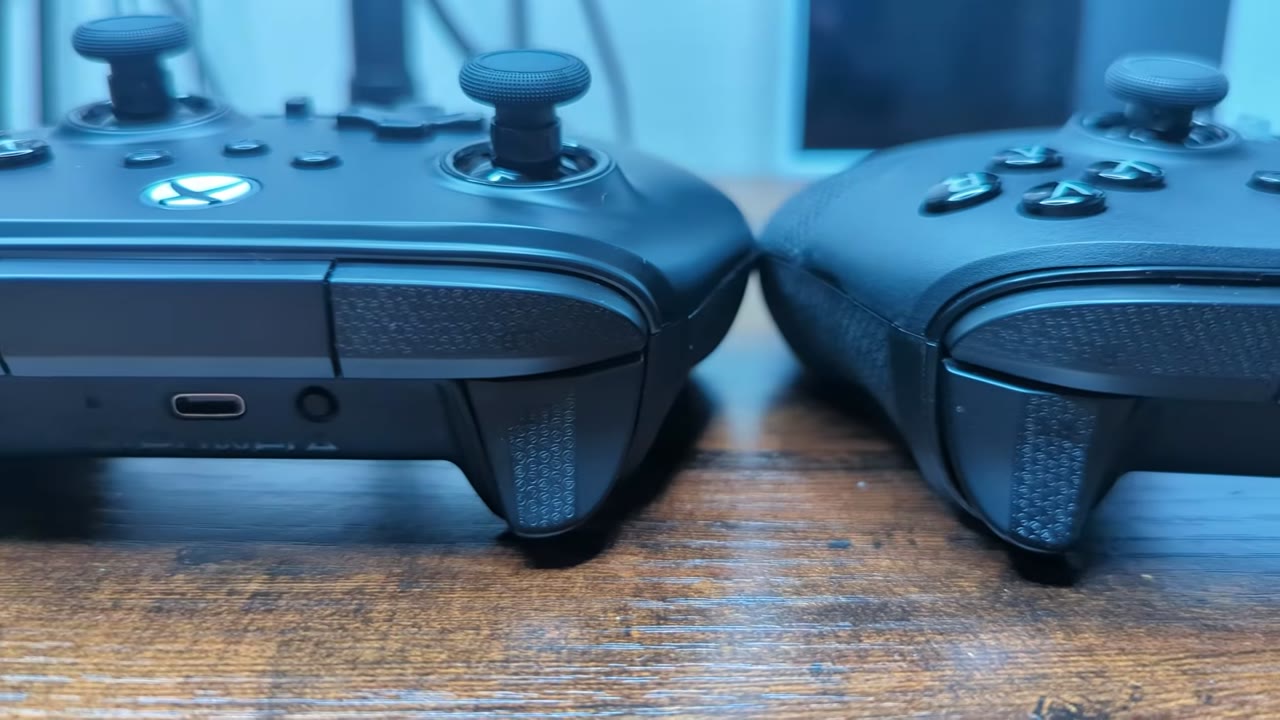
Bumpers are the typical PowerA fare, feeling more hollow than typical Xbox pads but offering a satisfying click from the internal microswitch. This time around though, PowerA has opted to add a textured grip to them ensuring no slips during play. Thankfully this grip isn’t as abrasive as that found on the handles. This texturing has also been added to the center of each trigger which has seen a nice upgrade in resistance over previous PowerA pads. These new triggers feel fantastic compared to any other PowerA controller I have tested yet! They still feature three-stage trigger locks as well, but the stopping mechanism feels slightly more mushy compared to previous Fusion Pro models. They still get the job done but it will be noticeable if you squeeze harder than necessary.
The four rear programable buttons found on the back of the new Fusion Pros keep the built-in design used on the Fusion Pro 3. Thankfully, they are much bigger this time around, making them easier to use for various hand sizes and play styles. They are textured like the bumpers and triggers, further ensuring grip during use. The on-the-fly programming button is located between the trigger locks, making it easily accessible during play. Both pads include dual rumble motors and impulse motors for each trigger, and in the case of the Fusion Pro Wireless: a built-in battery that can be charged on a dock or through a USB-C cable. The included USB receiver fits nicely into the stand while not in use.
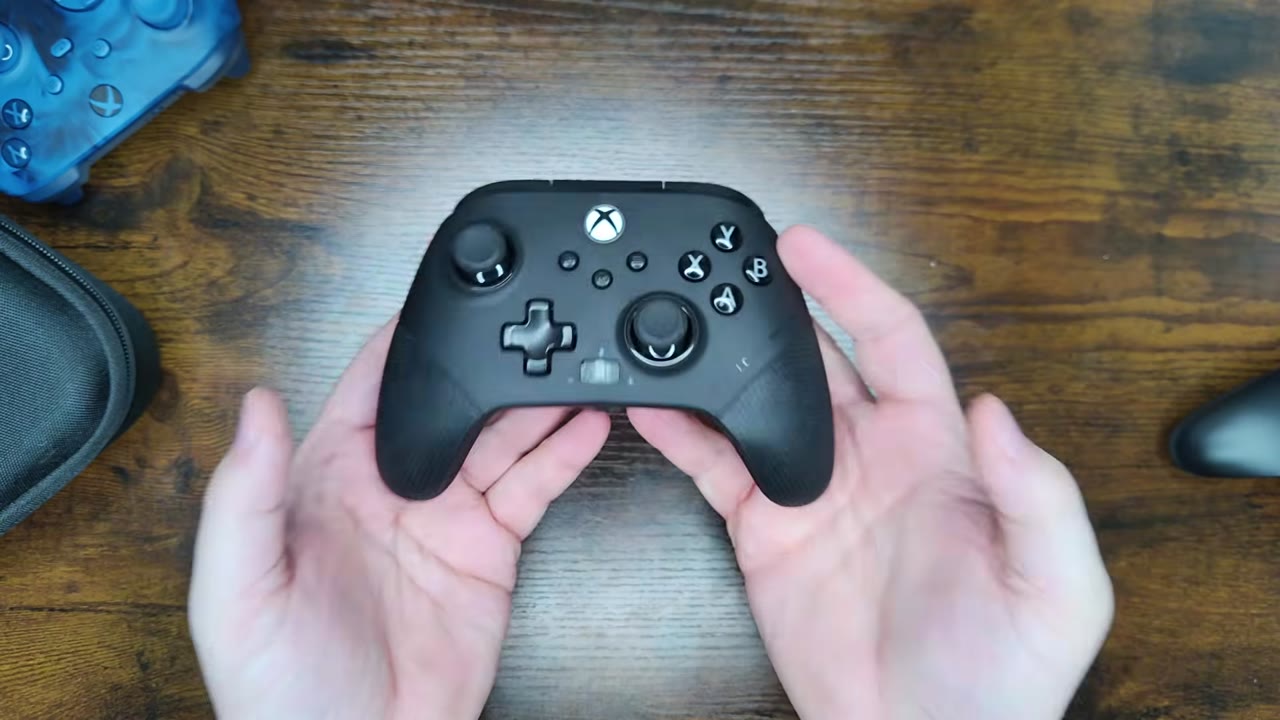
The shells of both controllers are built sturdy with no give present during twist or pressure tests. The Fusion Pro 4 is lighter than its Wireless variant thanks to not having a built-in battery or lighting. It is a hair lighter than I would prefer but feels roughly the same as the Fusion Pro 3. The Fusion Pro Wireless by comparison has a good heft to it, making it feel more in line with a standard Series X controller with a battery pack.
Gameplay
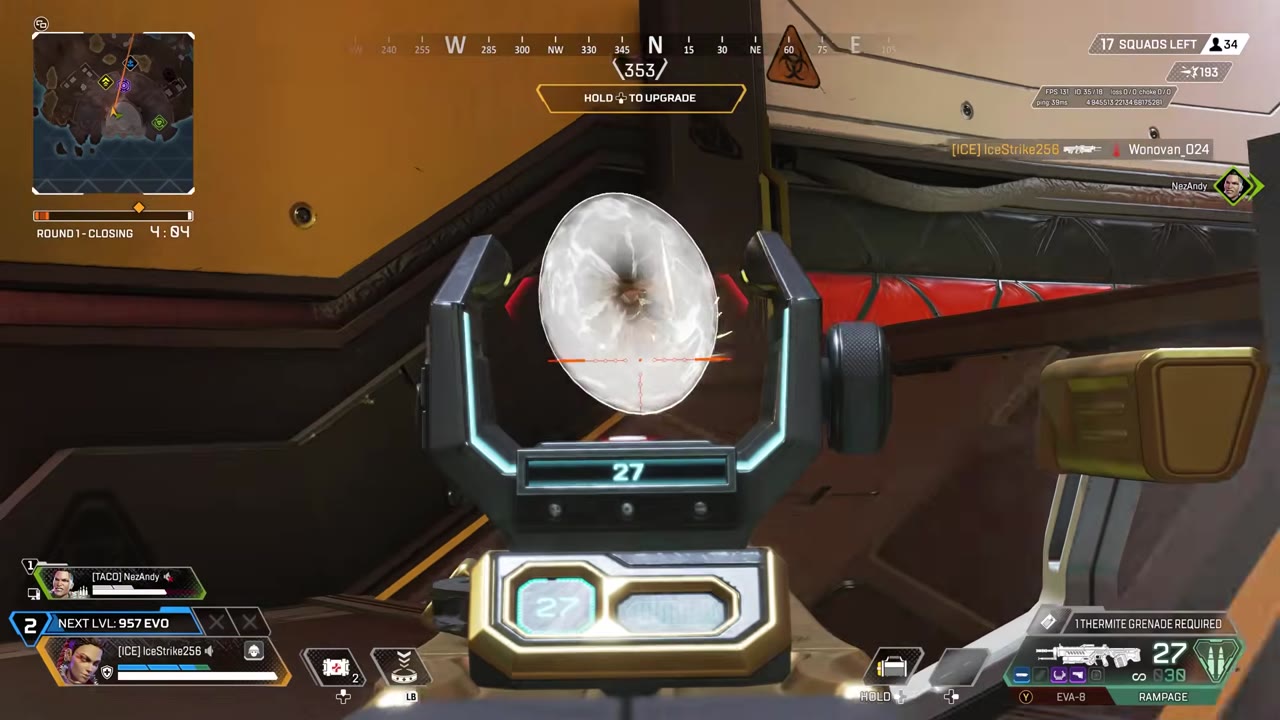
These days when I begin testing a controller I like to focus on thumbstick performance first, as bad sticks mean everything else will be irrelevant. I had some negative comments about the new Fusion Controllers given to me about their stick performance in my initial unboxing video. While I didn’t want to have this skew my perception of the controllers it did make me wary as I began testing. Thankfully, loading into Apex Legends for the first time made these comments irrelevant.
The sticks feature no dead zones and all the slightest movements are quickly picked up without any issue. While this is great to see, it will lead to drifting during play unless you either apply a small dead zone in your game, if supported, or use the PowerA Gamer HQ app to better fine-tune them to your preferences. With a 1-5% dead zone set in the app, I have found a balance that works for me across numerous titles. For Apex in particular I have had no issues racking up kills using either The Fusion Pro 4 or Fusion Pro Wireless! At least no more than usual. Circularity tests show these new Fusion Pro controllers have around 10-11% circularity errors giving them a similar radius to my Sony DualSense and 3% higher error than my Series X controller.
Latency across both controllers has been excellent thanks to the Fusion Pro 4 using a wired connection, and the Wireless has done a great job with its included 2.4 GHz receiver. It is a letdown that after the Moga XP-Ultra PowerA wasn’t able to license the ability to use the Xbox’s built-in wireless protocol again to further streamline the experience. It is worth noting that you can wake the system with both controllers. You may also love or hate the fact that the wired controller will need to be turned on after being plugged into either an Xbox or PC.
Every face button and bumper press has registered as expected and I have yet to encounter any dropped inputs. Rapid presses of face buttons and bumpers have also been easy to pull off. The updated D-pad in particular has been great for my current retro-focused gameplay as it is less tiresome to use after extended sessions compared to the Fusion Pro 3. Diagonals and misreads have been no issue but I wish that these versions of the Fusion Pros had finally implemented a Series X style D-pad.
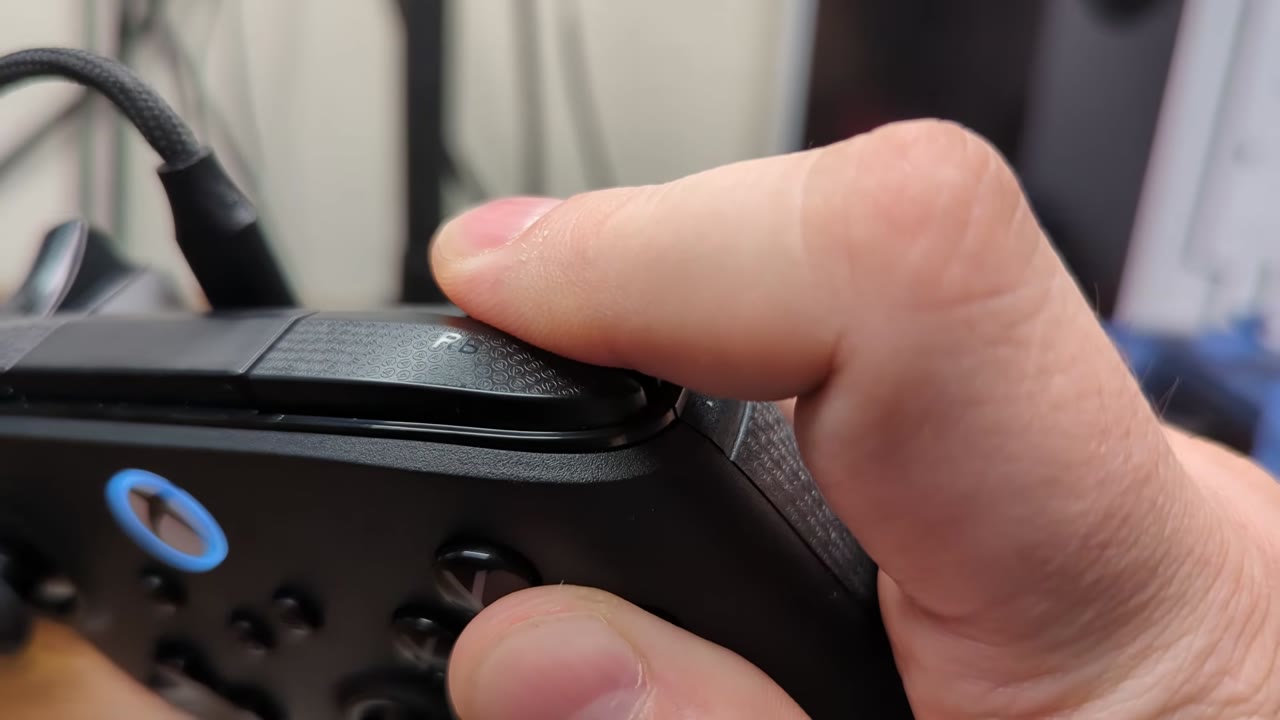
The updated triggers on the new Fusion Pros have been awesome to use across numerous titles and genres. The improved resistance has made precise pulls easier to obtain without hurting quick pulls. The trigger locks again work well for making pulls even quicker but the stops having more give under pressure is still worrisome. Impulse rumble has worked well in supported titles but the mounting seems to be a bit lackluster as you can make them rattle and sound very loud if held in certain ways.
Audio through the headset jack has worked as expected and the inclusion of the volume rocker is always welcomed for quick adjustments between game and party chat levels. I haven’t encountered any issues with stereo or Dolby Atmos audio selections so anyone who has a license for it can take full advantage. Battery life on the Fusion Pro Wireless has held up well and for this review, I was able to get about 23 hours off my initial charge before needing to be plugged in. I used it with a combination of lighting on and off but since the first time it finally died, I have been using the included charging stand to ensure it remains ready to go at all times. I also find it fun that you can remove the charging puck from the stand for charging.
What It Could Have Done Better
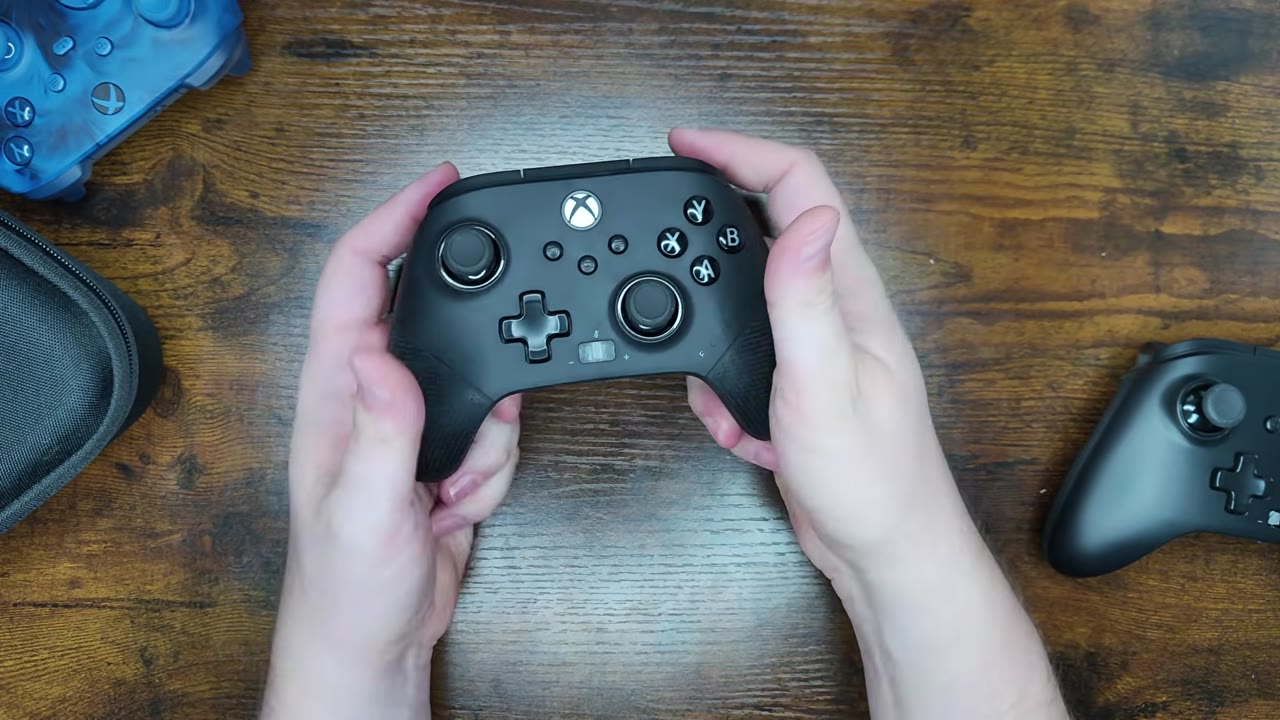
While I feel that the new line-up of Fusion controllers are overall two steps forward I can’t help but feel there have been a few one step back moments throughout my time with them. First of all when it comes to build quality, we get a new more abrasive texturing that doesn’t feel as good as the Fusion Pro 3 or Xbox Elite Controller. Maybe that seems nitpicky, and maybe it won’t bother other people, but I had my wife try it too and she said it feels scratchy. The new Fusion Pros have Hall Effect Sticks but they don’t have customizable thumb caps anymore. The stick tuning, while good enough, isn’t as precise as you see in competing options either. Triggers have better resistance but the trigger stops are more mushy compared to the Fusion Pro 3. RGB lighting being added to the Fusion Pro Wireless is cool but the artwork will be hit-and-miss, depending on personal preference, and will also contribute to draining the built-in battery quicker if not using the included charger while not playing. I am also not a fan of the Fusion Pro 4 feeling like an inferior product compared to what came before with PowerA not including a nice custom case and the packaging being downgraded. The Fusion Pro Wireless price is also an eye-watering $150 putting it up there with Microsoft’s own Elite Controller when the Fusion Pro line-up has always stood out as the cost-effective alternative.
Verdict
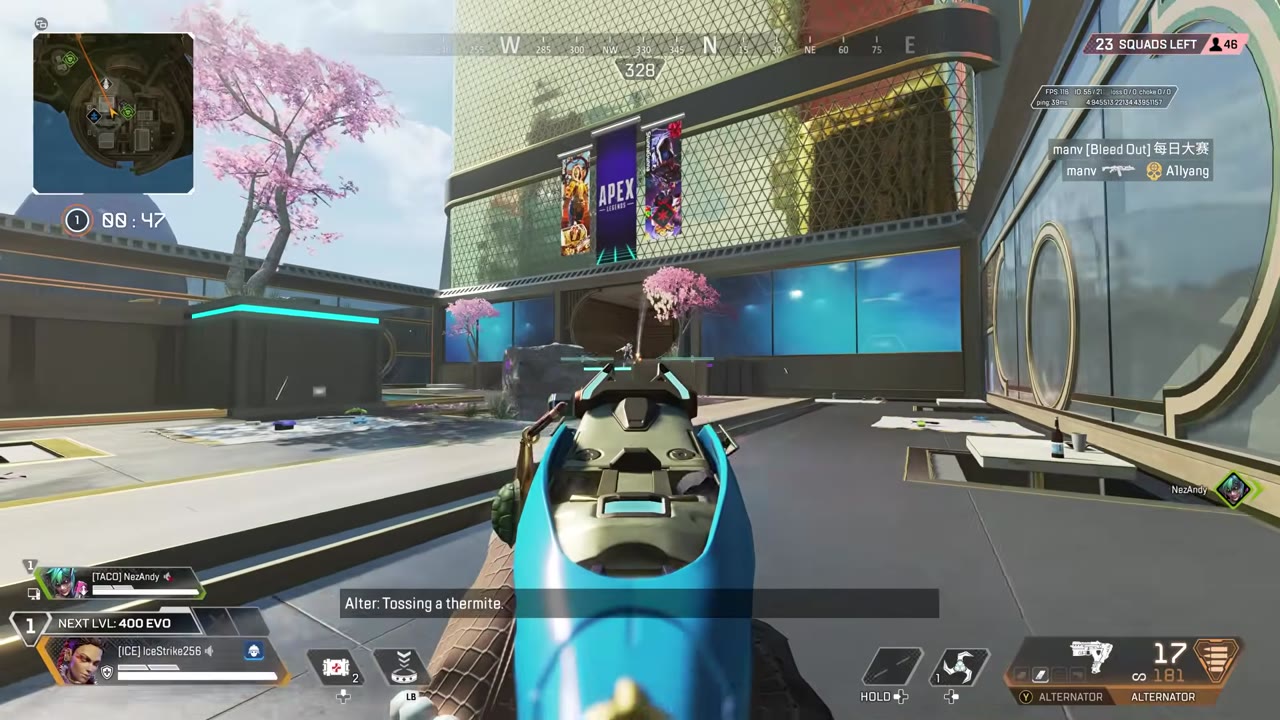
Both new Fusion Pro variants offer performance improvements over the Fusion Pro 3 but take a step back in overall customization and feel. While it is great to see a Wireless variant be introduced, its price makes it a harder alternative to recommend compared to Microsofts own first-party option. Instead, a Fusion Pro 4 strikes the better balance between price and performance for anyone looking into picking up a tournament-style controller. I just wish it was given the same premium-style treatment past Fusion Pro controllers were given.